
Your needs, this model
Does it fit your priorities?
Can the Kiyo V2 provide 4K at 60 fps?
No. Razer lists 4K30, with MJPEG to 30 fps, YUY2 to 15 fps and NV12 to 20 fps at 4K. It separately lists 1080p60; do not combine those numbers into 4K60.
Explore this need in the finder →Does the Kiyo V2 include microphone hardware?
Yes. Razer lists a stereo omnidirectional built-in microphone and noise cancellation, but no independent sound test is available here. Select the camera as the app input and check pickup at your seat.
Explore this need in the finder →What should I check about the USB cable and 4K setup?
Razer specifies USB-C supporting USB 3.0 and advises using the original cable directly to the computer for 4K30. The product page lists a 2 m cable while support says 1.5 m, so confirm the cable length in the exact package.
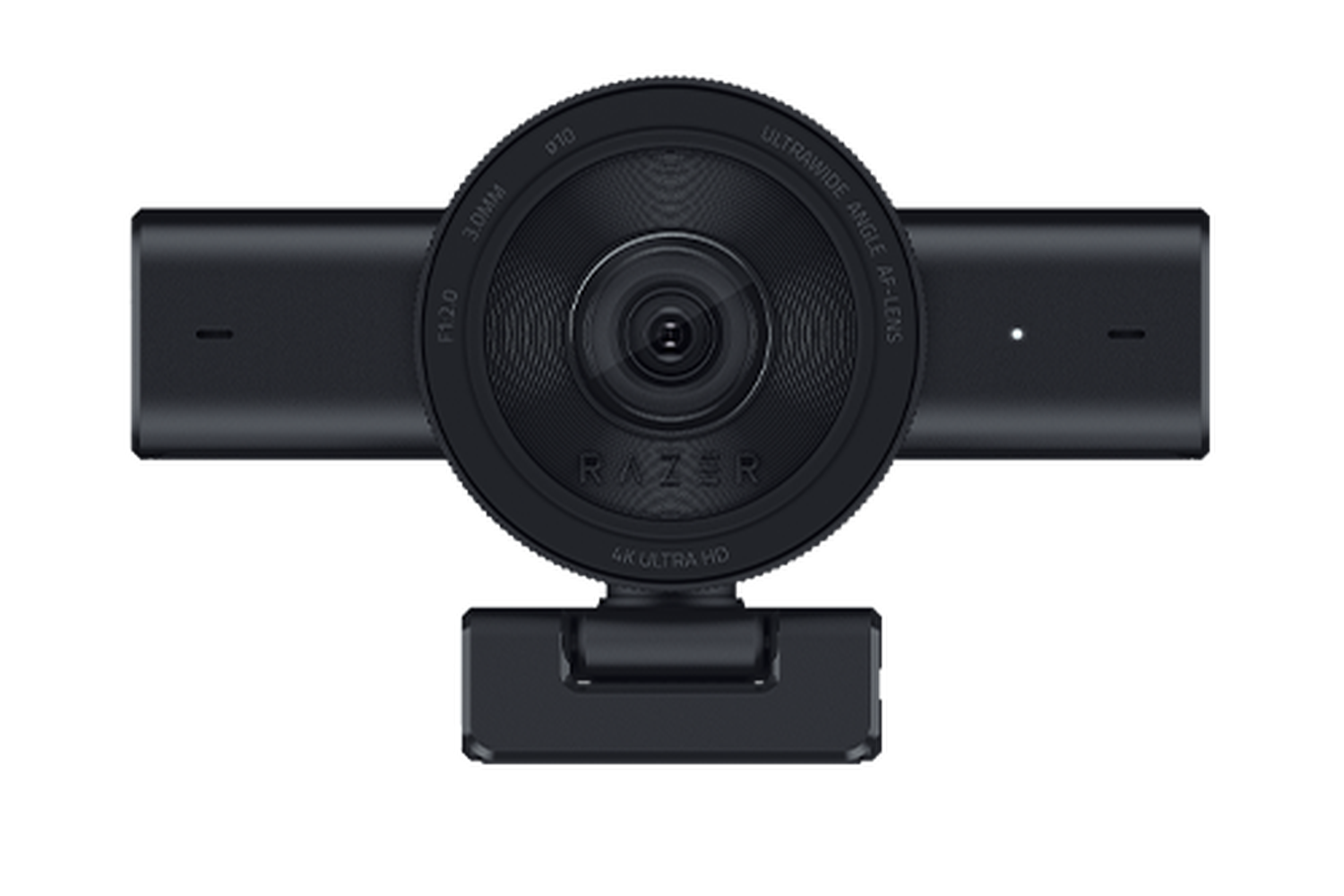
Explore this need in the finder →The Razer Kiyo V2 is the middle ground in the current Kiyo V2 set: the Black U.S. SKU RZ19-05370100-R3U1 is listed for 4K30, autofocus/manual focus, a built-in shutter and a stereo microphone. Its maximum listed field of view is 93 degrees, configurable in software. This review interprets Razer's specifications and support guidance; I have not handled or tested the camera, microphone or auto-framing.
Read the mode table together with its format table
Razer publishes 4K30, 1440p30, 1080p60/30/24 and 720p60/30 video modes. The accompanying format rows qualify the higher resolutions: MJPEG is listed up to 4K30, YUY2 up to 4K15 and NV12 up to 4K20, while all three are listed up to 1080p60. That means the 4K label does not imply that each pixel format reaches 30 frames per second. If your streaming pipeline or calling software requires a specific raw or compressed format, check the actual combination rather than just the headline resolution.
For a Full HD 60-fps requirement, the manufacturer lists 1080p60 in MJPEG, YUY2 and NV12. For a 4K buyer, 4K30 in MJPEG is the clearest supported ceiling. HDR is listed at 30 fps, but the reviewed materials do not specify every matching resolution/format combination. Confirm the selected mode in your host and software before a live session. The 8.3-megapixel Sony STARVIS sensor and the page's 4K still-image figure are specifications, not evidence of measured sharpness, exposure quality or low-light performance.
Wide framing and autofocus offer options, not guarantees
The camera's focus type is Auto / Manual, so the published feature set supports choosing autofocus or adjusting focus manually. The sources do not give a close-focus distance, focus speed or tracking test. Razer also markets AI auto-framing and software pan/zoom controls. Those can help a user compose the image differently, but the exact crop, application support and behavior as someone moves are not demonstrated by the specs. If you sit at a fixed desk, a smaller field-of-view setting may keep the frame from including unnecessary room; for a wider demonstration, a larger crop may be useful. Preview your actual framing rather than assuming that 93 degrees suits every screen position.
A shutter and stereo mic are included features, not performance ratings
Razer lists a twist-operated physical privacy shutter and a built-in stereo omnidirectional microphone. The manufacturer also lists noise cancellation and 16-bit/48-kHz audio. Those are useful inputs when comparing features, but neither the word “stereo” nor a noise-cancellation label tells you how intelligible the mic will be beside a keyboard, fan, echoing room or distant desk. If your meeting depends on predictable speech pickup or a physical mute, compare a dedicated headset or mic and verify the application's selected input. Closing the camera shutter only covers the lens; it does not mute a separate microphone.
This is a meaningful contrast with the Kiyo V2 Pro, whose exact product spec lists no built-in mic but does include 4K60 modes. The standard Kiyo V2 reaches 4K30, has camera audio, and gives up that higher frame-rate/resolution combination. It is distinct from the Kiyo V2 X as well: the X uses USB-A 2.0, has a smaller published FOV, and has a material 1440p format discrepancy that should not be hidden by a family name.
Resolve the port and cable discrepancy before buying
The exact product specification lists a USB-C-to-USB-C cable supporting USB 3.0 and says a direct USB-C port is needed. Razer's support page says the supplied original cable and a direct system port should be used for 4K30, rather than a hub. The product page says the included cable is two metres; the support specification says 1.5 metres. Because those official sources disagree, this assessment does not use a definitive length. Check the cable in the exact package and allow for the discrepancy when routing a camera around a monitor arm. A hub or adapter should not be assumed to retain the intended 4K mode.
Razer's exact page lists a fixed L-shaped monitor stand with a quarter-inch tripod thread, a 255-gram product weight, Windows 10 or later, OBS/XSplit compatibility and Synapse software controls. Verify current software support and the host's port capability; an application listed by the manufacturer is not a guarantee that every feature appears in every version.
Who should keep this version on the list?
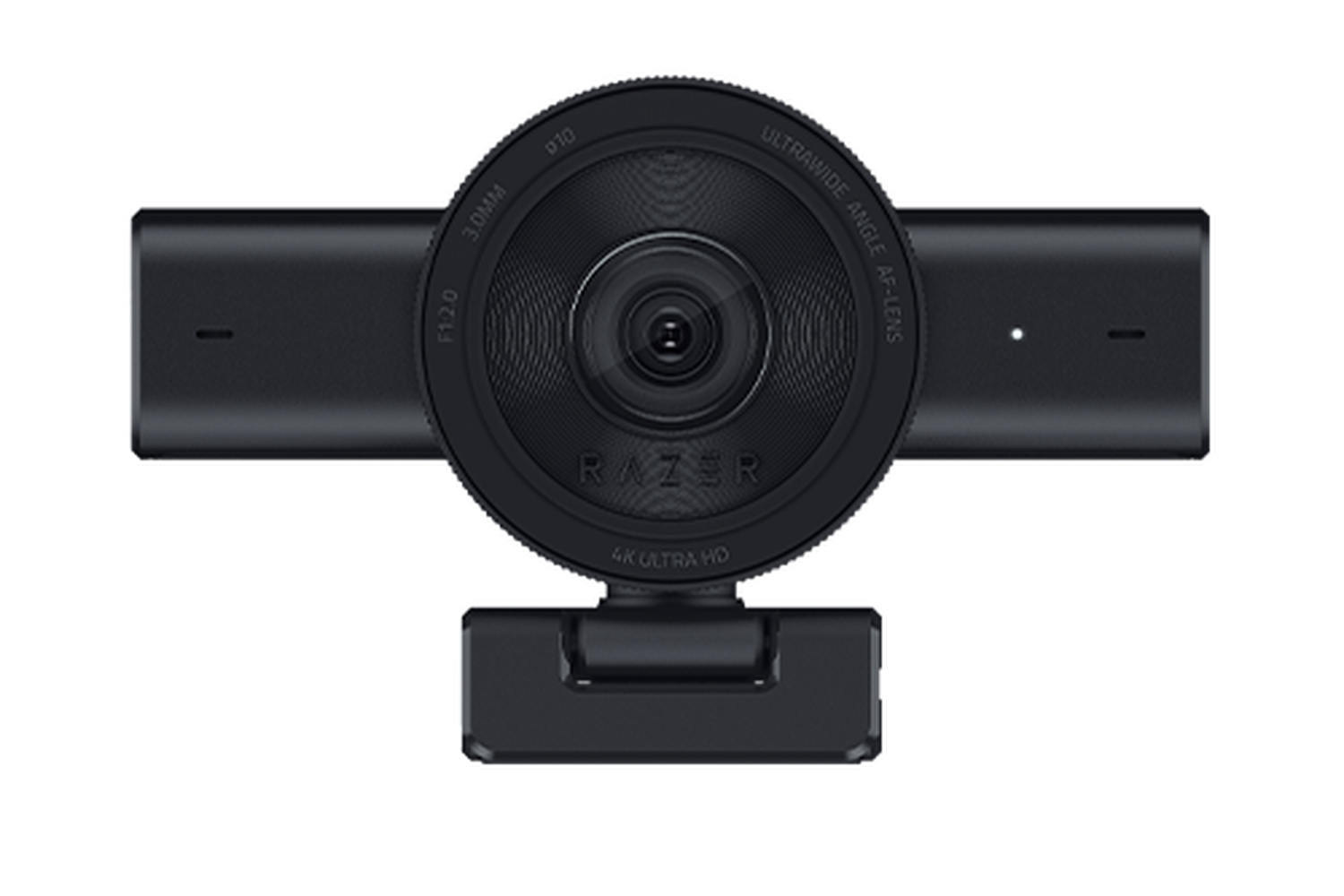
The Kiyo V2 is a source-supported candidate for someone who wants a documented 4K30 mode, autofocus, integrated shutter and camera-side microphone in one webcam, and can use a direct USB 3.0-capable Type-C port. Its White and Quartz versions are finish variants: official U.S. listings identify separate part numbers, so match the actual colour and SKU rather than ordering by family name alone. They share this hardware assessment only as finish-only variants; the product pictures confirm different body colours, not a performance distinction.
Choose another model if 4K60 is mandatory, if USB-A is the only available host connection, if you require a known cable length without checking the package, or if a particular microphone behavior must be proven rather than simply present. The current reviewed sources do not provide a TAA-compliance claim for the Kiyo V2, and no image-quality, audio-quality, heat, autofocus or latency testing has been performed here. Confirm the full RZ19-05370100-R3U1 / RZ19-05370200-R3U1 / RZ19-05370300-R3U1 suffix appropriate to the finish, the cable and mount contents, return terms, warranty, and the exact app/OS/USB arrangement before buying.
Key specifications
Key details at a glance
| Documented modes and host limits | The model supports 4K30 and separately lists 1080p60; the source does not mean 4K60. At 4K, MJPEG is listed to 30 fps, YUY2 to 15 fps and NV12 to 20 fps. |
|---|---|
| Focus system | Autofocus |
| Diagonal field of view | 93° |
| Built-in microphone | Yes |
| Physical privacy shutter | Yes |
Use the exact model’s instructions for operating limits, supplied equipment and version differences.
Sources for this review
Sources for this assessment
Compare the features that affect your setup
Set essential video, focus, privacy and microphone requirements together; leave nonessential choices open.