
Your needs, this model
Does it fit your priorities?
Does the Tiny 4K meet a 4K-at-60-fps minimum?
No. OBSBOT lists 4K through 30 fps in MJPEG/H.264 and a separate 1080p60 mode; no 4K60 mode appears in the model table.
Explore this need in the finder →Does tilt-down Sleep Mode meet the finder's built-in physical-shutter requirement?
Not on the reviewed evidence. Tilting down stops video and sound capture, but the Tiny 4K product/support pages do not document a separate physical lens shutter, so it is not counted by the strict shutter filter.
Explore this need in the finder →Can this earlier camera combine a documented 4K mode, autofocus and built-in microphones?
Yes, the Tiny 4K technical table lists 4K30 in MJPEG/H.264, AF/MF and two built-in omnidirectional microphones. It remains an earlier model; confirm the host/app mode and exact seller package, since the source box lists differ.
Explore this need in the finder →This is a source-based assessment of the OBSBOT Tiny 4K U.S. store selector, model specifications, feature page, FAQ and discontinuation notice. It is not a hands-on test: I did not connect a computer, measure image or audio quality, install the software or test tracking.
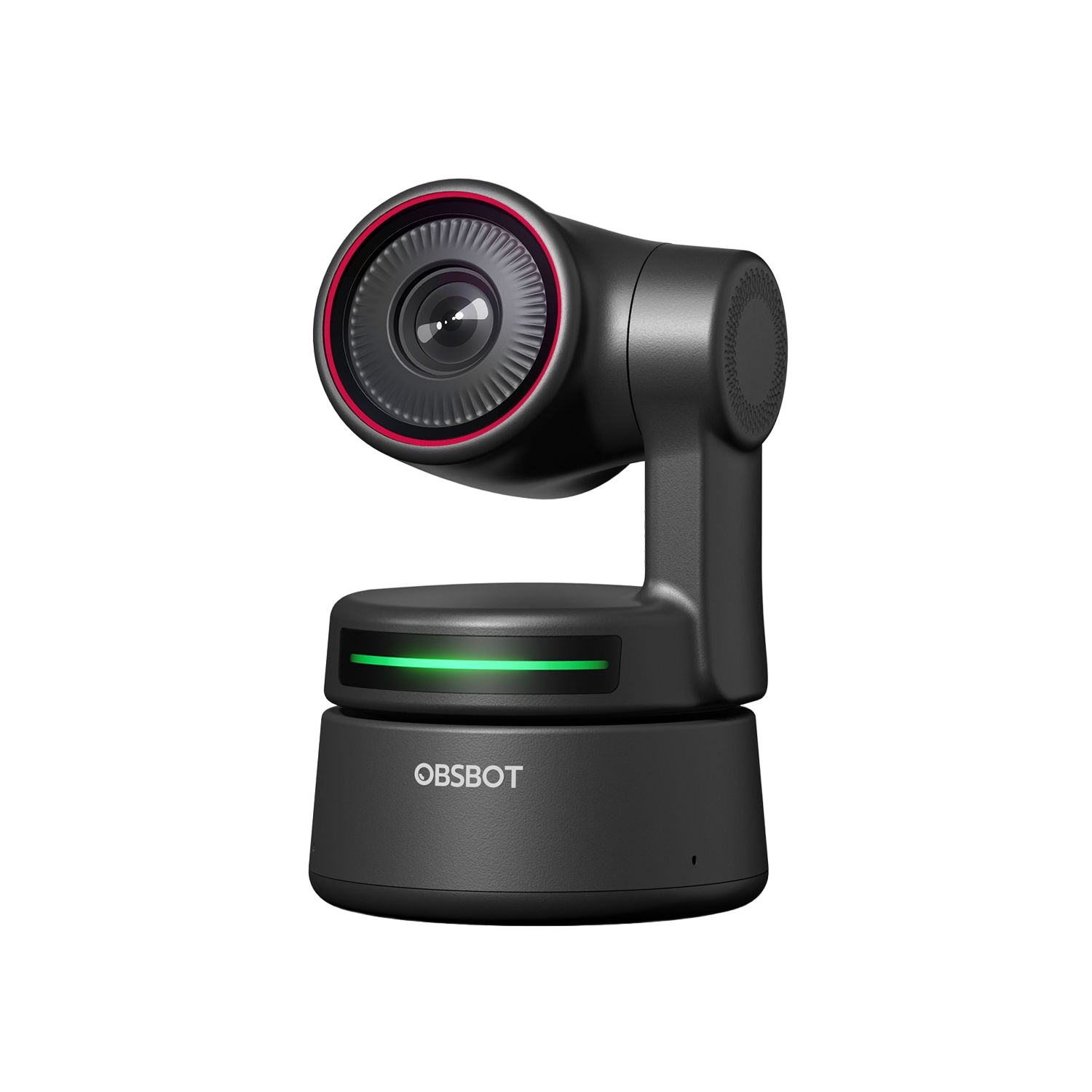
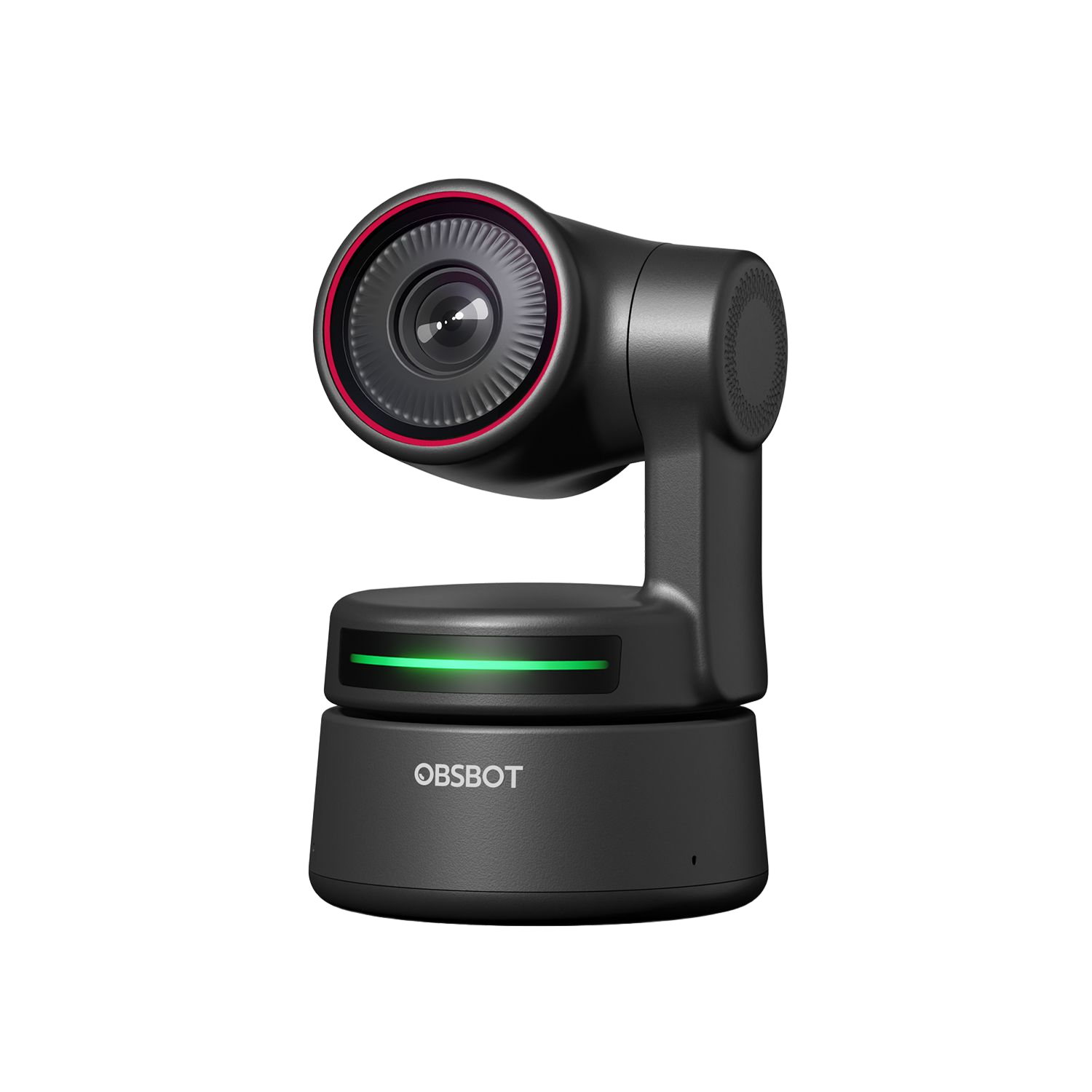
The OBSBOT Tiny 4K is an earlier motorized webcam built around a two-axis gimbal rather than a fixed camera head. Its useful distinction is a documented 4K30 mode alongside a separate 1080p60 option, with autofocus/manual focus, four-times digital zoom and built-in microphones. It is no longer in production, so this review is for comparing an exact older model—not a promise that a new, complete or supported offer is available.
Keep 4K resolution separate from frame rate and format
OBSBOT's model table lists 3840 × 2160 up to 30 fps in MJPEG and H.264. The separate Full HD mode reaches 60 fps. That makes the camera relevant when 4K detail matters more than 4K60, but it does not meet a 4K-at-60-fps requirement. The distinctions matter in a video app: the higher resolution and higher rate are not a single interchangeable ceiling.
The same table puts the YUV modes at the narrow end: 4K is listed only at 1 fps and 1080p at 5 fps. A buyer who needs ordinary call rates in YUV should not infer that from the MJPEG/H.264 entries. Nor did the reviewed Tiny 4K sources establish a USB data generation or an uncompressed USB 3 video path. Check the exact host, cable, app and format rather than assuming a Type-C connector means USB 3.0.
Choose it for motorized framing, not a fixed field of view
The gimbal can pan and tilt, and OBSBOT describes automatic subject tracking, gesture controls and preset positions through its software. The listed digital zoom range extends to 4×, but that is not optical zoom. These features make it a different kind of desk camera from a fixed-body webcam: the head can change its direction while the base stays in place. Manufacturer capability claims do not establish how accurately, quietly or smoothly it will follow a person in a particular room.
OBSBOT lists an 86-degree diagonal field of view and autofocus/manual-focus control. The software provides additional camera controls, while the feature page describes plug-and-play use. The manufacturer lists Windows 10 or later and macOS 11 or later on its product page; its FAQ also names Linux and explains that Android use needs an OTG extension and a UVC-capable app. Those are starting points for compatibility checks, not a guarantee that a given meeting app exposes every resolution or rate.
Microphone and privacy are separate decisions
The specification page lists two built-in omnidirectional microphones with noise reduction. This is useful if camera-side microphone hardware is required, but a spec cannot tell you whether the pickup suits your room, distance or keyboard noise. No sound test was performed. The Combo package also adds an HQ Mic; that external accessory is not the same thing as the camera's built-in pair.
For privacy, OBSBOT describes tilting the camera down into Sleep Mode, which stops video and sound capture. The reviewed Tiny 4K pages do not document a separate physical lens shutter. Treating a movable sleep position as an integrated shutter would hide an important difference: the camera has to move into that position, and it is not evidence of a shutter mechanism over the lens. If a built-in physical cover is essential, this assessment does not count Tiny 4K as meeting that requirement.
Verify the exact box and remaining-offer terms
The current U.S. English/USD store selector names a base Tiny 4K and a separately named Tiny 4K Combo. The Combo listing identifies a Smart Remote 2, a switched USB-A-to-USB-C data/power cable and an HQ Mic as additions. However, the store page's base “What's in the box” list and the manufacturer's support specification table do not agree about several supplied accessories and cases. I have not combined those lists into a single promised package. Verify the exact seller's box contents, cable and return terms before deciding whether the camera is ready for your setup.
OBSBOT's discontinuation notice says Tiny 4K production ended on May 1, 2026, with remaining units available only until sold out and no restock. The notice lists service and support through May 1, 2031, but that does not confirm stock, a seller's condition, or the warranty attached to a specific offer. The U.S. store page observed for this assessment displayed the model as sold out. Check any remaining offer directly; do not treat this review as a current availability signal.
Who should still compare it?
Tiny 4K is worth checking when the sought combination is earlier-model inclusion, a documented 4K30 option, autofocus, built-in microphone hardware and a moving PTZ camera. It is a poor fit for a must-have 4K60 rate, a required built-in physical shutter, an explicitly TAA-listed SKU, a confirmed USB 3 path, or a buyer who only wants new production. If your main question is about a current OBSBOT camera, compare the separately assessed Tiny 2 and Tiny 3; their facts are not inherited from Tiny 4K. In every case, confirm the exact model name and package rather than treating “Tiny” as one interchangeable generation.
Key specifications
Key details at a glance
| Documented modes and host limits | The maximum is 4K at 30 fps in MJPEG/H.264, while 1080p reaches 60 fps in separate modes. YUV is listed only to 4K at 1 fps and 1080p at 5 fps; the mode matrix is not a 4K60 claim. |
|---|---|
| Focus system | Autofocus |
| Diagonal field of view | 86° |
| Built-in microphone | Yes |
Use the exact model’s instructions for operating limits, supplied equipment and version differences.
Sources for this review
Sources for this assessment
- OBSBOT Tiny 4K U.S. English/USD product and package selector
- OBSBOT Tiny First Gen support specification page (Tiny 4K column)
- OBSBOT Tiny 4K official product feature page
- OBSBOT Tiny 4K official FAQ
- OBSBOT Product Discontinuation Notice
- OBSBOT Tiny 4K firmware and user-manual download page
- Official OBSBOT Tiny 4K camera-body image
- Official OBSBOT Tiny 4K Combo package image

Compare the features that affect your setup
Set essential video, focus, privacy and microphone requirements together; leave nonessential choices open.