
Your needs, this model
Does it fit your priorities?
Does the Tiny 2 deliver both 4K and Full HD at 60 fps?
OBSBOT lists 4K through 30 fps in MJPEG/H.264 and a separate 1080p60 mode in MJPEG/H.264. It also lists YUV 4K only at 15 fps and YUV 1080p through 30 fps. These are different format/mode combinations, not a 4K60 or uncompressed-1080p60 claim; verify the intended application's exposed mode.
Explore this need in the finder →Does the Tiny 2's privacy sleep position meet a physical-shutter requirement?
The manual says to point the lens straight down to enter Sleep Mode, and the status light turns off. The sources do not document a separate physical shutter or say the microphone is automatically muted in Sleep Mode, so do not count this as a confirmed shutter or live audio mute.
Explore this need in the finder →What arrives in the Tiny 2 base [Pack] rather than a combo?
The maker selector lists the camera, USB-C 3.0 cable, USB-C-to-USB-A 3.0 adapter, adjustable mount and storage case in the [Pack]. Remote, HQ Mic, HDMI converter, tripod, extra cameras and USB hub appear only in separately named combos. Verify the exact package title and contents.
Explore this need in the finder →This is a source-based assessment of OBSBOT’s Tiny 2 product selector, technical table, feature page and English user manual—not a hands-on test. I did not test a computer or application, measure image/audio quality, or verify tracking performance.
Separate resolution from frame rate—and from format
OBSBOT lists the Tiny 2 at 3840 × 2160 up to 30 fps, with a separate 1920 × 1080 mode up to 60 fps. The table assigns both MJPEG and H.264 to those 4K30 and 1080p60 paths. Those are useful choices, but they do not add up to 4K60. The exact table also provides a distinct YUV set: 4K only at 15 fps and 1080p only through 30 fps. A requirement for uncompressed Full HD at 60 fps therefore is not supported by the published mode table.
The maker’s feature page says USB 3.0 can carry 1080p without compression or re-encoding. That claim needs the format table beside it: YUV 1080p tops out at 30 fps, while the table’s 1080p60 entries are MJPEG and H.264. For 4K streaming the English manual requires compatible third-party software. Ask the actual app to expose the resolution, rate and format you need rather than treating “4K webcam” as an end-to-end guarantee.
The host connection is an explicit part of the setup
Unlike a camera whose USB generation is unstated, OBSBOT identifies Tiny 2’s connection as USB 3.0. Its manual recommends a USB 3.0 host port and warns that lag, flashing or unexpected restarts may appear on USB 2.0. It advises connecting directly to the computer or using an independently powered expansion dock if there is not enough power. It does not document a supported USB 2.0 compressed-MJPEG fallback, so do not plan around one.
The maker lists Windows 10 (64-bit) or later and macOS 11 or later. For 4K and 1080p60 it recommends a PC with a seventh-generation Intel Core i5 or later and 8 GB RAM, or specified later Apple computer classes. 4K Beauty and Background Effects have separate graphics recommendations: RTX 2060 or later on Windows, or Apple M1 or later. These are manufacturer recommendations, not a promise that any particular call application will expose every mode.
PTZ framing brings controls and setup choices
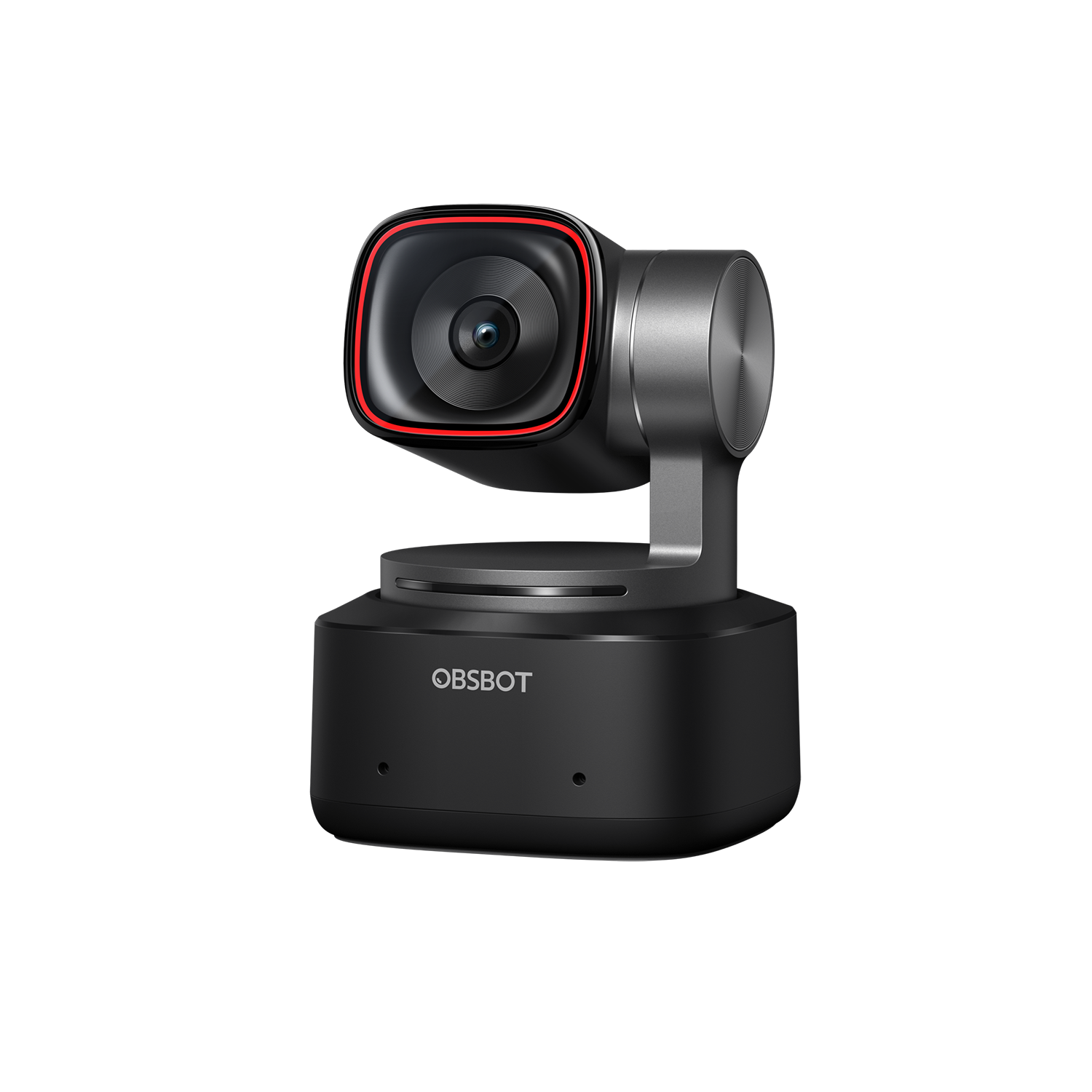
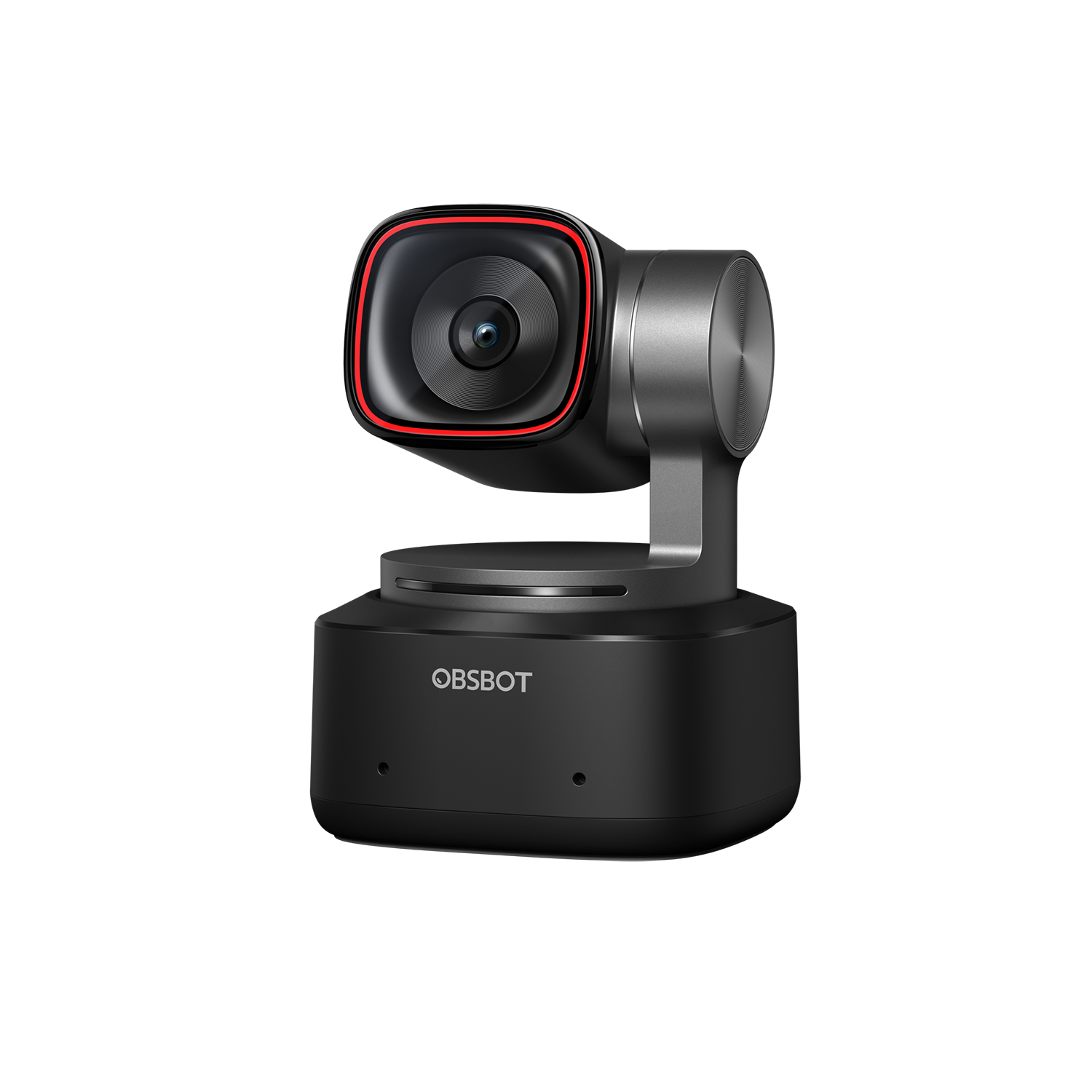
The Tiny 2 uses a non-removable two-axis gimbal. OBSBOT’s table lists controllable pan of ±140 degrees and tilt from 30 degrees down to 70 degrees up, with separate mechanical limits of ±150 degrees pan and ±90 degrees tilt. The manual also describes group, hand, human and zone tracking, gesture and voice commands, presets, desk mode and whiteboard mode. Those controls can support a presenter or demonstration workflow; they also make this a different kind of setup from a stationary fixed-body webcam. The advertised tracking and speed claims remain manufacturer descriptions, not a measured result in a particular room.
Autofocus is documented as All-Pixel PDAF, with a manual-focus option and a 10 cm minimum distance. The technical page lists a 1/1.5-inch CMOS sensor, 50 million effective pixels, a 26 mm equivalent focal length, 85.5-degree diagonal field of view in 4:3 and 72.9-degree horizontal field. These numbers describe the manufacturer’s design and modes; they do not establish focus speed, low-light quality, field-of-view behavior in every app or close-up reliability.
Camera audio and lens-down sleep are separate questions
The specification table lists two built-in omnidirectional microphones with noise reduction and automatic gain control. That identifies hardware and controls, not how it will sound on a call. If speech capture is a must-have, compare the app’s selected input and use an audio route already suited to the room instead of treating the microphone specification as an audio test.
The manual’s privacy routine is to point the lens straight down to enter Sleep Mode; it also allows automatic sleep timing in OBSBOT Center. The indicator turns off in sleep. The reviewed Tiny 2 sources do not establish a separate physical shutter or say the camera microphones automatically mute in that position. If a physical cover or live-call audio mute is essential, confirm that requirement independently rather than counting the lens-down sleep action as either.
Check the package name before comparing offers
The U.S.-facing selector names a Tiny 2 [Pack] containing one camera, USB-C 3.0 cable, USB-C-to-USB-A 3.0 adapter, adjustable mount and storage case. Remote Combo adds a Tiny Smart Remote 2. PowerUp adds the remote, an HQ Mic, extendable tripod and mini ball head. Streaming adds the remote, a second-generation UVC-to-HDMI adapter, tripod and mini ball head. Multicam is a different package arrangement: three Tiny 2 Packs, three five-metre USB-A-to-USB-C 3.0 cables, one remote and a 3-in-1 USB 3.0 hub. The HQ Mic is an accessory, not a built-in camera microphone.
These package rows share the Tiny 2 camera; the accessories change what arrives, not the camera’s capture table. The reviewed pages do not publish an exact part number, so a dynamic store-page product identifier is not a SKU. Confirm the exact offer name and included pieces before relying on a box list. No specific price, current stock, third-party seller condition or return experience is claimed here.
Keep Tiny 2 distinct from Tiny 2 Lite
Tiny 2 and Tiny 2 Lite are separate models with different exact-model evidence. Tiny 2’s sources specify USB 3.0 and include YUV 4K15 and YUV 1080p30, alongside MJPEG/H.264 4K30 and 1080p60. The reviewed Tiny 2 Lite table lists MJPEG for its high modes and YUV only at 640 × 480 and 640 × 360; its USB generation is not stated. Do not copy a Lite package or an unstated Lite field into the Tiny 2 assessment.
The Tiny 2 is a stronger fit to compare when a supported USB 3.0 route, documented 4K30 or 1080p60, moving framing and built-in camera audio fit the plan. It is not a 4K60 answer, does not establish uncompressed 1080p60, and does not resolve a mandatory physical-shutter or TAA requirement. Check the host, app, package and privacy constraints before deciding whether its extra framing features are useful.
Primary references: OBSBOT’s Tiny 2 technical specifications, feature page, support page, software and manual downloads, U.S.-facing package selector and English user manual.
Key specifications
Key details at a glance
| Documented modes and host limits | The maximum resolution is 3840x2160 at up to 30 fps in MJPEG/H.264 (YUV up to 15 fps). 60 fps is a separate 1920x1080 or lower mode; no 4K60 mode is listed. |
|---|---|
| Focus system | Autofocus |
| Built-in microphone | Yes |
| USB 3.0 uncompressed video documented | Yes |
Use the exact model’s instructions for operating limits, supplied equipment and version differences.
Sources for this review
Sources for this assessment
- OBSBOT U.S.-facing Webcams category observation
- OBSBOT Tiny 2 U.S.-facing product and package selector
- OBSBOT Tiny 2 technical specifications
- OBSBOT Tiny 2 feature page
- OBSBOT Tiny 2 support/specification page
- OBSBOT Tiny 2 User Manual EN v1.1
- OBSBOT Tiny 2 software, firmware and manual download page
- Official OBSBOT Tiny 2 camera-body image
Compare the features that affect your setup
Set essential video, focus, privacy and microphone requirements together; leave nonessential choices open.