
Your needs, this model
Does it fit your priorities?
Can MeetUp satisfy a 4K computer-camera requirement?
Yes, but only on a documented USB 3.0 arrangement using a user-supplied Type-A-to-Type-C camera cable. The included five-meter USB 2.0 cable is listed for up to 1080p30; neither cable claim establishes 4K60.
Explore this need in the finder →Does MeetUp provide fixed focus and a built-in microphone?
Yes. Logitech identifies the lens as fixed focus and documents three integrated beamforming microphone elements. Motorized pan/tilt and 5x digital zoom do not change the lens to autofocus; the included-mic option is separate from the 960-001201 expansion-mic package.
Explore this need in the finder →Which MeetUp part number is explicitly listed as TAA compliant?
The U.S. product selector calls SKU 960-001101 MeetUp (TAA Compliant). Treat the separately selectable 960-001201 MeetUp + Expansion Mic as a distinct offer and verify its procurement documentation rather than inheriting the base SKU's statement.
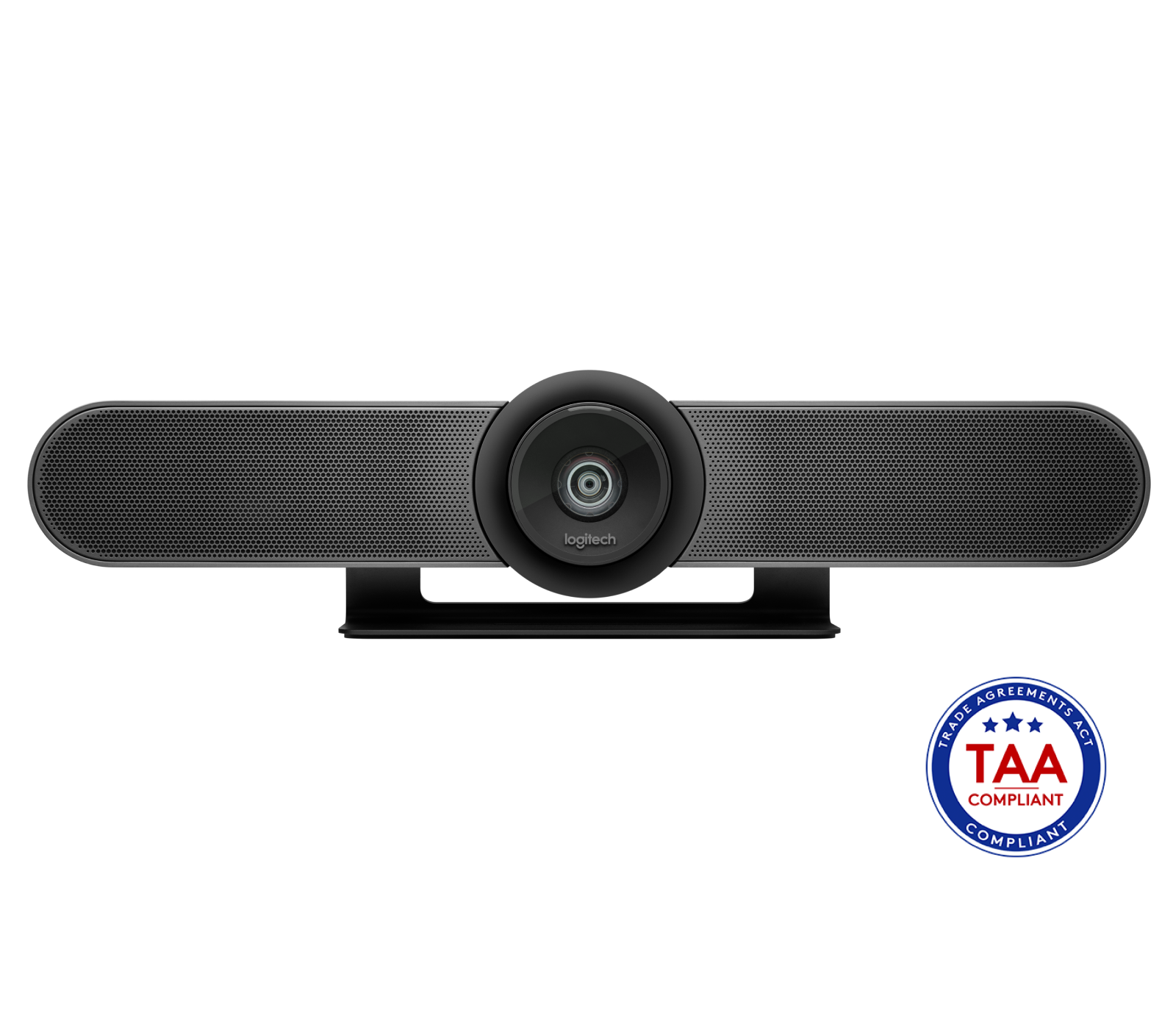
Explore this need in the finder →Logitech MeetUp is best understood as a small-room USB camera bar, not as a conventional webcam clipped to a laptop. Logitech lists it in its U.S. conference-camera catalogue and describes it as a UVC camera that connects to a computer. That makes it relevant to a computer-webcam comparison, but the built-in speaker, room microphones, long cable and AC supply change the installation. This assessment concerns the exact U.S. MeetUp SKU 960-001101, which Logitech identifies as TAA compliant.
A wide room view, with fixed focus
The camera is built into a 400 mm-wide bar with a 120-degree diagonal field of view, motorized pan and tilt, and 5x digital zoom. That combination is aimed at seeing several people around a huddle-room display or table. It can also be useful when an object or whiteboard needs to be reframed during a call. For a single person sitting close to a monitor, the very broad view may include much more of the room than desired; the 120-degree figure is a lens specification, not a promise that any seat will be framed attractively.
Do not read motorized movement as autofocus. Logitech's model-specific support specifications say MeetUp uses fixed focus. The camera can pan, tilt and zoom its framing, but its lens does not track focus in response to a person moving nearer or farther away. If autofocus is a hard requirement, compare it with the room-oriented GROUP, whose camera is explicitly specified as autofocus, or with smaller autofocus cameras in the model library.
The cable determines the video ceiling
MeetUp's mode claim needs to be read together with its package. The exact 960-001101 box includes a five-meter USB 2.0 cable, and the manufacturer lists up to 1080p30 on that included route. The camera can provide 4K at 30 frames per second, but Logitech requires a compatible USB 3.0 Type-A-to-Type-C cable for that mode; the 4K cable is user supplied. The room bar also has its own AC power adapter, so connecting its USB cable to a laptop does not make the full installation bus powered.
There is no documented 1080p60 or 4K60 mode. A “4K sensor” or “4K image” description should not be turned into a claim that the included lead supplies 4K, or that the camera runs 4K at 60 fps. Before choosing the 4K option, check that the host has the necessary USB 3 connection, the cable is suitable for the installed distance, and the conferencing application exposes the intended UVC mode. If you only need Full HD at 30 fps, the included five-meter cable avoids that additional 4K cable decision.
Integrated conference audio, not a physical privacy shutter
The bar contains three beamforming microphone elements and a speaker. Logitech describes the built-in microphones as optimized for up to four meters and documents an optional expansion microphone for extending the room setup. Those are manufacturer specifications, not an independent measurement of speech pickup in a particular room. The integrated speaker and microphone remove separate tabletop devices, but they also make MeetUp a larger, powered room appliance than a desk camera. Confirm that the computer and meeting app select the intended MeetUp video and audio devices; Bluetooth speakerphone use is a separate described route, not the USB camera path.
MeetUp has no documented privacy shade. Its video or microphone controls are not a physical lens block, so a requirement for an opaque built-in shutter rules this model out. Plan a separate camera cover or another privacy method if physically blocking the lens is essential, and treat microphone muting separately from video privacy.
Exact SKU and installation checks
Logitech's current U.S. selector labels 960-001101 “MeetUp (TAA Compliant).” The page also offers a separate MeetUp + Expansion Mic package, SKU 960-001201. That is a materially different box because it adds an accessory microphone; the shared camera features do not prove that the second package has the same procurement status. The reviewed assessment and its strict-TAA finder match refer only to 960-001101. Buyers whose purchasing process depends on compliance should verify the exact package identifier and current documentation rather than substituting a bundle name.
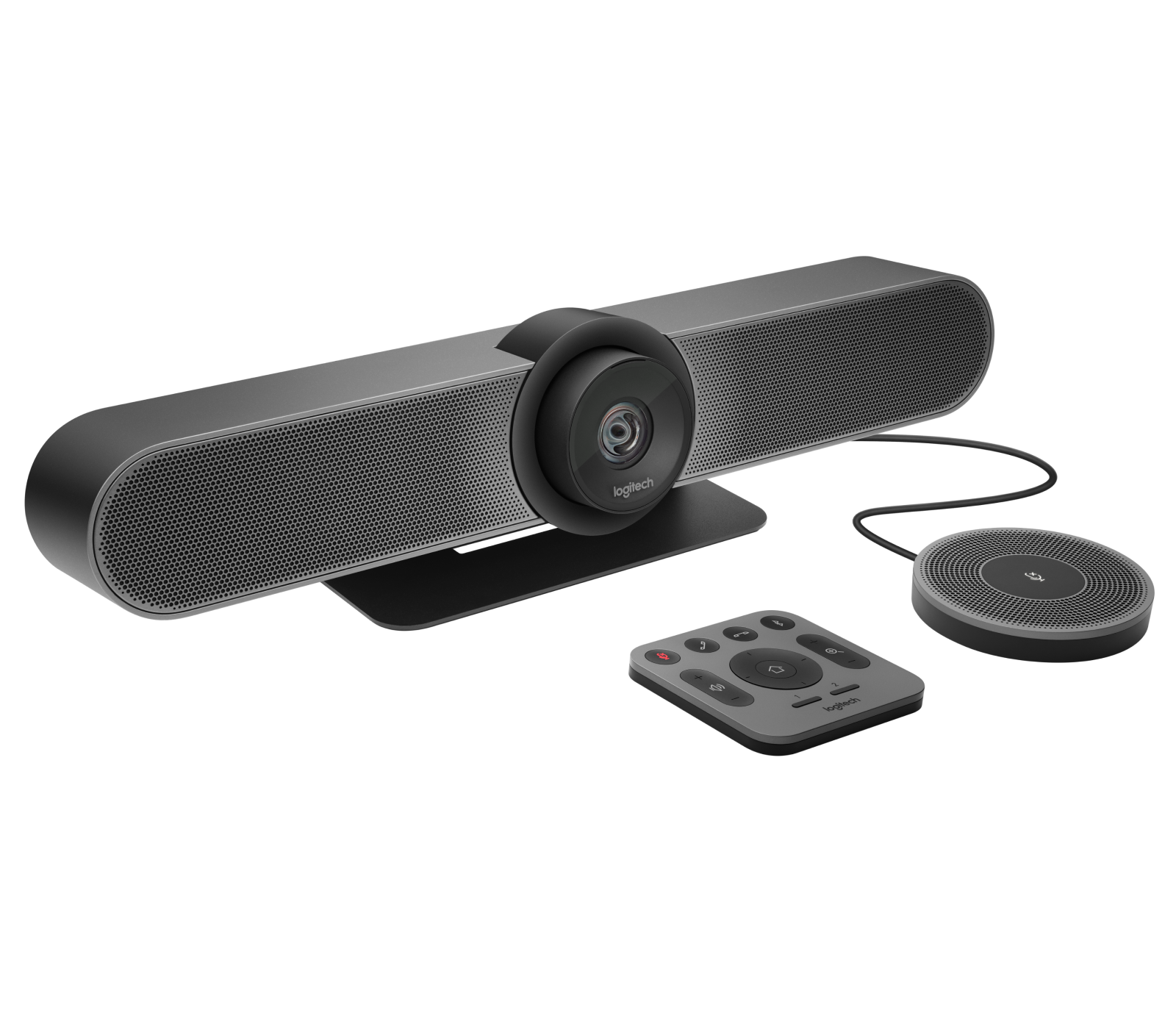
Before installation, check the exact part number, the cable included in the seller's box, the AC adapter, whether the room needs the expansion microphone, the display/table mounting hardware and the host's USB port. An optional TV mount, microphone extension cable and standalone expansion mic are accessories, not additional webcam models. Make sure the room layout suits a fixed-focus ultra-wide camera and that software can select its integrated microphone and speaker. Logitech's product page describes room management and conferencing workflows; this assessment does not claim that those features were personally tested.
In the same family, GROUP divides the camera, powered hub and tabletop speakerphone into separate pieces, while the BCC950 puts an eye-level camera on a desktop speakerphone base. MeetUp instead combines the camera, microphones and speaker in one bar. Those arrangements solve different placement and cabling problems; none is a universal upgrade. Use the fit guide to plan the room view and the connection guide to check the host path, then compare the exact SKU rather than relying on the MeetUp family name alone.
Key specifications
Key details at a glance
| Documented modes and host limits | MeetUp supports 4K30 only with a user-supplied USB 3.0 cable; the included USB 2.0 cable is listed for up to 1080p30. No 60-fps mode is documented. |
|---|---|
| Focus system | Fixed focus |
| Diagonal field of view | 120° |
| Built-in microphone | Yes |
| Physical privacy shutter | No |
| TAA-compliant exact SKU | Yes |
Use the exact model’s instructions for operating limits, supplied equipment and version differences.
Sources for this review
Sources for this assessment
Compare the features that affect your setup
Set essential video, focus, privacy and microphone requirements together; leave nonessential choices open.