
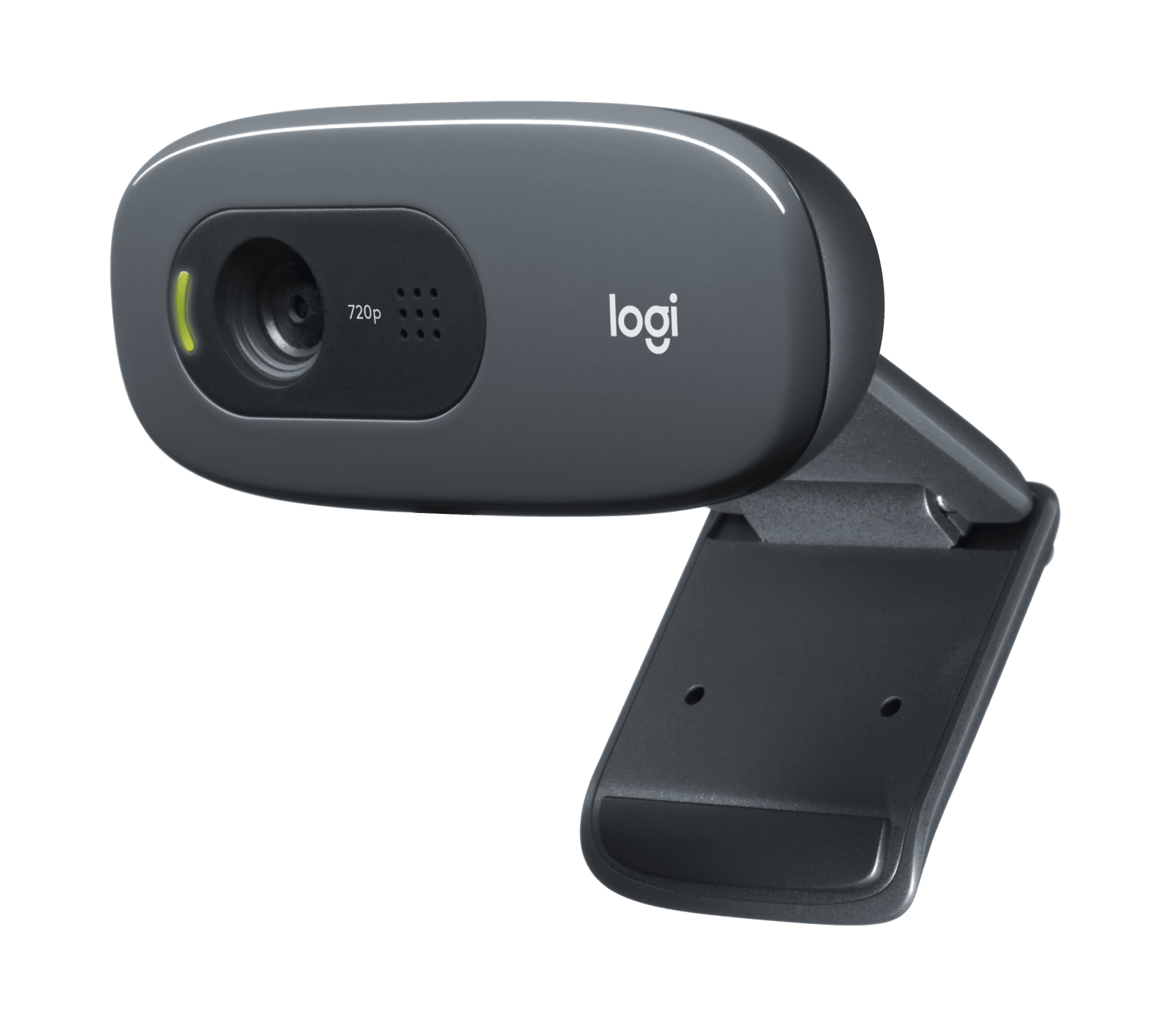
Your needs, this model
Does it fit your priorities?
Does the C270 meet a minimum of 1080p at 60 fps?
No. Logitech's exact U.S. page describes 720p/30 fps calls for SKU 960-000694. It does not document 1080p60 or 4K for this model. The older support table's frame-rate row is narrower still, so check the mode your own application exposes rather than assuming a higher format.
Explore this need in the finder →Will the C270 refocus if the subject moves closer or farther away?
Logitech identifies fixed focus for the C270, not autofocus. It is therefore a better paper fit for a stable position than for a person who regularly changes distance; the listed focus type does not establish the usable distance or image quality in your room.
Explore this need in the finder →Does the C270 have a built-in microphone?
Yes. Logitech lists a mono noise-reducing microphone and states an up-to-1.5 m pickup distance on the current U.S. page. That is a manufacturer description, not a measured sound-quality result; compare it with your room and any separate headset or microphone you use.
Explore this need in the finder →Does the C270 have a physical shutter over its lens?
No integrated privacy shade is listed in Logitech's C270 model specification. If a built-in shutter is mandatory, do not count the C270 as meeting that requirement; a separate cover would be a different mechanism.
Explore this need in the finder →What should I verify before ordering C270 SKU 960-000694?
Match the full Dark Grey part number. Logitech's current U.S. product record and its older C270 education one-pager do not align cleanly about the retail/education designation, and the exact current product page does not itemize the box. Confirm the seller's actual cable, clip, packaging, warranty and return terms; confirm a USB-A host connection and the app's available video mode.
The C270 is an older, straightforward webcam, but its name alone is not enough to tell you what an offer includes. Logitech's current U.S. product record identifies Dark Grey SKU 960-000694. It is a fixed-focus HD camera with a built-in mono microphone and an older USB connection, not a 1080p or 4K model. I have not handled or tested it; this is a source-based fit assessment, not a picture-quality verdict.
Understand the resolution ceiling before comparing it
Logitech's current U.S. product page describes the C270 as a 720p/30 fps webcam for calls and lists a 55-degree diagonal field of view. These numbers define its published class, not how a face will look under your lighting, at your screen distance or after app processing. The maker's automatic-light-correction description is not a controlled result for your room.
There is a useful source caveat. Logitech's older general C270 technical-specification page lists 720p among its video-capture resolutions, but its separate maximum-frame-rate row says 30 fps at 640 by 480. That does not line up neatly with the current exact U.S. page's 720p/30 call description. I use the exact current U.S. page for the 720p30 description, retain the disagreement in the evidence record and would check the selected mode in the current operating system and calling app. Neither source supports a 1080p60 or 4K expectation. If either is your minimum, this is the wrong documented class of product; the finder will exclude it from those higher-mode requirements.
Fixed focus favors a steady camera-to-subject distance
Logitech's C270 specification identifies fixed focus, not an autofocus system for someone leaning in or walking around. The reviewed sources do not establish a recommended working distance. A person who normally sits in one place may find fixed focus reasonable; a teacher moving between a desk and whiteboard, a demonstrator leaning toward an object or a caller who shifts position should compare autofocus or keep a consistent camera position.
The camera's framing data also contains a small but material mismatch: the exact U.S. product page lists a 55-degree diagonal view, whereas Logitech's older model-support table lists 60 degrees. I keep the current exact-page figure in the fact record but do not treat either number as a validated room-coverage measurement. For a single face at a normal desk, consider the composition you need; for a shared room or whiteboard, check whether a wider field is essential rather than trusting a family spec copied between listings.
Camera-side audio is convenient, not a microphone test
The current page describes a built-in mono noise-reducing microphone and states a range up to 1.5 metres. That may be convenient on paper, but it does not predict intelligibility in a reverberant room, by a fan or at that distance; it is not an independent measurement. If speech quality or predictable muting matters, compare a separate headset or microphone and check the calling app's input selection yourself.
The C270's fixed focus and built-in microphone put it among the simpler fixed-position choices in this site's library. It is notably different from the Logitech Brio 100: that reviewed model is also fixed focus and USB-A, but its current U.S. page lists 1080p30 and an integrated physical lens shutter. The C270's product-page description is 720p30 and its support record lists no privacy shade. The comparison is about published features, not a claim that one camera looks or sounds better in real use.
Check the cable, port and exact box
Logitech's support specification calls the C270 a corded USB 2.0 camera, lists a USB-A port requirement and gives a five-foot / 1.5-metre cable length. Treat that as model guidance, not a guaranteed reach for a seller's package. A USB-C-only laptop would need a separately verified adapter or hub; that cannot make the camera a higher-resolution model. The current page describes an adjustable clip for a screen, laptop or shelf but does not itemize the exact current box.
Part-number checking matters for another reason. The current U.S. product model record names Dark Grey SKU/MPN 960-000694. A Logitech education one-pager from an earlier period places 960-000694 in its education column but gives a different number in the consumer column. That document is not a clean package bridge to the current U.S. shop record, so I do not use it to promise a particular education bundle, warranty, or present-day box. Ask the seller to confirm the complete part number, condition, included cable and clip, warranty coverage and return terms before deciding that an offer is the same configuration assessed here.
Who should keep it on the list?
Keep the C270 in consideration if your task is a basic personal video call, the documented 720p format is sufficient, you stay at a stable distance, a built-in mono mic is useful, and you have a USB-A connection available. Its value proposition should be judged from the actual offer and your need rather than assumed from its age or a store's generic “HD” label. The source library does not establish a current price, stock state, condition, image quality or seller package.
Look elsewhere if you require 1080p or 4K, autofocus, a built-in physical privacy shutter, a specific verified USB-C package, or an officially documented TAA-compliant SKU. Unknown TAA status is not proof either way; it simply does not satisfy a hard compliance requirement in this finder. For an everyday comparison, read the Brio 100 assessment for a higher listed Full HD mode and integrated shutter, or compare the Brio 300 when USB-C, 1080p30 and a physical lens cover are part of your brief. Confirm their exact model suffixes and cable conditions too. The C270's central purchase page summarizes this assessment and the exact checks; the visitor must choose any retailer link there themselves.
Key specifications
Key details at a glance
| Documented modes and host limits | The exact U.S. product page describes 720p/30 fps calls. The older model support page separately states a 30 fps maximum at 640 × 480 while listing 720p capture; this conflict is retained and no app-specific guarantee is made. |
|---|---|
| Focus system | Fixed focus |
| Diagonal field of view | 55° |
| Built-in microphone | Yes |
| Physical privacy shutter | No |
Use the exact model’s instructions for operating limits, supplied equipment and version differences.
Sources for this review
Sources for this assessment

Compare the features that affect your setup
Set essential video, focus, privacy and microphone requirements together; leave nonessential choices open.