
Your needs, this model
Does it fit your priorities?
Does the Brio 100 support 1080p at 60 fps or autofocus?
No. Logitech lists 1080p30 and 720p30 and identifies fixed focus. It does not document 1080p60, 4K or autofocus for Graphite SKU 960-001580; choose a reviewed model with the specific higher mode or focus behavior if that is essential.
Explore this need in the finder →Does the Brio 100's privacy shutter mute its microphone?
No. The integrated shutter covers the lens, while the camera also has a built-in omnidirectional microphone. Use the meeting app or operating-system audio controls if microphone muting is required; the shutter is not an audio switch.
Explore this need in the finder →How much USB cable reach should I allow for Brio 100?
The cable is attached USB-A, but Logitech's current product-page specification says 1.5 m and its setup guide says 2 m. The sources conflict, so do not plan a tight routing from either number; check the package/SKU with the seller or leave extra reach before ordering.
Explore this need in the finder →Is Brio 100 Graphite SKU 960-001580 documented as TAA compliant?
The exact U.S. product page and setup guide reviewed do not state TAA compliance. Treat the status as unknown, not certified and not as proof of non-compliance; ask the responsible supplier for documentation tied to the exact SKU if procurement requires it.
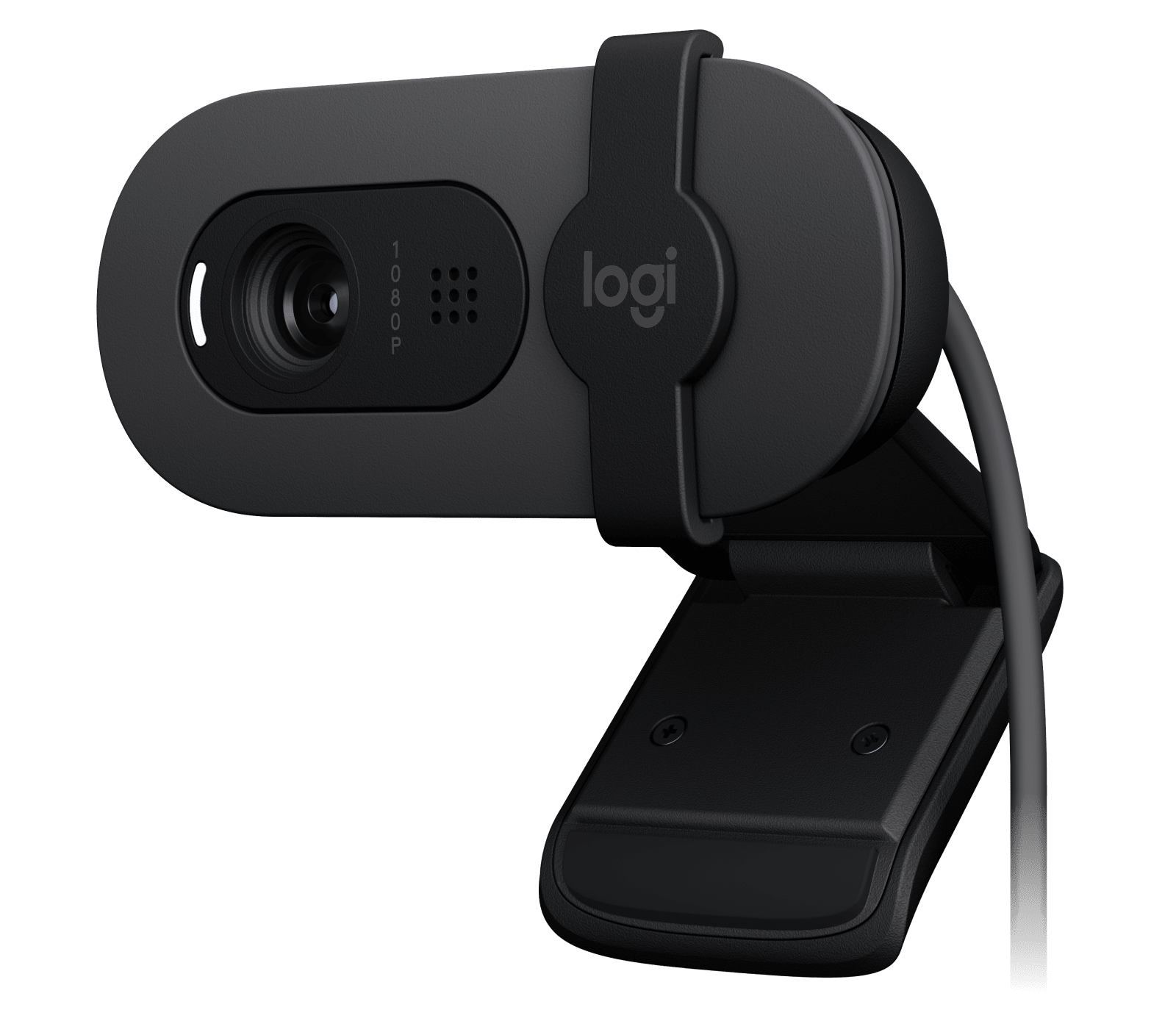
Explore this need in the finder →The Logitech Brio 100 is a deliberately basic Full HD webcam: the U.S. Graphite model is SKU 960-001580, with fixed focus, a 58-degree diagonal view, an integrated lens shutter, a built-in microphone and an attached USB-A lead. It makes sense on paper for a stationary desk-call setup that can live with 30 fps and a USB-A connection. The spec sheet is not evidence of how it will look in a particular room; this is a source-based assessment, not a hands-on test.
Fixed focus favors a stable seat
Logitech lists two modes, 1080p at 30 fps and 720p at 30 fps, and identifies the focus system as fixed. Its diagonal field of view is 58 degrees. Those details describe a narrow, straightforward job: keep the camera in one place, set the clip and tilt for the person who usually sits there, and do not expect the lens to refocus as someone leans substantially toward or away from it. The supplied guide specifically shows manual up-and-down tilt for framing.
A 58-degree view can help keep a single speaker prominent, but it is not a framing guarantee. Screen distance, display size, camera height and room layout all affect what appears in frame. Logitech does not list an alternate field-of-view setting or autofocus for this model. If a second person must fit beside the main speaker, or the user will move through different distances, check the actual geometry rather than treating “1080p” as a framing specification.
Full HD stops at 30 fps
The U.S. product page lists 1080p30 and 720p30. It does not document 1080p60, 4K or a higher frame rate at either resolution. Logitech also notes that 2 GB of computer memory or more is needed for 1080p video streaming and says 1 GB is typically needed for 720p. This is an important boundary for a buyer who is comparing it with cameras that advertise 60-fps modes: the Brio 100's Full HD label does not mean it meets a Full HD at 60 fps requirement.
Logitech describes RightLight 2 auto-light balance and advertises a controlled comparison with the C270. Treat that as the manufacturer's stated test, not a promise of a brighter image in every room. The product page itself says results vary with actual lighting. A dark or backlit desk still deserves a check of the camera position and room light, and there is no independent image test behind this assessment.
The shutter is for the lens, not the microphone
The setup guide labels an integrated sliding privacy shutter, a built-in microphone and an LED indicator. Sliding the shutter across the lens provides a visible physical camera block; the guide says the camera's LED indicates when it is on and being used by an application. Neither detail should be mistaken for an audio-mute control. Logitech describes an omnidirectional microphone and lists a pickup range up to 3 feet (1 metre), but that is a published specification, not a measured room result. Use the meeting software or operating-system controls when you need to mute audio as well as cover the lens.
This is a useful combination for someone who wants camera audio and an integrated cover without adding a headset or a loose cap. It is not a substitute for checking where the microphone will sit relative to a keyboard, fan or other speakers. The source material does not establish noise rejection, echo cancellation or speech intelligibility at a particular distance.
Check the attached USB-A cable reach
The cable is attached, so the ordinary setup is to place the mounting clip on the monitor or laptop and connect its USB-A plug to a compatible computer port. But the manufacturer's exact U.S. product page lists a 4.92-foot (1.5-metre) cable, while the Brio 100 setup guide calls the attached cable 7 feet (2 metres). Because those primary sources disagree, this assessment does not choose one value. If the route from screen to computer is close to the limit, leave extra slack and verify the delivered package or current exact SKU with the seller before relying on a specific length.
The reviewed package information does not list a USB-C adapter or tripod. A USB-C-only computer therefore needs a separately verified connection solution; the connector shape alone does not establish that a hub or adapter will preserve the intended operation. Likewise, the universal clip is the documented support, not a promise of tripod mounting. Confirm the host port, monitor lip and cable path together.
Graphite and Off-White are separate SKU identities
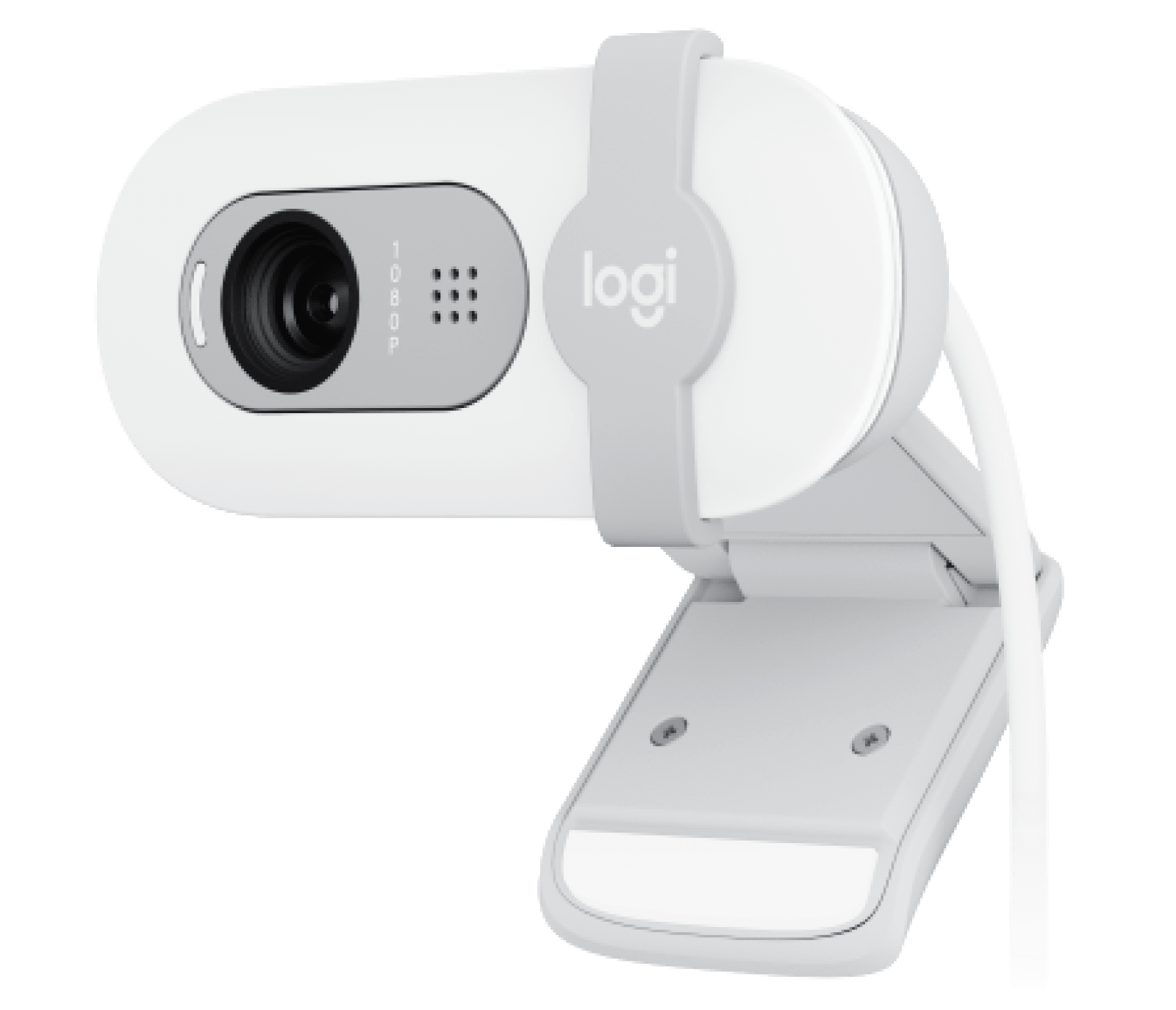
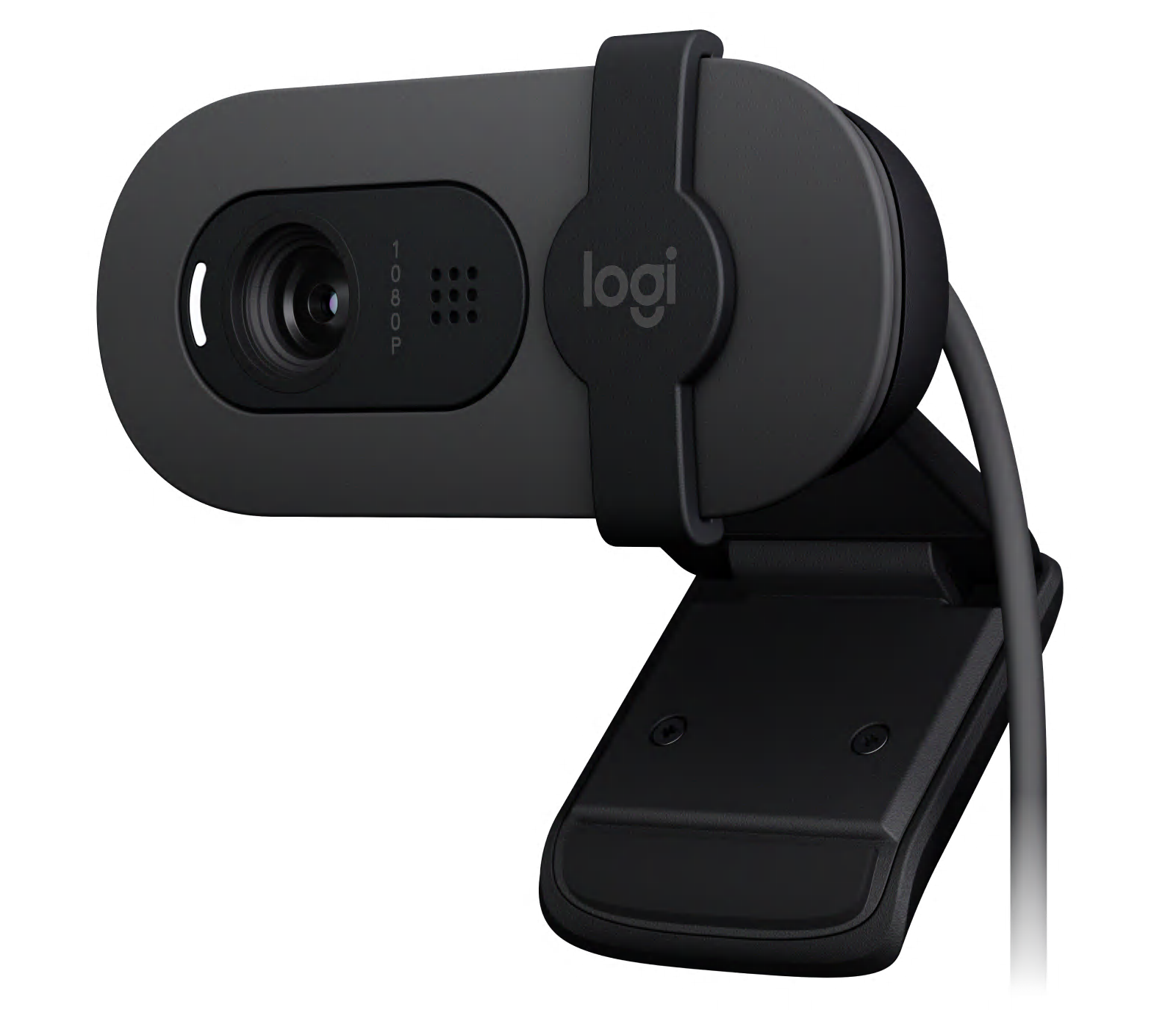
The current Logitech U.S. page identifies Graphite 960-001580 and Off-White 960-001616 as separate Brio 100 product-model records with their own gallery images. The manufacturer presents them with the same product description and shared specification block, so this review covers them together as finish-only versions while keeping the exact part numbers distinct. That does not prove that every seller's package or bundle is identical; check the color and suffix shown on the offer.
The nearby Brio family names can be confusing. Brio 105 Business is a separate business-market product and has its own U.S. SKU and assessment; overlapping Full HD, fixed-focus and shutter descriptions do not make it the same retail configuration. Brio 100's own cable-length conflict also deserves a check rather than borrowing a sibling model's value.
Who should keep it on the shortlist?
Keep the Brio 100 in view if the use is a fixed computer-call position, an available USB-A port, a 1080p30 ceiling, built-in mic hardware and a physical shutter over the lens. The Off-White option may help match a lighter desk setup, but color is not a feature upgrade. For a moving presenter, a wider composition, Full HD at 60 fps, a detachable or known-length lead, or a hard procurement requirement such as TAA, the evidence here does not establish a fit. The exact consumer page does not state TAA compliance; unknown is not proof either way.
Before buying, match the exact finish and SKU, confirm the host port and cable reach, and check whether the video app exposes the controls you actually need. Then compare the full review library against those requirements rather than reading an isolated resolution label as a guarantee.
Key specifications
Key details at a glance
| Documented modes and host limits | The exact U.S. page lists 1080p30 and 720p30 only; no 60 fps or 4K mode is documented. Logitech says at least 2 GB RAM is needed for 1080p streaming and typically 1 GB for 720p. |
|---|---|
| Focus system | Fixed focus |
| Diagonal field of view | 58° |
| Built-in microphone | Yes |
| Physical privacy shutter | Yes |
Use the exact model’s instructions for operating limits, supplied equipment and version differences.
Sources for this review
Sources for this assessment
- Logitech U.S. consumer webcam catalogue — direct category capture
- Logitech Brio 100 U.S. product page — Graphite SKU 960-001580
- Logitech Brio 100 Setup Guide — English instructions and package
- Logitech Brio 100 U.S. product page — Off-White SKU 960-001616
- Logitech Brio 100 Graphite official product gallery image — SKU 960-001580
- Logitech Brio 100 Off-White official product gallery image — SKU 960-001616

Compare the features that affect your setup
Set essential video, focus, privacy and microphone requirements together; leave nonessential choices open.