
Your needs, this model
Does it fit your priorities?
Does the North American Brio 105 support 1080p at 60 fps?
No 60 fps mode is listed for Graphite SKU 960-001579. The March 2025 datasheet lists 1080p30 and 720p30, so do not rely on this camera for a mandatory 1080p60 requirement.
Explore this need in the finder →What does the exact Brio 105 package connect to?
The North American datasheet lists an attached 1.5 m USB-A cable. Plan for a USB-A data-capable computer or dock port; the box contents do not list a USB-C conversion adapter or a tripod.
Explore this need in the finder →Does SKU 960-001579 have a camera shutter and microphone?
Yes. Logitech lists an integrated sliding physical lens shutter and one omnidirectional microphone, with a manufacturer-stated range up to 1 m. That range is not an independent room-audio test, and the lens shutter is not a microphone mute.
Explore this need in the finder →Will the Brio 105's optional image controls work on ChromeOS?
The camera is listed as compatible with ChromeOS, but Logitech Tune is not available on ChromeOS. Do not assume Tune-dependent color or brightness adjustments will be available on a Chromebook.
Is Graphite part 960-001579 documented as TAA compliant?
TAA compliance is not stated in the exact page or datasheet reviewed. That leaves the evidence unknown; it is not a finding that the SKU is non-compliant. Ask the responsible vendor for documentation matching the exact part number if this is required.
Explore this need in the finder →A deliberately simple Full HD configuration
The Brio 105 is best understood by its limits, not by the word “Brio.” Logitech’s March 2025 North American datasheet ties Graphite part 960-001579 to 1080p at 30 frames per second and 720p at 30 fps. It specifies a fixed-focus lens, a 58-degree diagonal view and no zoom. There is no documented 60 fps or 4K mode for this exact SKU. That makes its use case straightforward: a stable, one-person webcam position where Full HD at 30 fps is enough, rather than a camera to choose for frequent movement or a high-frame-rate stream.
Fixed focus removes autofocus behavior from the setup, but it also means the camera will not refocus as a subject moves closer or farther away. Logitech does not publish a focus-distance range in the sources reviewed here, so this is not a guarantee that every desk position will look sharp. Place it at a sensible monitor distance and confirm the result in the actual conferencing app before relying on it for an important call.
Framing is fixed and fairly tight
The published diagonal field of view is 58 degrees, with no field-of-view presets listed. Compared with the Brio 305’s fixed 70-degree view or the Brio 505’s software-selected 65, 78 and 90-degree choices, the 105 gives you fewer documented ways to widen the shot. A tighter angle can be useful when you do not want much of the room included, but it also makes camera placement more consequential: check the crop with your normal chair position and monitor layout rather than assuming the wider view of a different Brio.
The camera uses RightLight 2, which Logitech describes as automatic light balancing, and Logi Tune can adjust image settings. Those are manufacturer-listed functions, not evidence of how a face will render in a particular backlit room. Tune is not available on ChromeOS, so Chromebook users should not assume the optional color and brightness controls are part of their setup. Basic ChromeOS compatibility is listed separately.
Check the cable before planning the desk
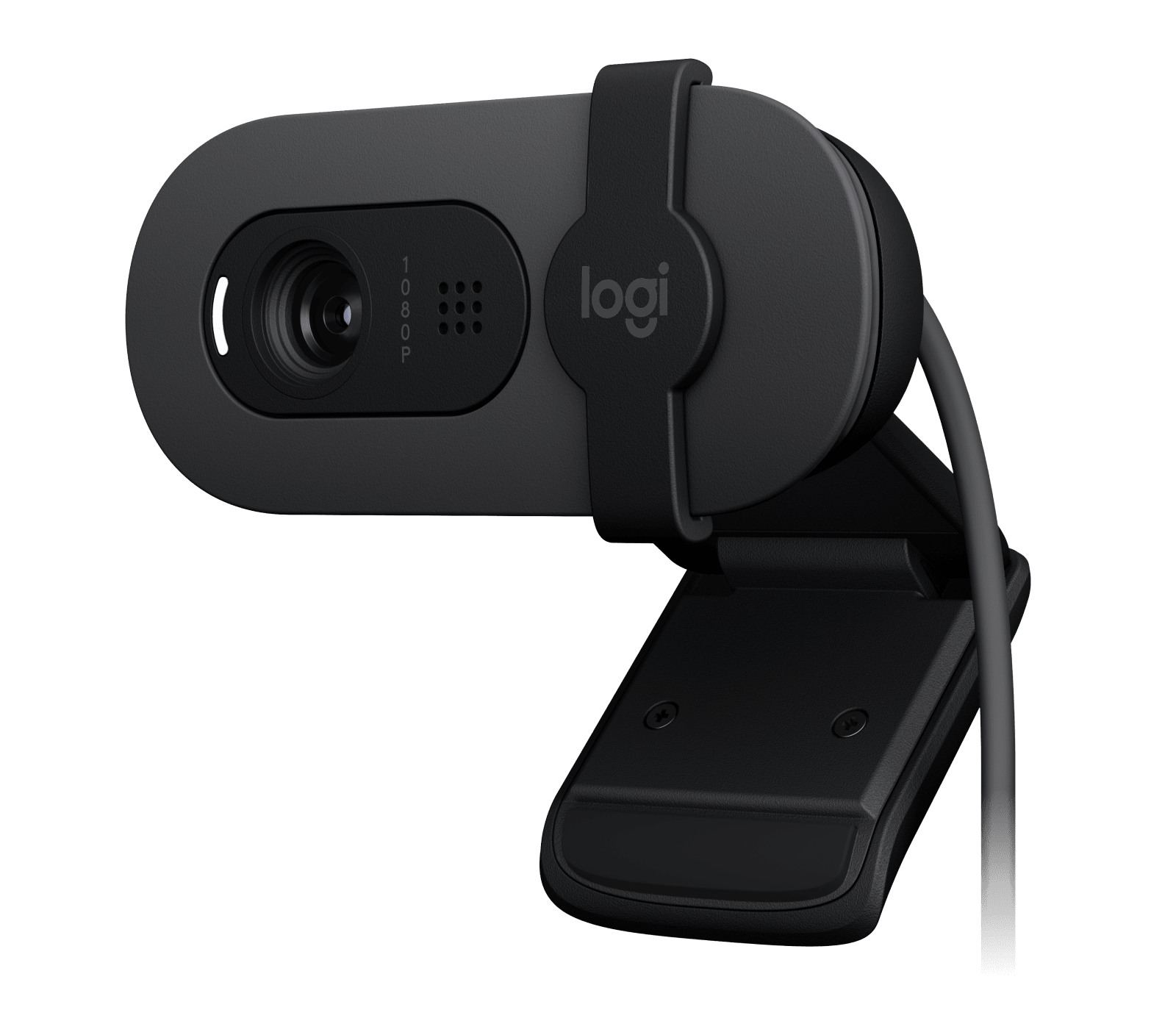
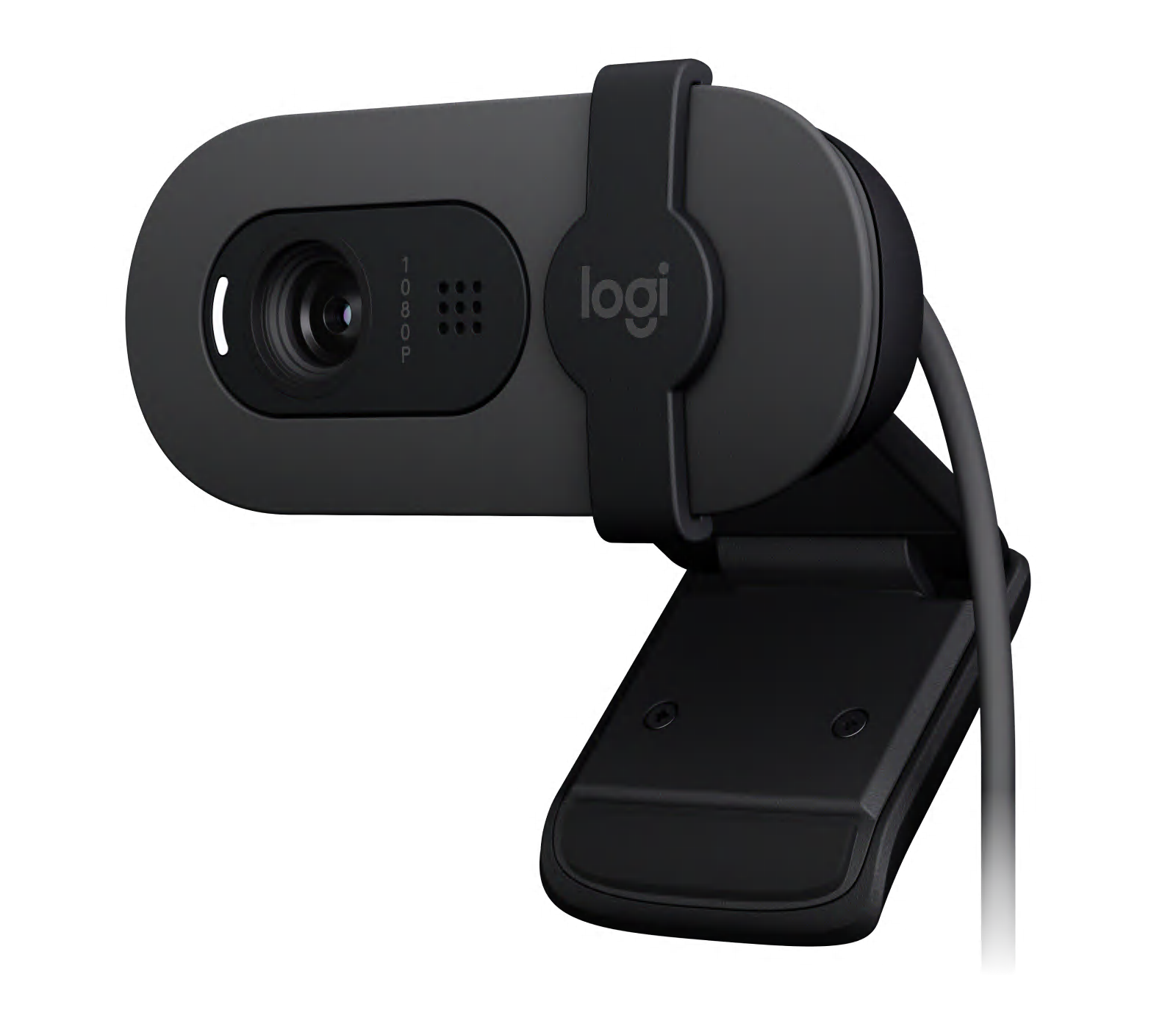
For Graphite SKU 960-001579, Logitech lists an attached 1.5-metre USB-A cable and an attached mounting clip for monitors, LCD displays and laptops. The practical connection plan is a USB-A data port on the computer or dock, with enough cable reach for the chosen mount position. The contents list does not include a USB-C conversion adapter or a tripod, so do not count on either being in the box. If your computer only has USB-C, confirm a compatible adapter or a different supported connection plan before ordering.
Logitech also lists Windows, macOS and ChromeOS compatibility, Google Meet certification, Works With Chromebook and broad compatibility with conferencing platforms. These statements do not promise that every app will expose every mode or that an organization permits the needed software. If you are deploying cameras at work, Logitech Sync is the management option the manufacturer describes; its datasheet notes that Sync requires Logi Tune on individual devices. That administrative path is separate from simply attaching the webcam to a computer.
A shutter and a microphone solve different needs
The physical shutter is integrated: slide it across the lens when the camera is not in use. That is more convenient than keeping a loose lens cover, but it is a camera shutter, not a microphone mute. Logitech separately specifies one omnidirectional microphone and advertises pickup up to one metre. The stated range is a manufacturer claim, not a measured speech test in a noisy or reverberant room. If clear speech is essential in a busy space, compare the setup with a headset or dedicated microphone rather than treating the included mic as a tested audio solution.
The limited mode set and one-microphone design are not inherently faults; they identify where to spend attention. For routine calls, ask whether your app needs more than 1080p30, whether the fixed 58-degree frame fits the seat, and whether the camera’s built-in audio is appropriate for the room. If the answers are yes, the simple configuration may be enough. If you need autofocus, more framing options, 60 fps, or another camera mode, the published Brio 105 specifications do not establish those capabilities.
How it differs from nearby Brio models
Do not substitute the Brio 100 consumer name or Brio 305 details for this business SKU. The official product model and North American datasheet identify Brio 105 Graphite as 960-001579. The separately listed Brio 305 uses a USB-C cable, fixed 70-degree framing and a different shutter design; the Brio 505 adds autofocus, selectable framing and a listed 720p60 mode. Those changes can matter more than a shared family name. The 105’s main distinction is a basic USB-A, fixed-view arrangement, not a claimed improvement in picture quality.
Who should keep looking
Choose another reviewed model if a minimum 1080p60 or any 4K mode is mandatory, if autofocus is required, or if an adjustable field of view is part of the intended composition. The Brio 105 documentation also does not establish TAA compliance for SKU 960-001579. That is “not confirmed in the reviewed evidence,” not a legal conclusion about the product or a purchasing decision. A procurement buyer should get written confirmation for the exact part number and contract from the responsible vendor.
This is a source-based assessment of Logitech’s published specifications and package information, not a hands-on installation, image-quality, microphone or reliability test. Before buying, verify the full Graphite part number, attached USB-A cable, host port, required application features and current seller terms; package contents and availability can vary by offer.
Key specifications
Key details at a glance
| Documented modes and host limits | The exact North American datasheet lists 1080p30 and 720p30 only; it does not document 60 fps or 4K. |
|---|---|
| Focus system | Fixed focus |
| Diagonal field of view | 58° |
| Built-in microphone | Yes |
| Physical privacy shutter | Yes |
Use the exact model’s instructions for operating limits, supplied equipment and version differences.
Sources for this review
Sources for this assessment
Compare the features that affect your setup
Set essential video, focus, privacy and microphone requirements together; leave nonessential choices open.