
Your needs, this model
Does it fit your priorities?
Does Link 2C provide 4K at 60 fps?
No. The manufacturer lists 4K up to 30 fps and 1080p up to 60 fps separately; 4K60 is not listed. H.264 is unavailable in 4K and portrait 1080p60.
Explore this need in the finder →Does Link 2C have a built-in physical lens shutter?
Yes. The manufacturer support guide describes a sliding physical privacy switch for Link 2C. The switch covers the camera; manufacturer support does not say that it automatically mutes the microphone, so check the audio input separately.
Explore this need in the finder →Can Link 2C use 1080p60 with Insta360 Virtual Camera effects?
The physical camera table lists 1080p60, but Insta360 says Virtual Camera does not support 50 or 60 fps. Confirm which camera source your conferencing or streaming app will use before relying on the effects path.
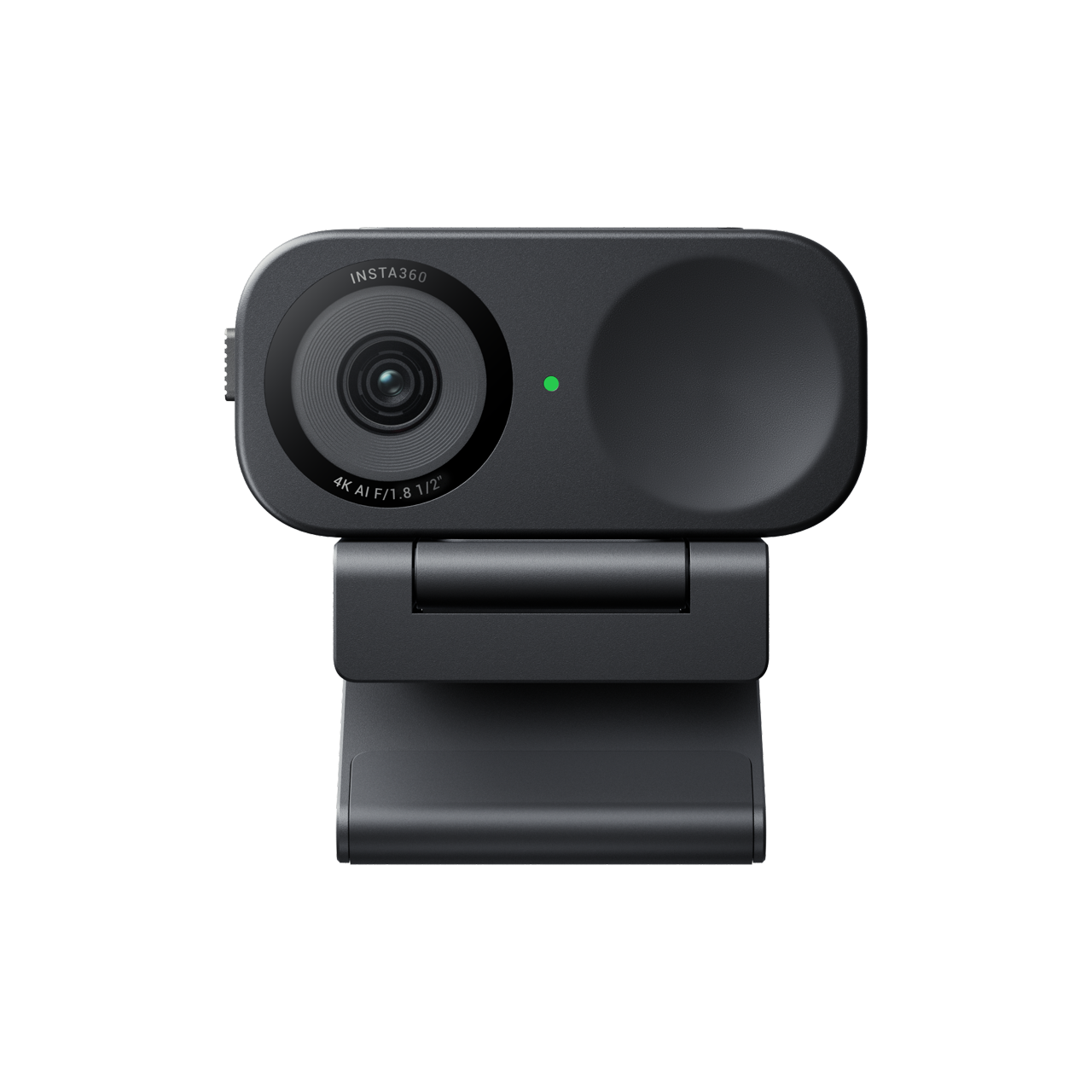
Explore this need in the finder →Insta360 Link 2C, Graphite Black Standard Bundle, Store SKU 3403 keeps the Link 2 family’s 4K, autofocus, microphone and software features in a fixed-body webcam, with a physical lens privacy switch where Link 2 instead relies on a motorized Privacy Mode. The practical choice is whether you need the camera to move around the room or prefer a stationary body with software-based Auto Framing. This is a source-based assessment of the manufacturer’s specifications and exact package information; no hands-on image, focus, audio or tracking test was performed.
A fixed camera with digital reframing
Link 2C has no gimbal. Insta360 describes Auto Framing as automatically zooming and adjusting the view so one person or a group remains in sight; that is a software crop/reframe rather than physical pan-and-tilt movement. It can suit a seated call or a fixed desk where keeping the body still is preferable. If you intend to walk around and want the lens itself to follow, the gimbal-based Link 2 is the distinct model to compare. Link 2C’s DeskView workflow also differs: the user adjusts the mount and then changes the camera angle in Link Controller rather than having a gimbal automatically tilt toward the desk.
The model’s supported modes include 4K up to 30 fps and, separately, 1080p up to 60 fps. Neither statement establishes 4K60. The manufacturer table lists H.264 and MJPEG, but says H.264 is unavailable for 4K and portrait 1080p60. Its Virtual Camera software route has another limitation: Insta360 states that the virtual stream does not support 50 or 60 fps. Choose the basic camera feed when native 1080p60 matters and confirm the intended app can use the documented format.
Shared imaging and audio claims, carefully qualified
Insta360 lists a 1/2-inch sensor, phase-detection autofocus from 10 cm to infinity, HDR support, a fixed 79.5-degree diagonal field of view and digital zoom up to 4×. Those specifications are useful for checking whether the device belongs on a shortlist, but they do not predict how exposure, focus transitions or framing will look in a particular room. A wide fixed view can include a second participant, while an app’s crop and digital zoom can change how much of the scene remains visible.
Manufacturer support documentation describes Link 2C’s built-in camera microphone controls and Voice Focus, Voice Suppression and Music Balance modes. The physical privacy switch covers the camera lens; it does not itself prove that the microphone is muted. Unlike Link 2, the support article says Link 2C does not support microphone mute as a function of Privacy Mode. Use the host or Link Controller audio controls when microphone privacy matters, and check both video and audio input states in the actual meeting software. Mode names and published noise-processing features are not independent audio-quality measurements.
The shutter is the clearest reason to choose 2C
Link 2C’s sliding physical privacy switch provides a visible camera-side way to cover the lens. That is materially different from Link 2’s lens-down Privacy Mode, which positions the camera but is not a physical cover. If physical lens coverage is essential, make sure the exact offer is Link 2C, not Link 2. If instead you want the webcam to turn and follow a presenter, Link 2C’s fixed body is the limitation: software Auto Framing adjusts the view but does not recreate the other model’s gimbal movement.
Both models have similar basic video and autofocus specifications, so adding 4K, autofocus or a built-in microphone alone will not distinguish them in the finder. The mechanism and privacy trade-off is the meaningful comparison: fixed body plus a physical cover here, versus motorized movement and downward Privacy Mode on Link 2. Neither assessment claims that one produces better video in a real call.
Verify the package and connection
The exact Graphite Black Standard Bundle is U.S. Store SKU 3403. The official variant description lists the Link 2C camera, Magnetic Mount, four recognition markers, USB-C cable and USB-C-to-USB-A adapter. The Graphite Black Tripod Bundle is SKU 3404 and adds the Mini 2-in-1 Tripod. Arctic White Standard and Tripod packages are separately listed as SKUs 3863 and 3865. The finish and bundle rows remain separate identities even though the same camera assessment can cover them when the mechanism and features are unchanged.
Link 2C uses the specified USB-C cable over USB 2.0 and requires 5 V/1 A. Its mount has a 1/4-inch tripod point; the tripod bundle changes the supplied kit, not the camera’s focusing or privacy mechanism. Before choosing, check the computer’s port, cable/adapter route, any powered dock, the operating system and the application’s chosen input. Confirm seller, included equipment, exact color and return terms on the live offer; this review does not report a price or stock status.
Bottom line
Link 2C is the more coherent choice in this family when a stationary camera and a physical lens cover matter more than mechanical tracking. It keeps a documented 4K30/1080p60 split and autofocus while avoiding a moving base, but the virtual-camera stream does not carry 50/60 fps and privacy-switch operation does not automatically establish microphone mute. If your main need is a lens that follows a moving presenter, compare Link 2; if a camera-side physical cover is essential, Link 2C is the family member that documents one. The exact SKU and Standard-versus-Tripod bundle should be verified before purchase.
Key specifications
Key details at a glance
| Documented modes and host limits | 4K is listed up to 30 fps; 1080p is separately listed up to 60 fps. The model does not have a listed 4K60 mode. H.264 is unavailable in 4K and portrait 1080p60; Insta360 Virtual Camera does not support 50/60 fps. |
|---|---|
| Focus system | Autofocus |
| Diagonal field of view | 79.5° |
| Built-in microphone | Yes |
| Physical privacy shutter | Yes |
Use the exact model’s instructions for operating limits, supplied equipment and version differences.
Sources for this review
Sources for this assessment
- Insta360 U.S. Store Link 2 and Link 2C product and variant page
- Insta360 Link 2 and Link 2C product family comparison
- Insta360 Link 2 and Link 2C product specifications
- Link Series Photo & Video Specifications
- Link 2 and Link 2C Hardware Specifications
- Link Series Privacy Protection for Link 2 and Link 2C
- Link Series Audio and Microphone settings
- Link 2 and Link 2C Accessory Compatibility
- Insta360 Link 2C Graphite Black Standard Bundle image, Store SKU 3403

Compare the features that affect your setup
Set essential video, focus, privacy and microphone requirements together; leave nonessential choices open.