
Your needs, this model
Does it fit your priorities?
Can the Tail Air act as a computer webcam for meetings?
Yes. OBSBOT documents USB-C UVC operation after enabling UVC in OBSBOT Center, and its guide shows selecting the Tail Air video source in Zoom and Teams. In UVC mode, the manual says NDI, recording, live streaming, HDMI and RTSP are unavailable, so this is an alternate output mode rather than a simultaneous production/recording setup.
Explore this need in the finder →Does its advertised 4K30/1080p60 spec prove those frame modes work through UVC?
No. The camera and product-comparison pages list 4K30 and a separate 1080p60 camera output, but the reviewed UVC instructions do not provide a webcam-mode resolution/frame-rate table. The finder therefore does not credit either mode; verify the exact current firmware, computer and app rather than treating HDMI/recording maxima as USB webcam evidence.
Explore this need in the finder →Can I rely on its built-in microphones and physical privacy cover in UVC mode?
The manual confirms two built-in MEMS microphones and a 3.5 mm audio input, but the UVC guide does not confirm how the computer exposes the camera microphone. Verify the OS/app audio device. The reviewed model-specific product, manual and package sources do not establish an integrated physical lens shutter or an included cover, so it does not satisfy an essential-shutter filter.
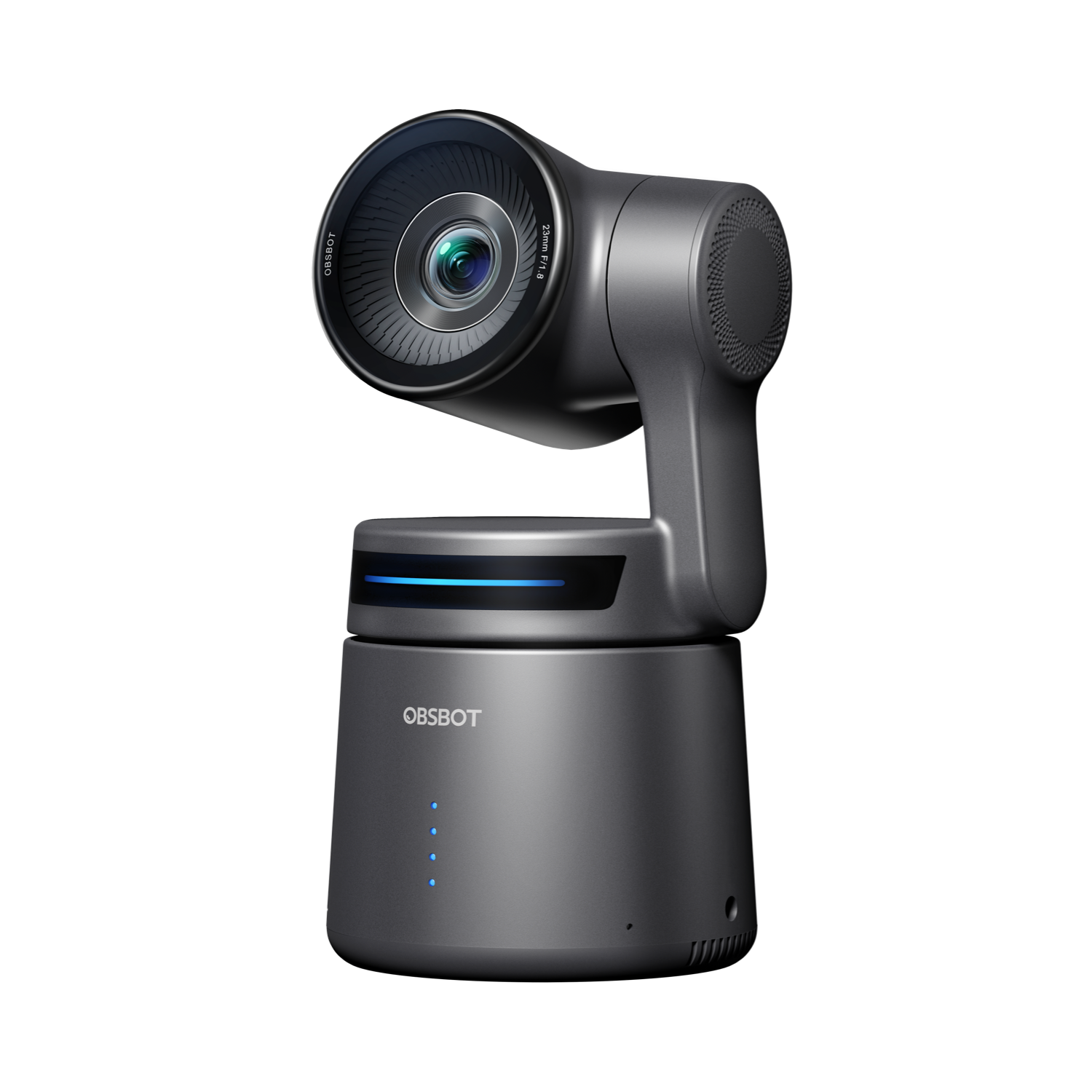
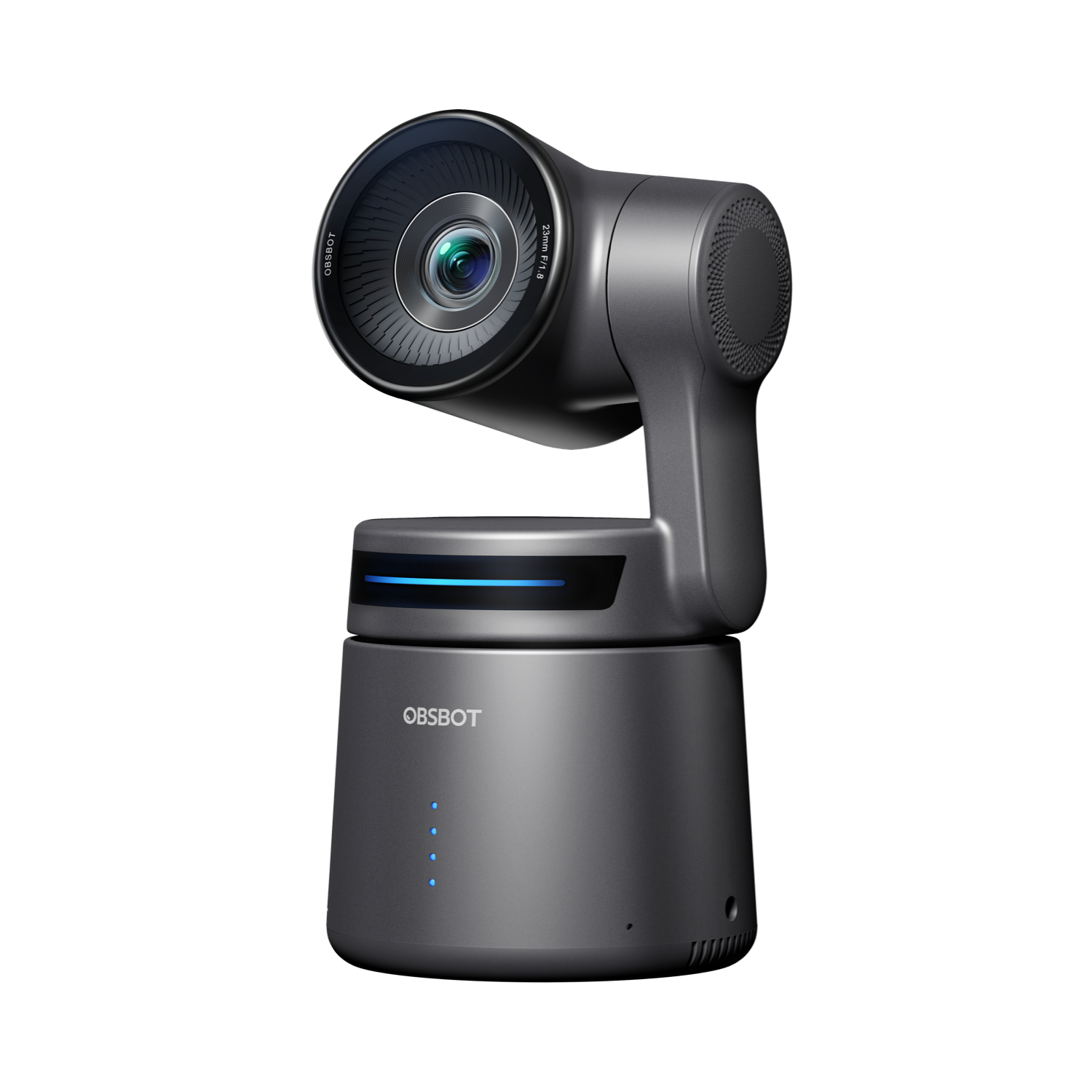
Explore this need in the finder →OBSBOT sells the Tail Air as a 4K PTZ streaming camera, not as one of the ten products in its U.S. Webcams store section. It still belongs in a webcam comparison with a clear boundary: the manufacturer documents a USB-C UVC mode that presents the Tail Air as a computer camera for Zoom, Teams and other software. This is a production camera with a webcam route, not a simple monitor-top webcam with every ordinary webcam feature established.
A real UVC mode, with an exclusive output path
OBSBOT's webcam tutorial describes enabling UVC in OBSBOT Center and then choosing the Tail Air source in meeting software. Its UVC page says the device's shooting/recording function and media folder become unavailable while UVC is active. The English manual makes the tradeoff more explicit: UVC mode disables NDI, recording, live streaming, HDMI and RTSP. Treat these as separate camera modes. This is not the right fit if the computer call must run while the camera also records to its card or sends an HDMI feed to a switcher.
The setup is more involved than connecting a common desk webcam. The camera uses a USB-C connection; OBSBOT Center's current support page lists Windows 10 64-bit or later and macOS 11 or later. Center Lite instructions distinguish adding the direct “OBSBOT Tail Air StreamCamera” source from using “OBSBOT Virtual Camera” when Beauty effects are enabled. The maker's guidance for the direct source is to disable Beauty and close the preview before adding it in the other platform. Those are software-state checks, not a guarantee that every operating-system and conferencing-app combination exposes the same controls.
Do not turn its camera maximum into a UVC promise
The Tail Air is marketed with 4K30 and a separate 1080p60 camera output. Its English manual and comparison page also describe general camera output and recording controls. The reviewed UVC tutorial does not publish a UVC resolution/frame-rate table, nor does it give a format matrix for computer webcam use. Those two claims are therefore not credited as confirmed UVC modes here: selecting “4K” or “1080p60” in this site's finder will not treat the Tail Air as a documented match. Check the exact firmware, host, capture device and application if a particular UVC rate is essential.
This distinction matters more than a headline maximum. A camera can record, send HDMI and appear through UVC while exposing different modes to each path. OBSBOT's manual describes adjustable frame rate, resolution, encoding and bitrate under media settings, but those instructions do not establish which combinations a UVC host receives. Nor does the 4K30 and 1080p60 pair imply 4K60. This review keeps the UVC mode list unknown rather than borrowing a recording or HDMI figure.
Focus, microphone hardware and the privacy question
The English manual lists autofocus and manual focus, with AF-S, AF-C and MF choices. OBSBOT's comparison page calls the Tail Air focus system ToF; the company describes measuring target distance to assist focusing. That supports classifying it as an autofocus camera, but it does not establish focus speed, quietness or tracking reliability in a room. Its motorized pan/tilt/zoom framing is a different tool from a fixed monitor webcam, and a moving camera is not automatically a better fit for a seated call.
Two built-in MEMS microphones and a 3.5 mm TRS audio input are listed in the manual. That confirms microphone hardware, not how Windows, macOS or a particular meeting app exposes the microphone while UVC is enabled. The reviewed UVC instructions show a camera source, not an audio-endpoint table. If the Tail Air's own microphone is essential, verify the operating-system audio device and meeting-app selection before relying on it. The 3.5 mm input is a separate connection, not proof that a specific external microphone is included.
The reviewed exact-model manufacturer sources do not establish an integrated physical lens shutter or an included separate lens cover in the product selector, manual or specification page. That absence of documentation is not proof that no seller could add a cover, so the fact remains unknown; the Tail Air does not qualify for this finder’s shutter-required result. A power, sleep or lens-position setting should not be mistaken for a physical shutter or a microphone mute.
Which Tail Air version and package?
The U.S. store selector distinguishes the Standard Edition base pack, SKU P.B.4.00001, from the NDI Activated base pack, SKU P.B.4.00007. The observed base pack contents list one Tail Air, a storage box, USB-C male-to-dual-USB-C-female splitter, USB-C cable and USB-C-to-USB-A adapter. Standard and NDI editions also have separately named Remote, PowerUp and MultiCam packages; the MultiCam package contains three cameras, while accessory pieces differ from a single-camera pack. Check the selected version and exact offer contents instead of assuming that a combination package is one camera or that a remote, tripod or Ethernet adapter is standard.
The NDI activation is a meaningful configuration difference for network production but not an upgrade to the UVC meeting path: the manual says NDI and UVC cannot be active together, and its NDI instructions require a separately purchased license key for the Standard Edition. The NDI Activated name should therefore be checked on a purchase offer, not interpreted as higher USB webcam resolution. The exact U.S. store page's structured offer fields are inconsistent about item condition, so this assessment uses the published model and package identifiers, not its price, stock, rating or condition.
Mounting, power and who should shortlist it
The manufacturer lists a 1/4-20 mounting interface, approximately 69.65 × 73.25 × 132.5 mm dimensions, and a 344.5 g weight. The reviewed base pack list does not name a monitor clip. Plan a stable surface or compatible mount rather than expecting the usual clamp that grips a display. The battery is a non-replaceable internal unit; the manual's 154-minute laboratory figure refers to recording 1080p30, not a UVC call, so it should not be used as a webcam-runtime promise.
This is a specialized shortlist candidate for someone who values a PTZ camera, maker-documented UVC access and the option to return to production workflows in another mode. It is a poor match for a buyer who needs a confirmed 4K or Full HD 60-fps USB webcam mode, a verified audio endpoint, built-in shutter, or TAA documentation. The sources identify capabilities and operating constraints; they are not hands-on tests of picture quality, microphone sound, focus transitions, tracking or reliability.
Manufacturer sources: UVC webcam setup, Tail Air model comparison, downloads and manual, and the U.S. package selector.
Key specifications
Key details at a glance
| Documented modes and host limits | OBSBOT lists 4K30 and a separate 1080p60 camera output; the manual documents configurable media-output resolution/frame rate but no UVC-specific mode matrix. The matcher does not count either camera/HDMI maximum as an established webcam mode. |
|---|---|
| Focus system | Autofocus |
| Diagonal field of view | 85° |
| Built-in microphone | Yes |
Use the exact model’s instructions for operating limits, supplied equipment and version differences.
Sources for this review
Sources for this assessment
- OBSBOT U.S. store catalogue snapshot: Webcams and Video Creation sections
- OBSBOT Tail Air U.S. store selector: NDI Activated Edition
- OBSBOT Tail Air U.S. store selector: Standard Edition P.B.4.00001
- Set Your Tail Air as a Webcam
- OBSBOT product comparison: Tail 2 and Tail Air
- OBSBOT Tail Air: AI-Powered 4K PTZ Streaming Camera
- Select Your Video Output of OBSBOT Tail Air
- OBSBOT Tail Air FAQ
- OBSBOT Tail Air support and software requirements
- OBSBOT Tail Air download page and English User Manual v1.1
- OBSBOT Center Lite Mode: Tail Air camera-source workflow
- OBSBOT Tail Air User Manual English v1.1
- OBSBOT Tail Air NDI Activated SKU P.B.4.00007 camera image
Compare the features that affect your setup
Set essential video, focus, privacy and microphone requirements together; leave nonessential choices open.