
Your needs, this model
Does it fit your priorities?
Can StreamCam deliver Full HD at 60 fps on any USB-C port?
No. Logitech recommends direct USB 3.1 Gen 1 Type-C for 1080p60. The model specification describes a USB 2.0 fallback through a named adapter at 720p30, while Logitech advises against hubs or adapters for best video quality. Check the actual host port and the mode offered by your application.
Explore this need in the finder →Does StreamCam have an integrated lens shutter?
The reviewed model specification lists privacy shade as not applicable and no camera button or switch; the product record does not document a built-in physical shutter. Plan a separate cover if that matters, and do not confuse a cover with audio mute or application permissions.
Explore this need in the finder →Does the exact white StreamCam include microphones?
Yes. Logitech's technical specifications list two omnidirectional microphones with a noise-reduction filter. That component count and pickup description do not tell you how intelligible they will sound in your room, at your distance or in a particular calling app.
Explore this need in the finder →Is there a StreamCam color variant in graphite?
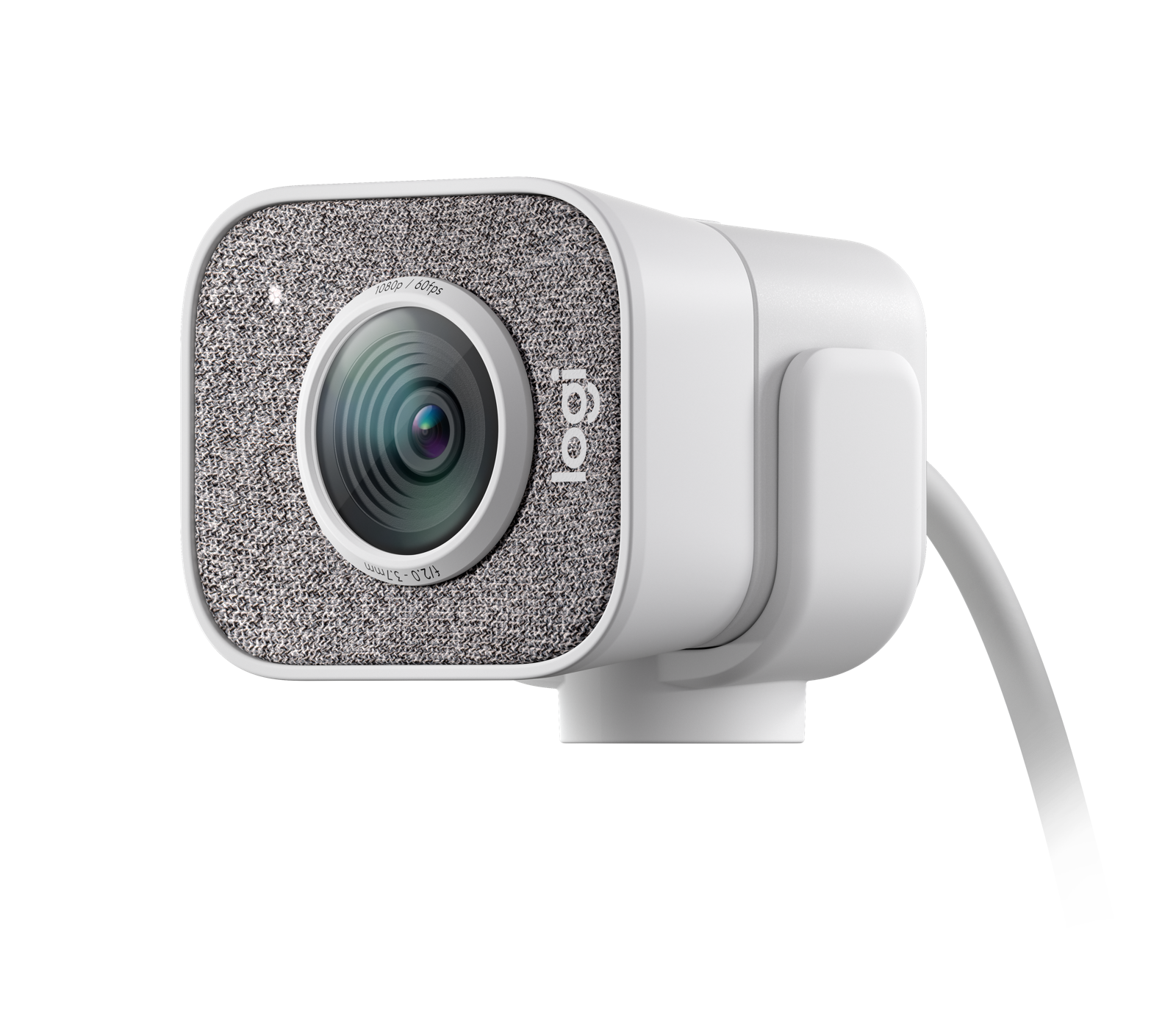
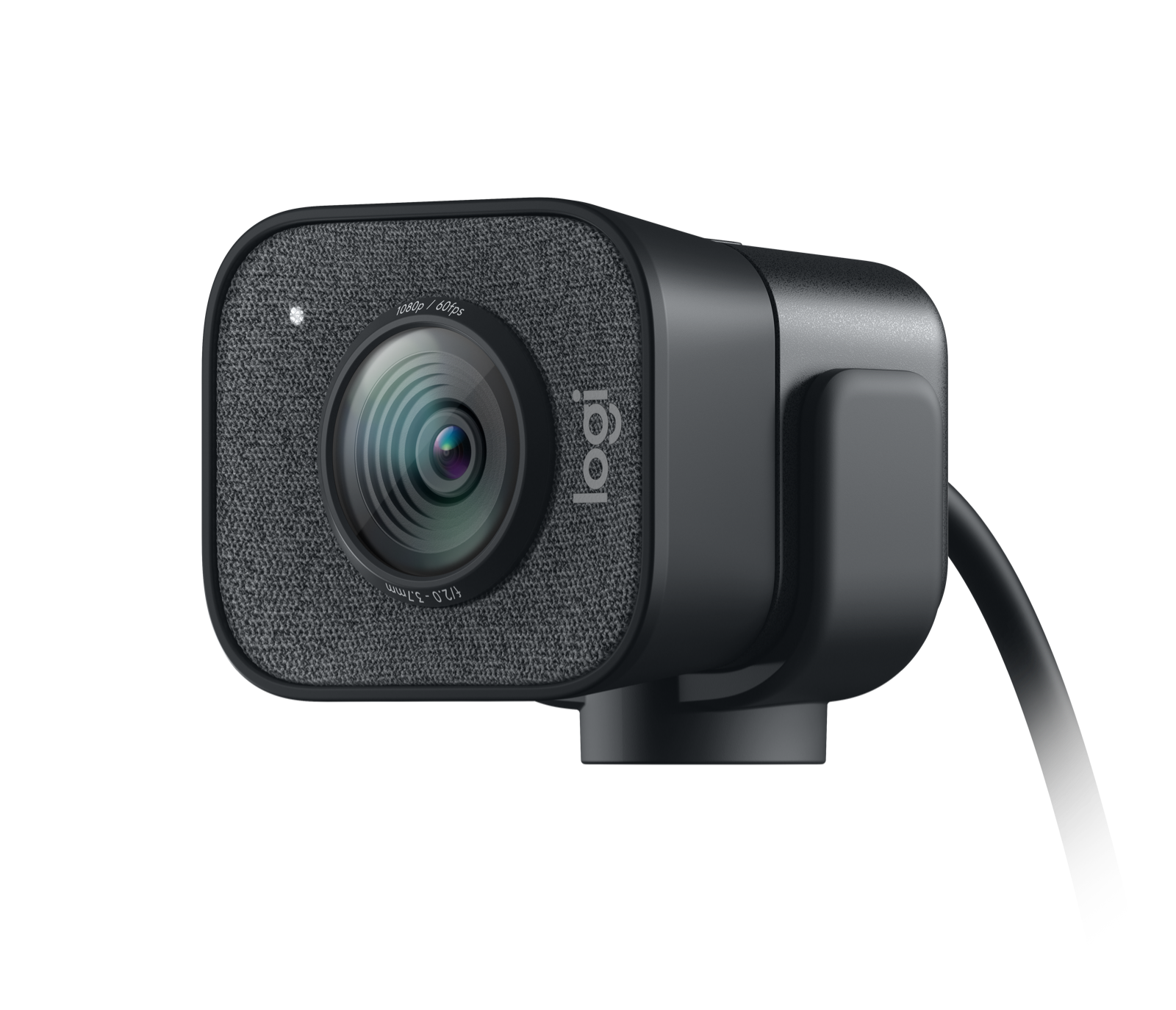
Logitech's U.S. product-model data identifies White 960-001289 and Graphite 960-001286, with separate exact-color manufacturer gallery images. The published product data shows the same StreamCam family; the recorded difference is finish, not a separate video or connection mode.
Does Logitech document the StreamCam SKU as TAA compliant?
No exact-SKU TAA statement appears in the reviewed product and support sources. The finder therefore does not count StreamCam for a required-TAA condition; this is an evidence limit, not a determination about every procurement route.
Explore this need in the finder →This research-based assessment covers the white Logitech StreamCam, U.S. part 960-001289. Logitech's U.S. consumer page identifies that color and part number; its model data also names a graphite StreamCam, 960-001286. I did not handle or test either camera. The comparison below uses Logitech's product page, technical specifications and setup guidance, not a claim of measured picture, sound or tracking quality.
Who the documented setup suits
StreamCam is a plausible shortlist candidate when Full HD at 60 frames per second, autofocus and built-in microphone hardware are the priorities. Logitech describes the 1080p camera as designed for streaming and content creation, lists a 78-degree diagonal field of view, and specifies two omnidirectional microphones with a noise-reduction filter. Those are useful details for planning a desk or creator setup, but they do not establish that the framing, focus transitions or captured voice will suit a particular room. The manufacturer's claims can be checked on the exact U.S. StreamCam page and its model-specific technical sheet.
60 fps depends on a real USB path
The headline mode needs more care than a connector-shape check. Logitech recommends a direct USB 3.1 Gen 1 Type-C connection for 1080p60 and gives computer-generation, processor, graphics and memory recommendations for that mode. A laptop port with the oval USB-C shape is not, by itself, evidence that it meets the required data path. Logitech also advises against hubs and adapters for the best video-quality path. Check the port's data capability, the camera's attached cable reach, the video application and the host configuration before treating 60 fps as available to you.
There is a documented lower-bandwidth fallback: Logitech's StreamCam computer-specification guide describes 720p30 through USB 2.0 with a USB-C-female to USB-A-male adapter. That is a narrower setup, not a way to retain the advertised 1080p60 mode through an arbitrary adapter. The guide's computer recommendations are specific to its tested/recommended configurations; I would not extend them to every processor, operating system or capture program. Compare that constraint with the C922, whose exact source material instead lists 1080p30 and 720p60 over its attached USB-A cable, or with the MX Brio, which adds documented 4K30 and an integrated shutter but has its own USB 3.0 requirement.
Focus, reframing and portrait use
Autofocus can be helpful when a speaker changes distance, and Logitech describes StreamCam's system as adjusting focus in real time. The available documents do not establish focus speed, noise or how it behaves while a person moves around a room. StreamCam's smart auto-framing is also a software-described framing feature, not a motorized pan-and-tilt mechanism; it should not be treated as proof of a physical tracking camera. Logitech separately describes portrait video and a rotating mount arrangement, which is useful to a creator planning a vertical composition. Verify the camera's orientation and application controls in the actual mounting position rather than assuming the lens follows someone automatically.
Camera audio and privacy are separate decisions
The technical sheet lists two omnidirectional microphones with noise reduction, so the camera can satisfy a requirement for built-in microphone hardware. That does not mean it replaces a headset or dedicated microphone in a noisy room, and it does not establish a mute control. On the privacy side, Logitech's model specifications list no privacy shade and no camera button or switch. The sources therefore do not document an integrated physical shutter. If a hard shutter is essential, use the finder to compare models with one; do not count software permissions or an add-on cover as the built-in mechanism requested by that filter.
Package, mounting and color records
The exact U.S. product data lists a camera with a fixed five-foot (1.5 m) USB 3.1 Gen 1 Type-C cable, a monitor mount, a tripod mount and documentation. The tripod mount is a camera fitting, not an included full-size tripod. Because the cable is attached, measure the host-to-camera route and make sure the intended mount position does not require a substitute extension that changes the documented USB path. Seller-created bundles may differ from Logitech's listed package, so compare the part number and in-box list on the exact offer.
For the graphite finish, Logitech's U.S. product-model data names part 960-001286 and supplies a separate graphite gallery image; the white 960-001289 model has its own white gallery image. The retained manufacturer records describe the same StreamCam family and do not show a mode, focus or package difference between these two colors. The review keeps the two finish identifiers visible without treating a color change as a different performance configuration.
Bottom line
StreamCam belongs on a research shortlist if its documented 1080p60 mode, autofocus and camera-side microphones align with the intended task and a direct USB-C 3.1 Gen 1 host path is available. It is a poor fit when an integrated privacy shutter, 4K capture or an established USB-A 1080p60 route is non-negotiable. Confirm the exact white or graphite part number, application mode and cable reach at purchase time. No independent image, autofocus, lighting, microphone, compatibility, latency or reliability test has been performed here.
Key specifications
Key details at a glance
| Documented modes and host limits | Full HD at 60 fps is documented for direct USB 3.1 Gen 1 Type-C. Logitech's specification guide describes a reduced 720p30 configuration when USB 2.0 is used through the specified USB-C-female to USB-A-male adapter. |
|---|---|
| Focus system | Autofocus |
| Diagonal field of view | 78° |
| Built-in microphone | Yes |
| Physical privacy shutter | No |
Use the exact model’s instructions for operating limits, supplied equipment and version differences.
Sources for this review
Sources for this assessment
- Logitech U.S. consumer webcam category — live capture, pagination still unresolved
- Logitech StreamCam — White, U.S. SKU 960-001289
- Logitech StreamCam technical specifications
- Getting Started — Logitech StreamCam
- How can I get the best video quality with StreamCam?
- Recommended Computer Specifications for StreamCam
Compare the features that affect your setup
Set essential video, focus, privacy and microphone requirements together; leave nonessential choices open.