
Your needs, this model
Does it fit your priorities?
Can MX Brio output 4K video at 60 frames per second?
No 4K60 mode is documented for this SKU. Logitech lists 4K at 30 fps and 1080p at 60 fps, and its exact US page calls for a USB-C port supporting USB 3.0. Check that the video application also offers the mode you intend to use.
Explore this need in the finder →Is the privacy cover built into the lens ring?
Yes. Logitech describes a built-in rotary privacy shutter that physically blocks the camera lens. It is a camera cover, not a substitute for checking an application's access or the computer's camera permissions.
Explore this need in the finder →Does MX Brio include a microphone?
Yes. Logitech lists dual beamforming microphones with noise reduction and a range up to 1.2 m. That specification does not establish how well they will suit a particular room, distance or call application.
Explore this need in the finder →Can I show a paper document during a call?
The manufacturer describes Show Mode: tilt the camera down toward the desk to share notes or sketches. It is a manual aiming arrangement, not a separate overhead camera, and the view depends on your mounting position and app.
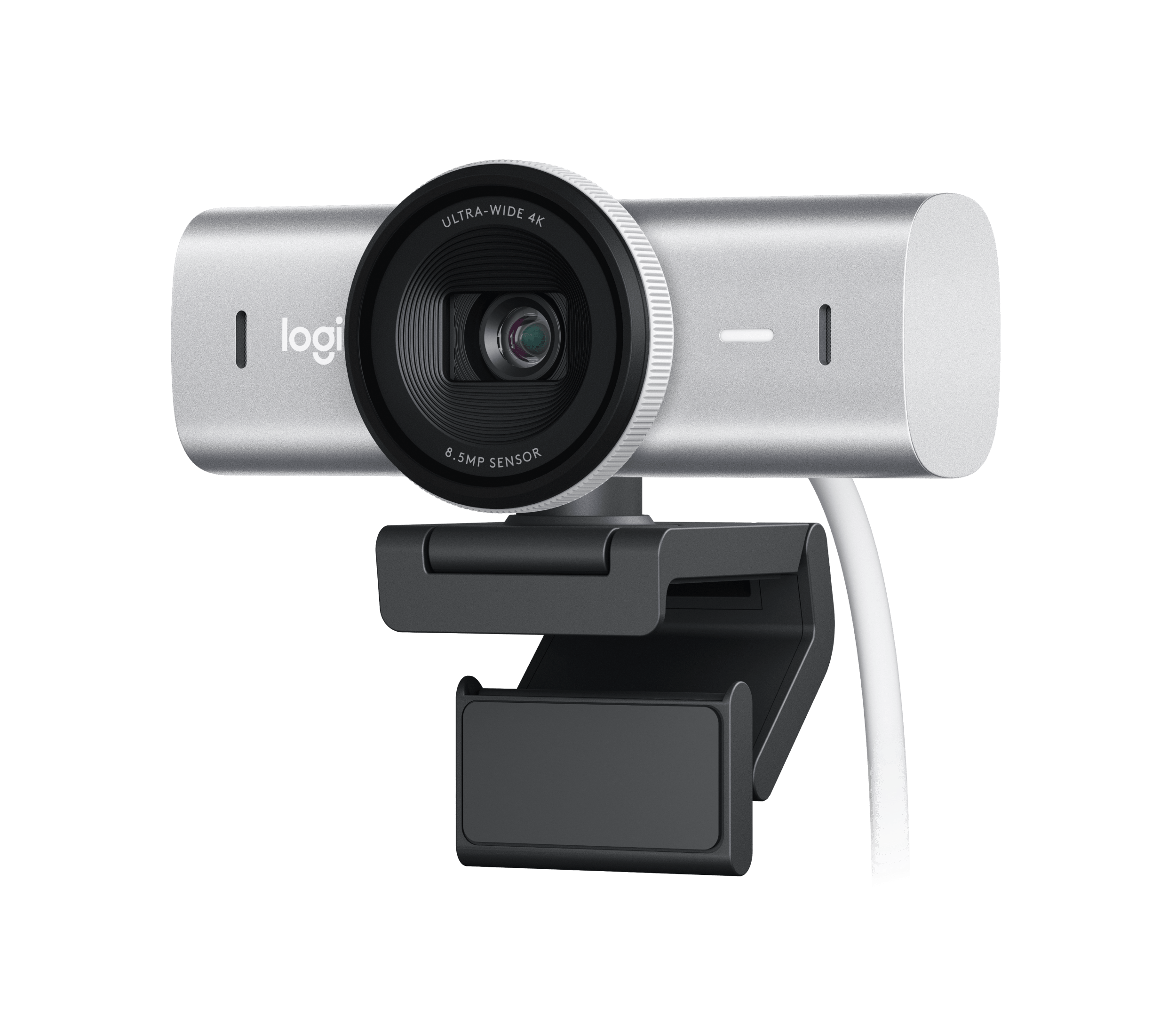
This is an evidence-based assessment of the US Pale Gray MX Brio SKU 960-001550, not a hands-on test. Logitech positions it for both calls and streaming. Its documented feature mix is more useful than the phrase “4K webcam”: it pairs 4K at 30 frames per second with autofocus, a built-in shutter, two microphones and a host-connection requirement that deserves checking before purchase.
4K is available, but not at 60 frames per second
The exact US product page lists 4K at 30 fps or 1080p at 60 fps. It does not list 4K60, so a buyer who needs that specific capture mode should not treat this camera as meeting the requirement. The page specifies an 8.5-megapixel Sony STARVIS sensor and a glass lens. Logitech advertises larger pixels and up to twice the detail and face visibility compared with its Brio 4K; that remains a manufacturer comparison, not an independently measured picture-quality result.
Framing choices are broader than a single fixed view: Logitech lists diagonal fields of view of 65, 78 and 90 degrees and 4x digital zoom. The company describes autofocus and offers controls in Logi Options+ and G HUB; its support guide also explains that autofocus can be disabled for manual focus. These settings are useful to understand when planning a desk position, but the camera cannot make the light in a room, the angle of a laptop display or the application’s capture menu disappear. Check the meeting or streaming app’s own resolution and device options.
Check the USB connection as carefully as the resolution
For this retail edition Logitech specifies a USB-C port supporting USB 3.0. The listed cable is a detachable 1.5-meter USB-C-to-USB-C cable, also identified as USB 3.0. A port’s connector shape alone does not establish its data capability. Before choosing this model, verify the computer’s actual USB specification and whether the cable can reach the camera position. The sources reviewed here do not establish an alternate USB 2.0 fallback mode or a USB-A cable in the box, so do not assume either.
The supplied mounting arrangement is unusually flexible on paper: the getting-started instructions describe a magnetic clip with removable adapter and micro-suction pad; the camera also has a standard tripod thread. A tripod is not listed as included. The camera can be panned and tilted, and Logitech’s Show Mode is intended for pointing it down at notes or sketches during a call. That is a manual desk-facing presentation setup, not a separate overhead document camera. Consider whether there is room to tilt the camera and whether your computer display remains in a comfortable position when doing so.
Built-in privacy and built-in audio answer two practical questions
The lens ring has a rotary physical shutter that Logitech describes as blocking the camera when it is closed. This is more convenient than a loose accessory when a built-in cover is essential, but it does not change operating-system permissions, disable another camera, or mute audio. MX Brio includes dual beamforming microphones with noise reduction; the page gives a stated pickup range up to 1.2 meters. That distance is a specification, not a promise of intelligibility in a reflective room or a comparison with a headset. Separate audio may still be preferable where voice pickup matters more than keeping the desk simple.
Logitech recommends Logi Options+ for video conferencing and G HUB for game streaming, with the fine-control features described for Windows and macOS. It lists basic UVC webcam support for ChromeOS and Linux without Logitech software there. If manual exposure, focus adjustment or Show Mode control is important, check the software’s current system requirements rather than assuming that USB recognition provides those features on every computer.
How it differs from Brio 4K
MX Brio is not just a color refresh of Brio 4K. The reviewed MX Brio SKU has an 8.5 MP STARVIS sensor, 4x zoom, a C-to-C USB 3.0 cable and an integrated rotary shutter. The distinct Brio 4K SKU 960-001390 lists a 13 MP sensor, 5x zoom, Windows Hello and an attachable external shutter; its current US package instead lists a USB-A-to-USB-C cable. Both product pages list 4K30 and 1080p60, so selecting MX Brio does not buy a higher advertised frame rate at 4K. Sensor megapixel counts and brand comparisons do not determine how either camera will look in a particular room.
Separate MX Brio finish SKUs
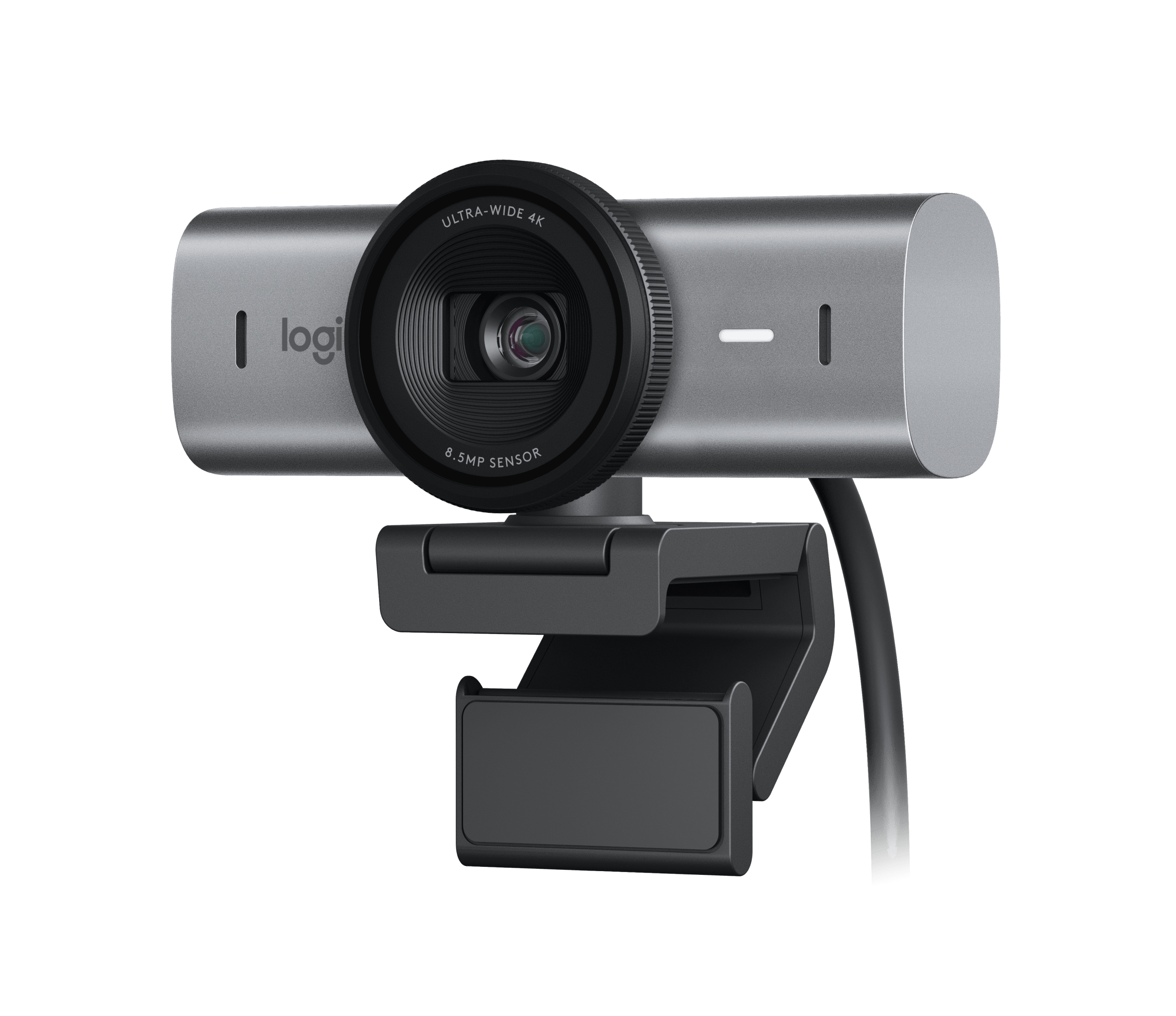
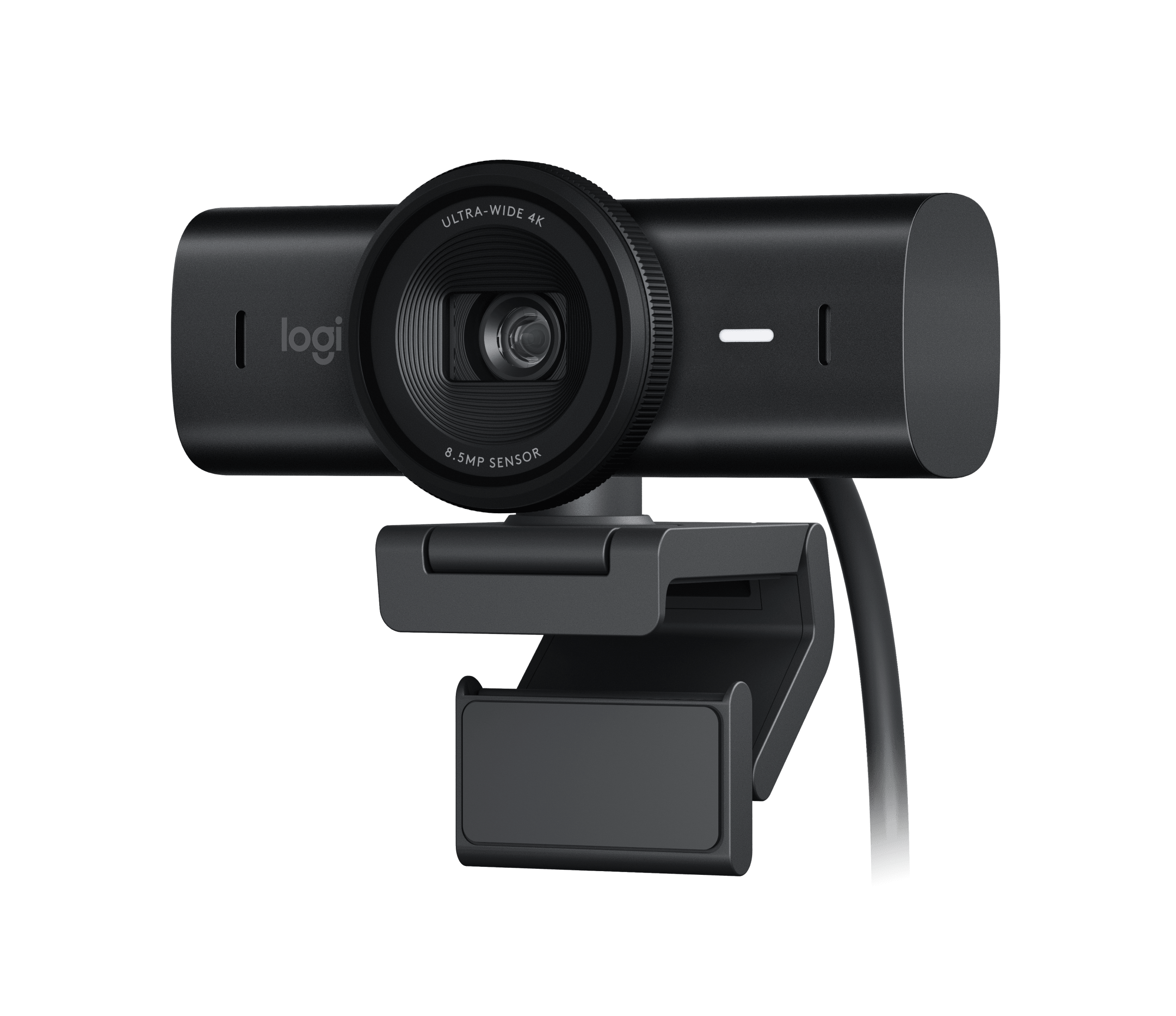
The Pale Gray 960-001550 edition assessed here is not the only MX Brio finish on Logitech's US page. The same product family lists Graphite 960-001545 and Black 960-001558. The three exact variant pages identify the finishes separately while showing the same published resolution modes, autofocus, shutter, microphones, software and standard package; the observed distinction is color, not an evidenced change in core webcam function. Keep the suffix attached to an offer and do not assume that a listing for one color is another. The following manufacturer images show the two other verified finish variants; the lead image above remains the exact Pale Gray edition.
MX Brio finish references
What to verify before ordering
Confirm the exact color SKU — Pale Gray 960-001550, Graphite 960-001545 or Black 960-001558 — rather than confusing any of them with the distinct Brio 4K. Check for a USB-C host port that supports USB 3.0, cable reach, software availability and the exact mode exposed by your application. The listed package contains the webcam, mount clip with removable adapter, USB-C-to-C USB 3.0 cable and user documentation; it does not list a separate microphone, external power adapter or tripod. A careful buyer who wants autofocus, a built-in shutter, integrated sound and Show Mode may find a coherent match here, provided 4K30 is enough and the USB-C connection is genuinely supported. If 4K60 is essential, this published specification does not establish a fit.
Key specifications
Key details at a glance
| Documented modes and host limits | The exact US product page requires a USB-C port supporting USB 3.0. It lists 4K/30 and 1080p/60; it does not establish a 4K60 mode or USB 2.0 fallback. |
|---|---|
| Focus system | Autofocus |
| Diagonal field of view | 90° |
| Built-in microphone | Yes |
| Physical privacy shutter | Yes |
Use the exact model’s instructions for operating limits, supplied equipment and version differences.
Sources for this review
Sources for this assessment
Compare the features that affect your setup
Set essential video, focus, privacy and microphone requirements together; leave nonessential choices open.