
Your needs, this model
Does it fit your priorities?
Can Mevo Core work as a wired webcam?
Yes. Mevo identifies a wired UVC webcam mode, and its hardware guide says only one of the two USB-C ports supports UVC video output. The camera must be powered and the webcam mode enabled; check the designated port, app steps and the target software's actual mode list.
Explore this need in the finder →Does U.S. SKU 961-000508 include a usable lens?
No lens is listed in the exact package. The box includes the camera body, a 2 m USB-C-to-USB-C cable and a removable lens cap. Budget for and verify a compatible Micro Four Thirds lens; focus type, focal length and field of view will then depend on that choice.
Does Mevo Core have a built-in privacy shutter?
No integrated shutter is documented. The package lists a removable lens cap, which is not a built-in shutter and must be fitted over the lens. The body ships without an included lens, so confirm how the chosen lens and cap work together.
Explore this need in the finder →Is its camera microphone built in?
Yes. Mevo lists a three-MEMS microphone array with spatial microphone processing. That confirms the hardware specification, not measured pickup quality; an external audio route may still be preferable for the room and distance.
Explore this need in the finder →Can the camera provide 4K webcam video while using HDR or stabilization?
The Core-specific Mevo settings guide says the UVC + 4K mode disables HDR and electronic image stabilization. Verify the mode shown by the current firmware and target software; the page does not provide one complete webcam mode matrix for every host.
Explore this need in the finder →Research-based assessment · U.S. Black model 961-000508
Mevo Core sits at the border between a webcam and a small production camera. Logitech lists the exact U.S. model in its webcam catalogue, while Mevo describes it as a wireless live-streaming camera. The category bridge is real: Mevo documents wired USB Video Class (UVC) webcam output, and the Core-specific hardware guide identifies which of its two USB-C ports carries that signal. It is therefore a plausible option for someone who wants an interchangeable-lens camera that can also serve as a computer webcam. It is not the simple, complete camera-on-a-clip package people may expect from the word “webcam.”
The largest catch is in the box
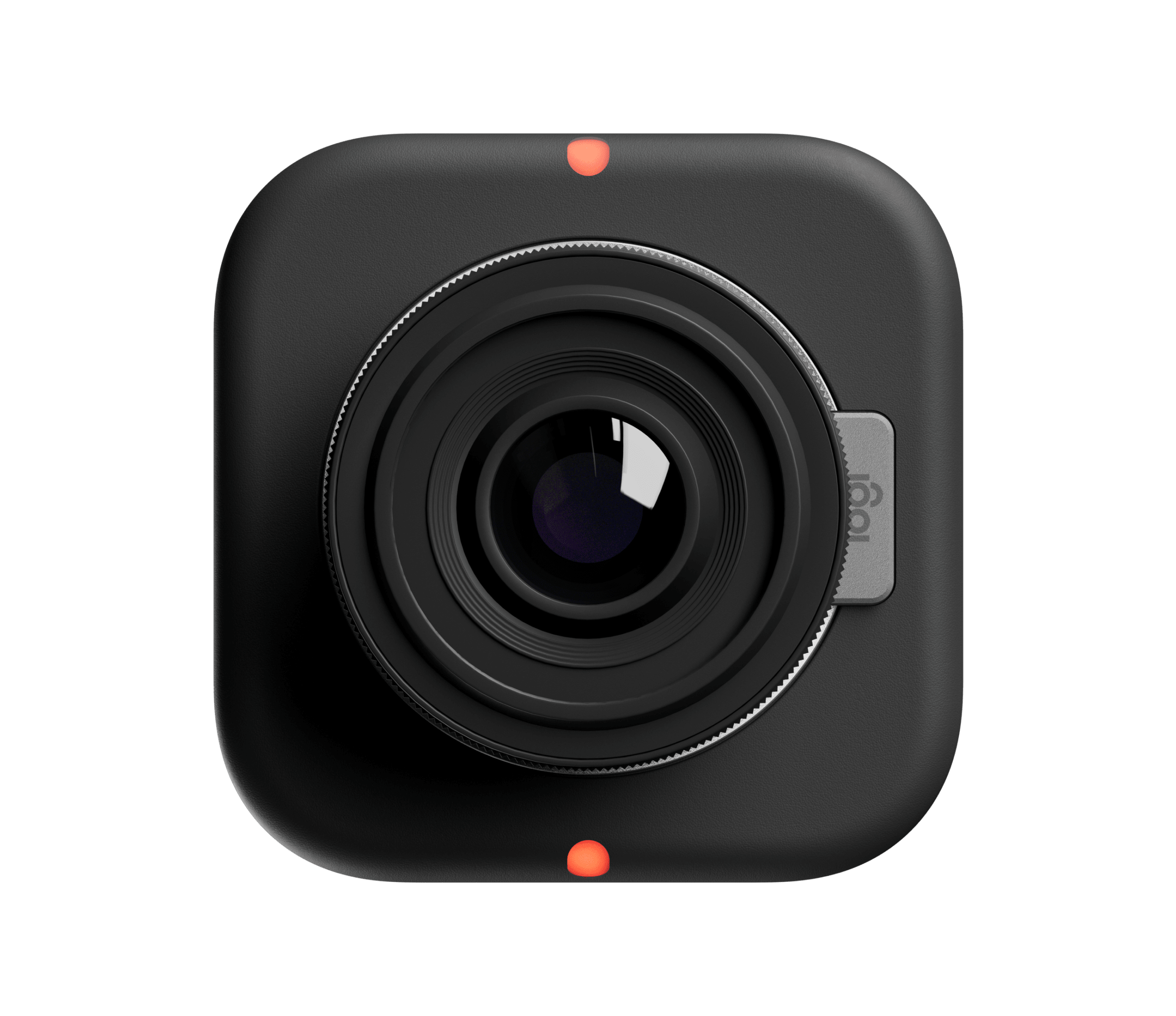
The U.S. model record binds the black camera to part 961-000508. Its listed package contains the camera, a 6.5-foot (2 m) USB-C-to-USB-C cable and a lens cap, but not a Micro Four Thirds lens. That mount is a real creative option, not an included lens: the camera body needs a separately sourced compatible lens before it can frame a subject. Focus behavior and field of view consequently depend on that lens. The bare body cannot honestly be labelled fixed-focus or autofocus, and its angle of view is not one fixed webcam number.
This changes the buying calculation. A conventional webcam arrives with a lens set for its intended use; Core makes the buyer select optics, position and support hardware. Its four 1/4-20 mounting points allow a flexible rig, but a stand or tripod is not on the package list. The product page's photos may show a lens configuration; check the exact box contents rather than reading a pictured lens as included equipment.
Webcam mode is a specific connection plan
Mevo's wired webcam route uses UVC so a computer can recognize the camera as a video source without an extra desktop capture application. The Core's two USB-C ports are not interchangeable for this purpose: its hardware guide says only one supports UVC video output. Mevo's webcam instructions describe enabling the camera mode after startup, while its app materials also document a networked webcam route. This is more involved than a typical plug-in webcam, particularly if the host is managed or if the camera sits in an inaccessible position.
The product family advertises 4K30 and 1080p60 streaming or recording, but that list is not the same as a complete UVC compatibility table for every video-call app. The Core settings guide does explicitly discuss a UVC-plus-4K mode. It also says that UVC 4K disables HDR and electronic image stabilization, while high-frame-rate UVC settings change other output behavior. Treat those combinations as configuration choices to verify on the current firmware and target software, not as a promise that every headline mode remains simultaneously available.
Production features bring extra decisions
The camera's interchangeable MFT mount, 4/3-inch sensor, wireless connection and built-in battery are aimed at mobile production as much as desk calls. Mevo lists four recording modes and a larger set of streaming modes; the advertised maximum is 4K30, with 1080p60 also listed. The stated runtime is “up to” six hours for specific recording or streaming conditions, not an independently measured webcam-session result. Wi-Fi 6E, HDMI, NDI and SRT provide additional production paths, but a wireless stream, a hardware HDMI feed and wired UVC webcam mode are different workflows. The camera's app is required for initial setup and for its broader controls.
Three built-in MEMS microphones and spatial processing are documented. Their presence may spare a separate audio device for some arrangements, but it says nothing by itself about sound quality at a particular distance, in a reflective room or through a particular meeting app. The package's USB-C cable is 2 m, and the intended UVC port, a lens, power route, microphone choice and camera mounting position all deserve a pre-purchase check.
Privacy, focus and buying checks
There is no integrated shutter listed. A removable lens cap is a physical cover, but it is not a shutter built into the camera; the package description also does not include an MFT lens with which to use that cap. No TAA statement appears on the reviewed exact model page, so business-oriented features or the Logitech name should not be treated as procurement evidence. The model also is not described as weather resistant.
Before selecting 961-000508, verify the exact part number, compatible MFT lens and its focus method, field of view and mounting needs, plus the exact webcam-mode resolution exposed by the intended app. Confirm that the computer's USB-C route reaches the UVC-capable port, and check whether HDR, stabilization, HDMI output and frame rate can coexist in the required configuration. If the need is simply a quick autofocus call setup with a built-in privacy shutter, Core's flexibility may be needless complexity. If the goal is a modular camera body that can cross between live production and UVC webcam use, its unusually broad I/O is more relevant—provided the separate lens and setup work are acceptable.
Evidence boundaries
This assessment interprets Logitech's exact U.S. product record and Mevo's Core specifications and support documentation; it is not a hands-on test. The maker's general recording and streaming modes do not prove how a particular operating system, webcam application or conference service will expose them. Mevo's support page does not publish one complete UVC mode matrix for every firmware/application combination, and no independent image, microphone, battery or stabilization test is claimed here. Confirm the mode and the exact package before relying on them.
Primary sources: Logitech's U.S. Mevo Core page, Mevo Core specifications, Core hardware diagram, Mevo webcam-mode guide and Core video settings.
Key specifications
Key details at a glance
| Documented modes and host limits | The exact Mevo Core U.S. product record lists 4K30 and 1080p60 among streaming and recording modes. Mevo's Core-specific settings guide confirms a UVC + 4K path, but does not publish a full application-specific USB webcam mode table; do not read 1080p60 as a guaranteed UVC output or 4K60 mode. |
|---|---|
| Built-in microphone | Yes |
| Physical privacy shutter | No |
Use the exact model’s instructions for operating limits, supplied equipment and version differences.
Sources for this review
Sources for this assessment
Compare the features that affect your setup
Set essential video, focus, privacy and microphone requirements together; leave nonessential choices open.