
Your needs, this model
Does it fit your priorities?
Can Mevo Core for Business work as a wired webcam?
Yes. Mevo documents a wired UVC webcam mode; only one of the two USB-C ports on the Core supports webcam output. Enable the camera's webcam mode and verify the intended software's actual resolution and frame-rate list.
Explore this need in the finder →Does U.S. SKU 961-000521 include an MFT lens?
No. Logitech's exact business package lists the Mevo Core camera body with the lens not included, a 2 m USB-C cable and a body cap. Add a compatible lens and check its focus, view angle and mount needs before comparing it with a complete webcam.
Does the Business Core have an integrated privacy shutter?
No integrated shutter is documented. A removable body cap is listed, but that is not a built-in lens shutter. A lens is sold separately, so choose a compatible physical cover as part of the setup if needed.
Explore this need in the finder →Does this camera include a microphone?
Yes. Logitech lists an integrated three-microphone array and Mevo describes its Core's three-MEMS spatial-processing array. Those specifications do not establish pickup quality for a particular room, user distance or app.
Explore this need in the finder →Is Core for Business technically different from consumer Mevo Core?
The product pages show an exact SKU, Graphite vs Black, a different listed body cap/lens-cap package item, and higher published 4K/30 and 1080p/60 bitrates on the business page. Because Logitech does not explain the discrepancy, do not assume the figures prove a measured or firmware-level upgrade; confirm the part and package with the seller.
Research-based assessment · U.S. Graphite model 961-000521
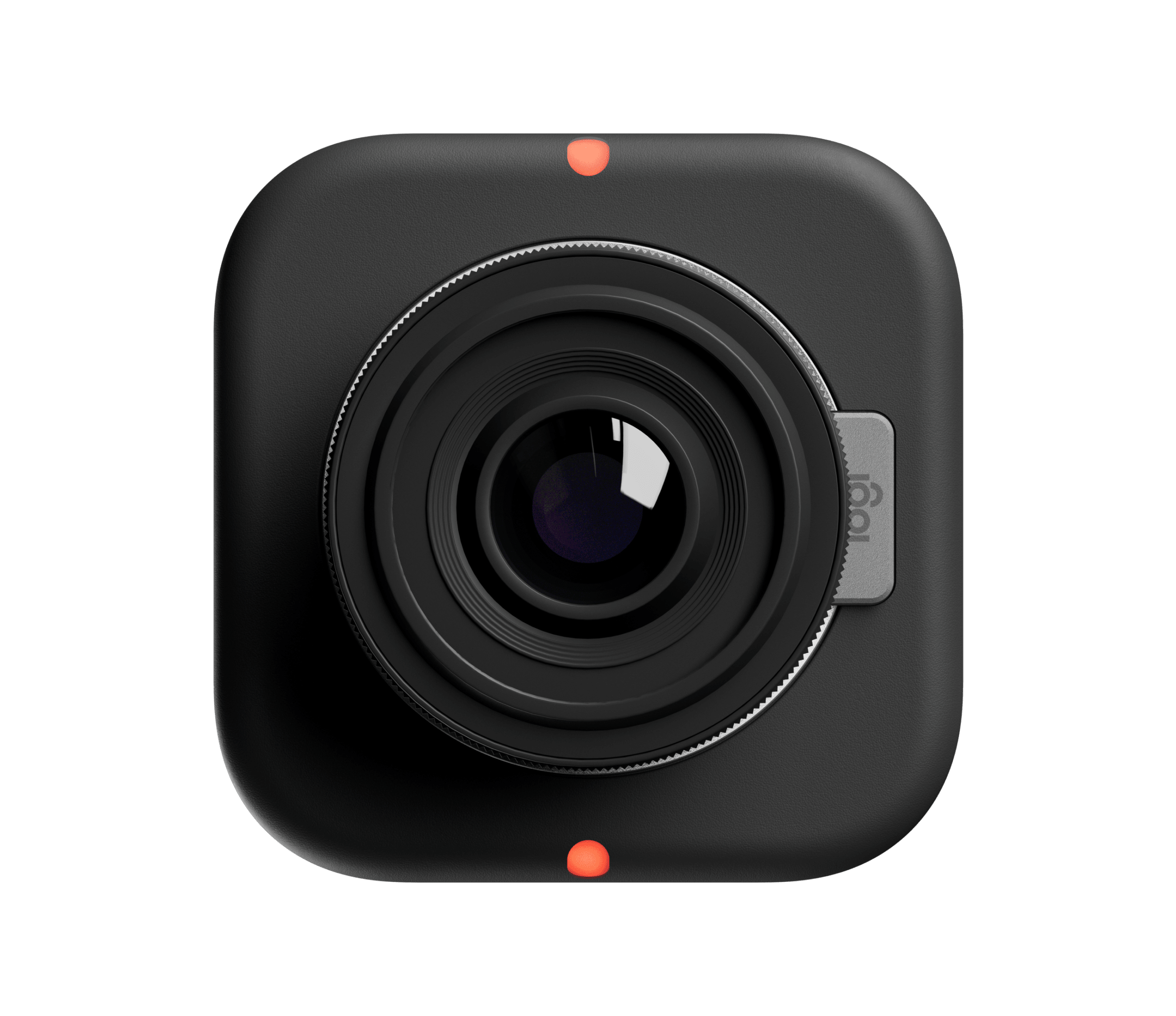
Mevo Core for Business should be evaluated as a separate exact product record, not silently folded into consumer Mevo Core. Logitech's U.S. business product page identifies Graphite SKU 961-000521 and lists the camera in its webcam channel. The Core family has a documented wired UVC webcam mode, so the business variant can serve as a computer camera as well as a streaming camera. Its main appeal is a modular production body with HDMI and network output options; it is not a conventional all-in-one webcam with a ready-to-use fixed lens and clip.
Body-only means optics are a separate purchase
The exact business page's package list describes the Mevo Core camera body with the lens not included, a 2 m USB-C-to-USB-C cable and a body cap. It is built around an interchangeable Micro Four Thirds mount and 4/3-inch sensor. A compatible lens is therefore part of the basic system, not an optional image-enhancement extra. The lens determines field of view and contributes the focus system; Logitech's camera body alone cannot be classified as fixed-focus or autofocus. Check lens compatibility, required focal length, focus behavior and how the chosen lens will be supported before comparing the product with a complete desktop webcam.
The listed body cap is a removable cover, not an integrated privacy shutter. Four 1/4-20 mounting points make alternative rigging possible, but the page does not list a stand or tripod, and the 2 m cable only helps if the chosen camera position reaches the computer. A microSD slot is present in the Core design, but the exact package list does not include a memory card.
UVC works, but confirm the port and application
Mevo's Core-specific hardware guide identifies two USB-C ports and says that only one carries wired UVC webcam output. The business product page also lists dual USB-C ports; it does not make those two ports interchangeable for webcam video. Mevo's webcam-mode instructions cover a wired route and a same-network software route; the wired option lets the computer see the camera as a UVC source, but the mode still has to be enabled and the correct physical port selected. These steps, along with app-led control and the need to supply a lens, make this a production-camera workflow rather than a no-setup substitute for a small USB webcam.
Logitech lists 4K30 and 1080p60 among the business model's capture and streaming modes. Mevo also documents a 4K UVC setting, but its support material does not give a complete UVC mode list for every host, firmware and video application. In particular, the Core settings page says that UVC at 4K disables HDR and electronic stabilization, and its high-frame-rate UVC settings affect other outputs. Check the exact UVC modes in the app you plan to use; don't assume that every recorded, streamed and HDMI mode is available at once.
Do not overread the bitrate difference
The business product page publishes higher bitrate values than the consumer 961-000508 page for related 4K30 and 1080p60 recording/streaming modes. For example, its published 4K30 and Full HD 60 fps streaming ceilings are 20 and 15 Mbps, whereas the consumer page lists 12 and 8 Mbps. The pages also differ on the listed 1080p60 MP4 recording bitrate. These are actual source-page differences attached to distinct model pages, but Logitech does not explain whether they represent a channel configuration, a software/firmware distinction or different page copy. They are not measured comparative performance, and they do not establish that a business unit will produce a visibly better image. Treat the discrepancy as a question for the exact reseller offer and deployment, not as a reason to pay more.
Both variants share the Core's broad format: an interchangeable MFT camera, built-in three-microphone array, internal battery and 4K/30 production framing. Mevo's documentation gives up-to-six-hour battery conditions, but this is a maker claim, not an independent test or an assurance that the same time applies to a particular UVC session. Built-in microphones may simplify the cable plan, while external microphone inputs and HDMI output support more elaborate setups. Neither feature tells the buyer how audio or video will perform in a specific room, software or network.
Business SKU and package checks
For this assessment, the business label is a purchasing channel and product name—not proof of a security certification or TAA compliance. The exact Logitech page and reviewed documents do not identify this SKU as TAA compliant, so procurement status stays unknown. Verify that an offer actually specifies 961-000521 and the Graphite business product, then ask what is in that seller's package. The exact Logitech page lists a body cap where consumer 961-000508 lists a lens cap; both pages omit a lens. The images cannot resolve those package details or prove SKU-level compliance.
A sensible fit is a workplace, education or event workflow already prepared to manage Mevo software, select lenses and mount cameras—especially where switching between a computer webcam and a broader production route matters. A poor fit is a buyer who wants a single compact device that can be clipped above a monitor, plugged into any USB port, framed without choosing a lens and covered by an integrated shutter. Before purchase, confirm the MFT lens, which USB-C port is UVC-capable, cable reach, audio and power route, current app/firmware behavior, HDMI/UVC mode tradeoffs and exact included parts. If the bitrate specifications affect a procurement decision, request a written model-specific explanation rather than treating the current web text as a tested performance tier.
Evidence boundaries
This is a source-based assessment, not a hands-on test. The current Logitech U.S. business page binds the Graphite model name to SKU 961-000521 and gives its package and mode statements; Mevo's Core guides explain UVC operation and configuration limits. The public sources do not resolve why consumer and business pages disagree on bitrates, or which host/application combinations expose the advertised UVC modes. No measured image quality, battery result, call performance, customer rating, price or availability is claimed.
Primary sources: Logitech Mevo Core for Business, U.S. product page, consumer Mevo Core U.S. product page (comparison), Core hardware diagram, Mevo webcam-mode guide and Core video settings.
Key specifications
Key details at a glance
| Documented modes and host limits | The exact business product page lists 4K30 and 1080p60 recording and streaming. The Core-specific support guide identifies a 4K UVC mode, but it does not publish the full host/application-specific webcam mode matrix; 1080p60 should not be assumed as a UVC result, and 4K60 is not listed. |
|---|---|
| Built-in microphone | Yes |
| Physical privacy shutter | No |
Use the exact model’s instructions for operating limits, supplied equipment and version differences.
Sources for this review
Sources for this assessment
Compare the features that affect your setup
Set essential video, focus, privacy and microphone requirements together; leave nonessential choices open.