
Your needs, this model
Does it fit your priorities?
Does the C930e have a built-in privacy shutter?
No built-in shutter is documented. Logitech lists a separate attachable, flippable privacy shade in the package. That is different from the integrated sliding shade on the C925e.
Explore this need in the finder →Can SKU 960-000971 provide 1080p at 60 frames per second?
No 1080p60 mode appears in the reviewed Logitech material. The exact U.S. page lists 1080p30 and 720p30; the January 2025 datasheet confirms 1080p30 but does not enumerate 720p30. Verify the mode the intended app exposes if the 720p alternative matters.
Explore this need in the finder →What does the C930e use to connect to a computer?
The January 2025 datasheet specifies an attached five-foot (1.5-meter) USB-A cable. It does not list an included USB-C adapter or a detachable cable, so check the host and any separate adapter or dock before ordering.
Explore this need in the finder →How does the C930e differ from Logitech's C925e?
The C930e has a documented 90-degree diagonal view and an attachable shade. The C925e has a 78-degree view and an integrated sliding shade. The C930e page lists 720p30 while its 2025 datasheet omits that mode; the C925e page lists 720p60 while its datasheet omits that mode. Treat these as exact-model documentation differences, not interchangeable family specifications.
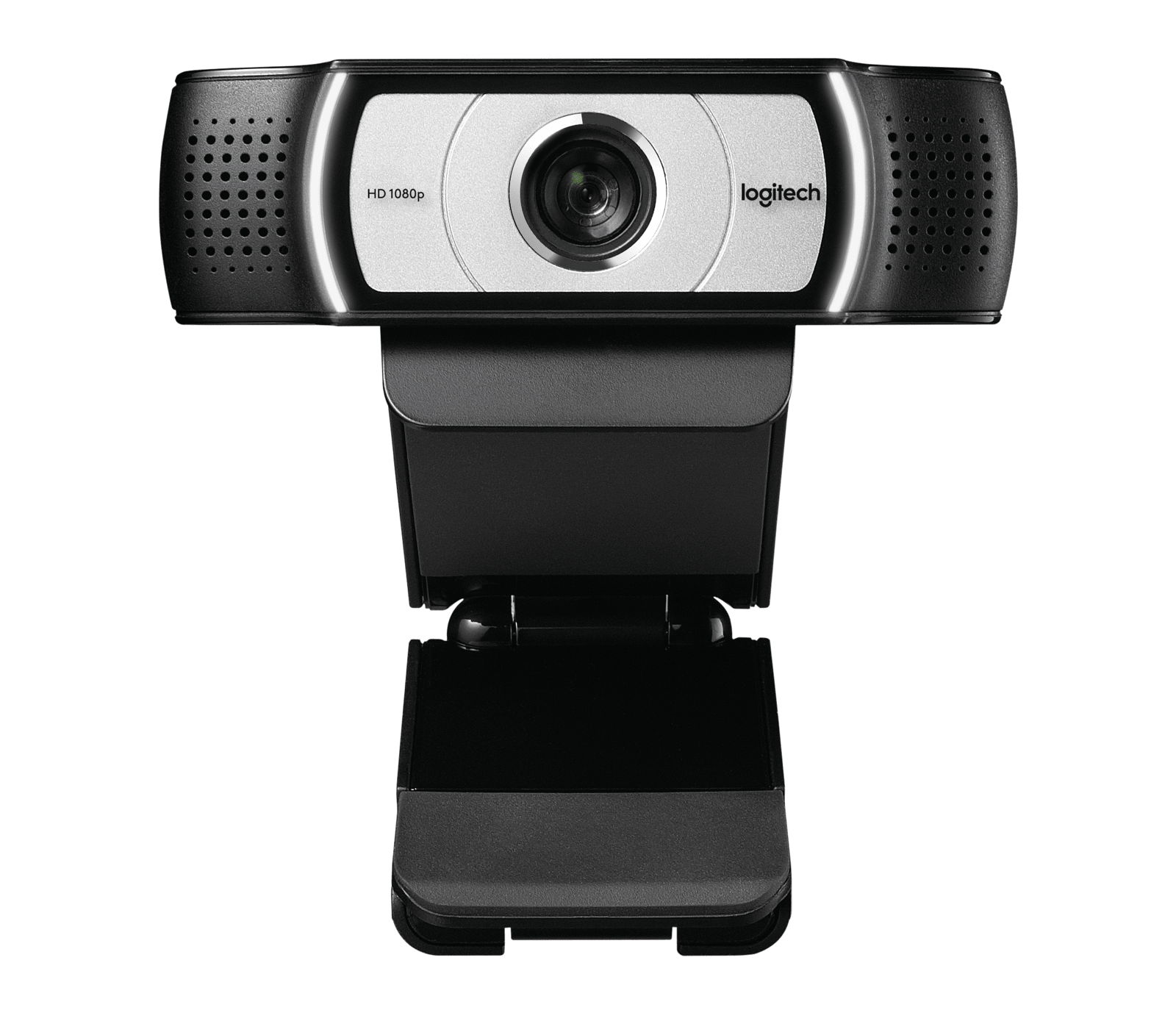
Explore this need in the finder →This assessment covers the black Logitech C930e Business Webcam, U.S. part 960-000971. Logitech’s exact U.S. page and January 2025 model datasheet describe a 1080p30 autofocus camera with a wide 90-degree diagonal view, two integrated microphones and a separate attachable privacy shade. This is source-based analysis, not a report from installation, ownership or hands-on testing.
What the 90-degree view is good for
The C930e’s most distinguishing framing specification is its 90-degree diagonal field of view. That is broader than the 78-degree view listed for Logitech’s C920e and C925e business models. A wider scene can be useful when a call needs to include more than one person, a physical object or part of a whiteboard without moving the computer camera far away. It also captures more of the space around the speaker, so a cluttered or private background may become more visible. The number describes the lens view, not a guarantee that every meeting app will display the same crop.
Logitech’s page also refers to pan, tilt and 4x HD zoom. The manufacturer datasheet calls the zoom digital and places it at Full HD; neither source gives a pan/tilt adjustment range. Digital zoom crops the sensor view rather than providing optical magnification, so it should not be treated as a promise of extra fine detail. Do not assume this is a self-tracking camera or that the advertised framing controls will work in every application.
Read the video ceiling carefully
The exact U.S. page lists HD 1080p at 30 frames per second and 720p at 30 frames per second in its specification data. The January 2025 datasheet confirms 1080p30 but does not enumerate 720p30, so that lower-resolution mode should be verified in the intended app if it matters. The reviewed material does not establish 1080p60 or 4K, so this is a Full HD meeting camera rather than a high-frame-rate creator choice. A buyer who needs smooth 1080p60 for motion-heavy streaming should compare a model whose exact edition documents that mode.
The datasheet identifies H.264 with Scalable Video Coding and UVC 1.5. Logitech presents these as ways to reduce reliance on computer and network resources, but that marketing statement is not a measured bandwidth test. Video formats can depend on the host, driver, conferencing application and selected settings. If a specific mode or encoding path is essential, check the intended computer and application documentation rather than relying on the general specification alone.
Privacy cover and microphones
The C930e package lists an attachable, flippable privacy shade. It is a physical lens cover, but it is not built into the camera body. That distinction matters if a built-in shutter is an essential requirement: the C925e has an integrated sliding shade, while the C930e’s cover is a separate accessory that must be attached and positioned. Inspect the exact package if buying a used or replacement unit, since an absent shade changes the privacy arrangement.
Two integrated omnidirectional microphones are documented, with Logitech stating that they are optimized to capture clearly up to one meter away. That describes the manufacturer’s intended pickup range; it is not an independent assessment of clarity, echo handling or noise rejection in a real room. The mics may be convenient for ordinary calls, but people who already use a headset or a dedicated microphone may prefer to select that audio device in their meeting software.
Connection, mount and setup checks
The datasheet identifies an attached five-foot (1.5-meter) USB-A cable. That is a straightforward match for a reachable USB-A port, but the cable is not described as detachable and no USB-C adapter is listed in the box. A USB-C-only computer therefore needs a separately verified adapter or dock; connector shape alone does not tell you whether the full data path is suitable. The supplied mount is a universal clip with a quarter-inch tripod thread, while the tripod itself is not included.
Logitech lists Logi Tune controls for zoom, color, manual focus and firmware updates. That software support does not establish that every control appears on every operating system or in every calling application. Check current support for the host you plan to use, then confirm the seller’s listing is for the black C930e part 960-000971 rather than a C920e, C925e, refurbished unit or a bundle with different contents.
How it differs from neighboring business webcams
The C930e and C925e both have autofocus and dual microphones, but the C930e’s listed 90-degree view is wider than the C925e’s 78-degree view. Their privacy parts differ too: the C930e includes an attachable shade, whereas the C925e has a built-in sliding shade. The C930e’s exact page lists 1080p30 and 720p30, while its January 2025 datasheet confirms 1080p30 but omits the lower mode. The C925e’s current page lists 1080p30 and 720p60, although its 2025 datasheet does not enumerate that 720p60 mode. Those are model-specific records, not interchangeable family claims.
Against the TAA-compliant, microphone-enabled C920e SKU 960-001401, the C930e again has the wider published 90-degree view rather than 78 degrees. The C920e datasheet also describes a separate shade, a shorter 1.5-meter cable and a specific TAA configuration. Compare the exact part number and its package instead of buying on the shared “e” suffix alone.
Who should consider another model
Look elsewhere if Full HD at 60 fps, 4K, a built-in shutter, a detachable cable or a documented USB-C connection is essential. The C930e’s 90-degree view may also be too expansive for a close desk shot or a background that needs to stay out of frame. Its product page describes pan, tilt and zoom, but the reviewed sources do not quantify their range or establish a tracking feature. For a fixed meeting position with enough room for the wider view, USB-A access and a 1080p30 ceiling, the documented feature set is a reasonable fit to compare—provided the exact host, app and package check out.
Key specifications
Key details at a glance
| Documented modes and host limits | The exact U.S. page specifies 1080p/30 fps and its technical specifications list 720p/30 fps. The January 2025 datasheet confirms 1080p30 and omits 720p30. No 1080p60 or 4K mode is established in the reviewed material. |
|---|---|
| Focus system | Autofocus |
| Diagonal field of view | 90° |
| Built-in microphone | Yes |
| Physical privacy shutter | No |
Use the exact model’s instructions for operating limits, supplied equipment and version differences.
Sources for this review
Sources for this assessment
Compare the features that affect your setup
Set essential video, focus, privacy and microphone requirements together; leave nonessential choices open.