
Your needs, this model
Does it fit your priorities?
Does Brio 4K Business SKU 960-001105 capture 4K at 60 fps?
No. Logitech lists 4K30, 1080p60 and 720p90 for this exact model. A 4K60 minimum is not established; the 4K workflow also needs USB 3.0, a compatible application/system and an appropriate display.
Explore this need in the finder →Does Black SKU 960-001105 include a built-in lens shutter?
It includes a physical flippable shutter, but Logitech calls it attachable and lists it as a separate package item. It is not built into the camera body, so it does not meet a requirement specifically for an integrated shutter.
Explore this need in the finder →What is needed to connect this Brio 4K to a USB-C-only computer?
The exact package includes a 1.5 m USB-A-to-USB-C cable. Logitech says USB-C use requires a third-party adapter that is not included; check a compatible data adapter and the USB 3.0 path if 4K is essential.
Is Logitech's 960-001105 business webcam TAA compliant?
The current exact page and regional datasheet reviewed do not state TAA compliance for this SKU. Treat status as unconfirmed and request exact-part procurement documentation rather than inferring a yes or no from the Brio name.
Explore this need in the finder →Will the adjustable view and zoom work on ChromeOS?
The datasheet says Logi Tune provides field-of-view and zoom adjustments on Windows and macOS, and also states that Tune is unavailable on ChromeOS. Check the actual host's supported controls before planning to change framing in software.
The exact business edition matters
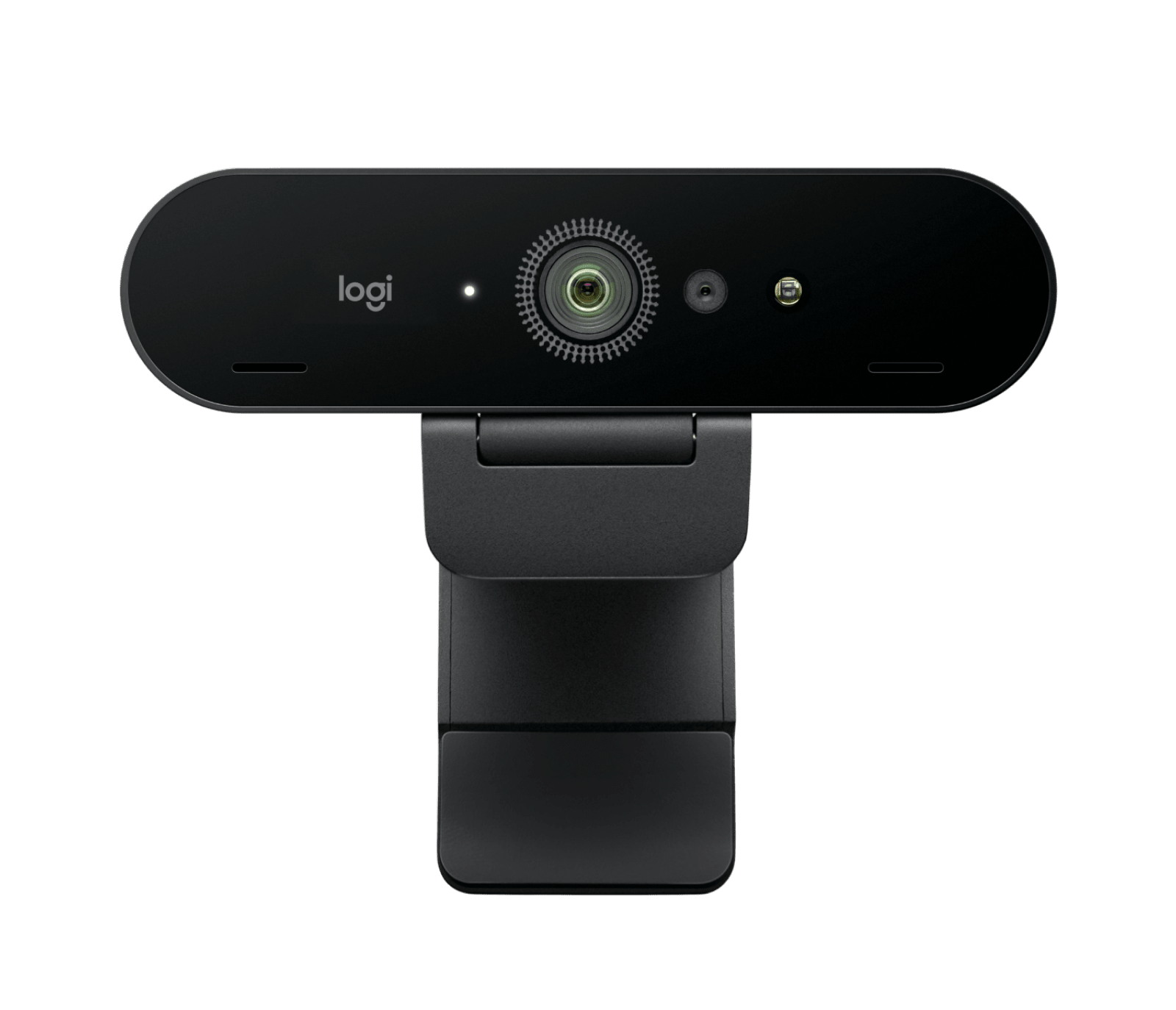
This assessment is for the black Logitech Brio 4K Business Webcam, U.S. part 960-001105. The current Logitech business page’s product-model record and the May 2025 regional datasheet agree on the Black finish and America part number. It is a distinct, current U.S. configuration from the Graphite consumer Brio 4K SKU 960-001390 and from MX Brio. Do not identify it from the family name alone: verify the suffix and color on a quote and the received package.
The listed video modes make the first decision clear. Logitech specifies 4K at 30 fps, 1080p at 60 fps and 720p at 90 fps. It does not list 4K60. The higher 720p frame rate is not interchangeable with a 4K mode, and neither list proves which settings a particular meeting application exposes. Logitech’s own guidance says 4K requires a USB 3.0 connection, compatible system and application support; it also points to a 4K-capable monitor for that workflow. Treat resolution, frame rate and host bandwidth as a combined check rather than assuming the camera reaches every listed mode through any port.
Autofocus, digital zoom and software framing
The datasheet lists autofocus, a 13-megapixel sensor and 5× digital zoom. Digital zoom is a crop, not an optical zoom lens. The three diagonal field-of-view presets are 65, 78 and 90 degrees; the product page says Logi Tune is required to select them. Tune is available on Windows and macOS, but not ChromeOS. That software dependency affects convenient adjustments, not the fact that a fixed view is the camera’s only confirmed choice when Tune is unavailable. Check whether your intended host and camera app give you the controls you need.
RightLight 3 with HDR is part of Logitech’s description, but the datasheet does not state the maximum resolution or frame rate while HDR is active. No HDR-specific mode is therefore promised here. Windows Hello support is another specific feature: Logitech describes optical and infrared sensors for Windows facial sign-in. It is a compatibility feature for a suitable Windows setup, not a claim that the camera makes other systems secure or that sign-in works without configuration.
Read the package as part of the setup
The exact Black business SKU’s datasheet lists a 1.5-metre USB-A-to-USB-C cable, a detachable universal clip with a tripod thread, an attachable privacy shutter and documentation. It does not include a tripod. The included cable connects to a USB-A host; Logitech says USB-C use requires a third-party adapter that is not in the packaging. If you need USB-C, check the adapter route and the port’s data capability before purchase. A USB 3.0 connection is the documented requirement for 4K.
The privacy shutter is physical but not built into the camera body. It is a separate piece that attaches and flips over the lens. This is not the same as the Brio 305 or Brio 505 integrated shutter arrangements, and it does not satisfy a requirement specifically for a built-in cover. The two integrated omnidirectional microphones are listed with noise cancellation; Logitech advertises a range up to 1.2 metres. Those specifications are not independent audio measurements, so a room with echo or competing voices still calls for a headset or a separate audio assessment.
Where the 4K specification helps—and where it stops
For a desk setup that genuinely needs 4K30, the model has a clear documented mode, autofocus and adjustable framing. A Full HD 60 fps stream is also listed when motion smoothness matters more than the 4K option. For other uses, the sensible buying question is whether the computer, cable path and app can reach the desired format, not whether “4K” appears in the product title. The source material does not document USB 2.0 fallback modes, an HDR mode table or support for every conferencing platform at every frame rate.
Compared with the current Graphite Brio 4K assessment, the business part number is a Black regional model record with its own exact product page and datasheet, while the published model family shares the same Brio 4K mode and package specification. The SKU remains distinct in this review and image record rather than being treated as an interchangeable listing. Compared with MX Brio, this Brio has a separate shutter, a supplied USB-A-to-USB-C lead and Windows Hello; it does not inherit MX Brio’s built-in rotary shutter, USB-C cable or Show Mode.
When to skip it
Look elsewhere if you require 4K at 60 fps, a built-in physical shutter, a USB-C cable in the box, or a mode the intended computer and application have not confirmed. The reviewed material does not identify U.S. SKU 960-001105 as TAA compliant, so its TAA status is unknown here. Do not treat absence of evidence as proof of non-compliance; obtain exact-SKU procurement documentation when that is essential.
This is a research-based assessment of model-specific Logitech documents, not a hands-on test of capture quality, autofocus, Windows Hello, microphones or mounting. Check the full Black 960-001105 part number, included cable and shutter, USB 3.0 host path, app support, Windows requirements if using Hello, and the current seller’s package and return terms before ordering.
Key specifications
Key details at a glance
| Documented modes and host limits | The listed combination is 4K30, 1080p60 or 720p90; no 4K60 mode is documented. Logitech specifies USB 3.0, compatible OS/application and a suitable 4K display for the 4K workflow. |
|---|---|
| Focus system | Autofocus |
| Diagonal field of view | 90° |
| Built-in microphone | Yes |
| Physical privacy shutter | No |
Use the exact model’s instructions for operating limits, supplied equipment and version differences.
Sources for this review
Sources for this assessment
- Logitech Brio 4K Business Webcam — current U.S. product page, Black 960-001105
- Logitech Brio business datasheet — America SKU 960-001105, May 2025
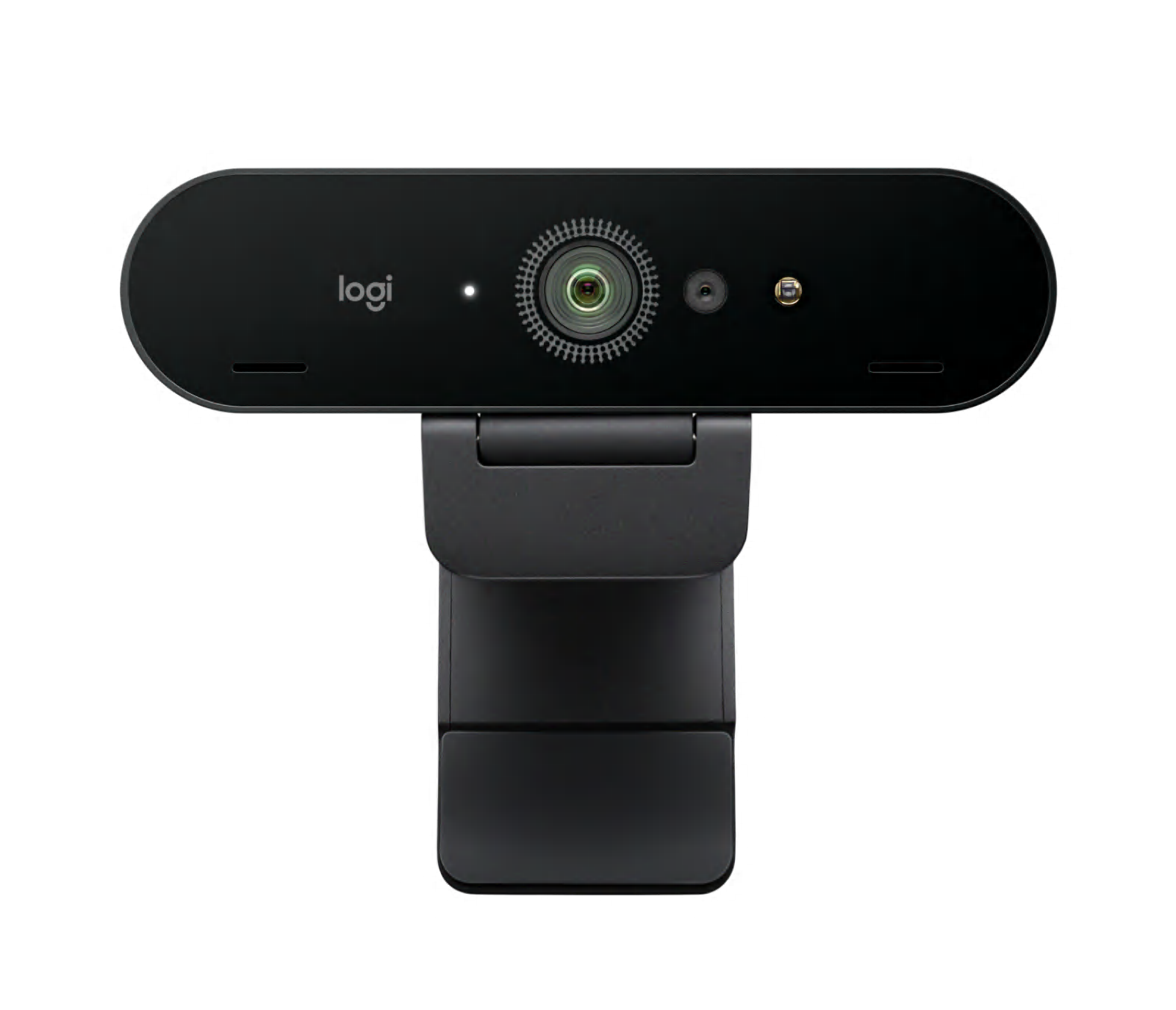
- Logitech Brio 4K Business Black exact official gallery image, SKU 960-001105
- Logitech Brio 4K U.S. consumer page — separate Graphite SKU 960-001390
- Logitech Brio 4K setup guide — product family installation and package guidance
Compare the features that affect your setup
Set essential video, focus, privacy and microphone requirements together; leave nonessential choices open.