
Your needs, this model
Does it fit your priorities?
Does the Brio 305 record Full HD at 60 fps?
No 60 fps mode is documented for Brio 305 SKU 960-001414. Logitech lists 1080p30 and 720p30; it does not list 1080p60 or 4K. Choose a camera with the required specific mode if 60 fps is essential.
Explore this need in the finder →Will the Brio 305 refocus if I move toward or away from the camera?
The exact model uses fixed focus and has no autofocus. Set a stable camera distance and verify that framing suits your seat; look for an autofocus webcam if you regularly move closer or farther away.
Explore this need in the finder →Can the Brio 305 work on a desk with a built-in shutter and camera mic?
Logitech lists an integrated rotary privacy shutter and one built-in digital mono microphone. Its published microphone range is up to 1.22 m/4 ft, not an independent room test; check the active microphone input and use a headset in noisy spaces.
Explore this need in the finder →What cable and mount come with the exact Graphite SKU?
The U.S. product page lists Brio 305 SKU 960-001414 with an attached 1.5 m USB-C cable, fixed clip and documentation. A USB-A adapter is not listed in the package, and Logitech's product table does not list tripod compatibility.
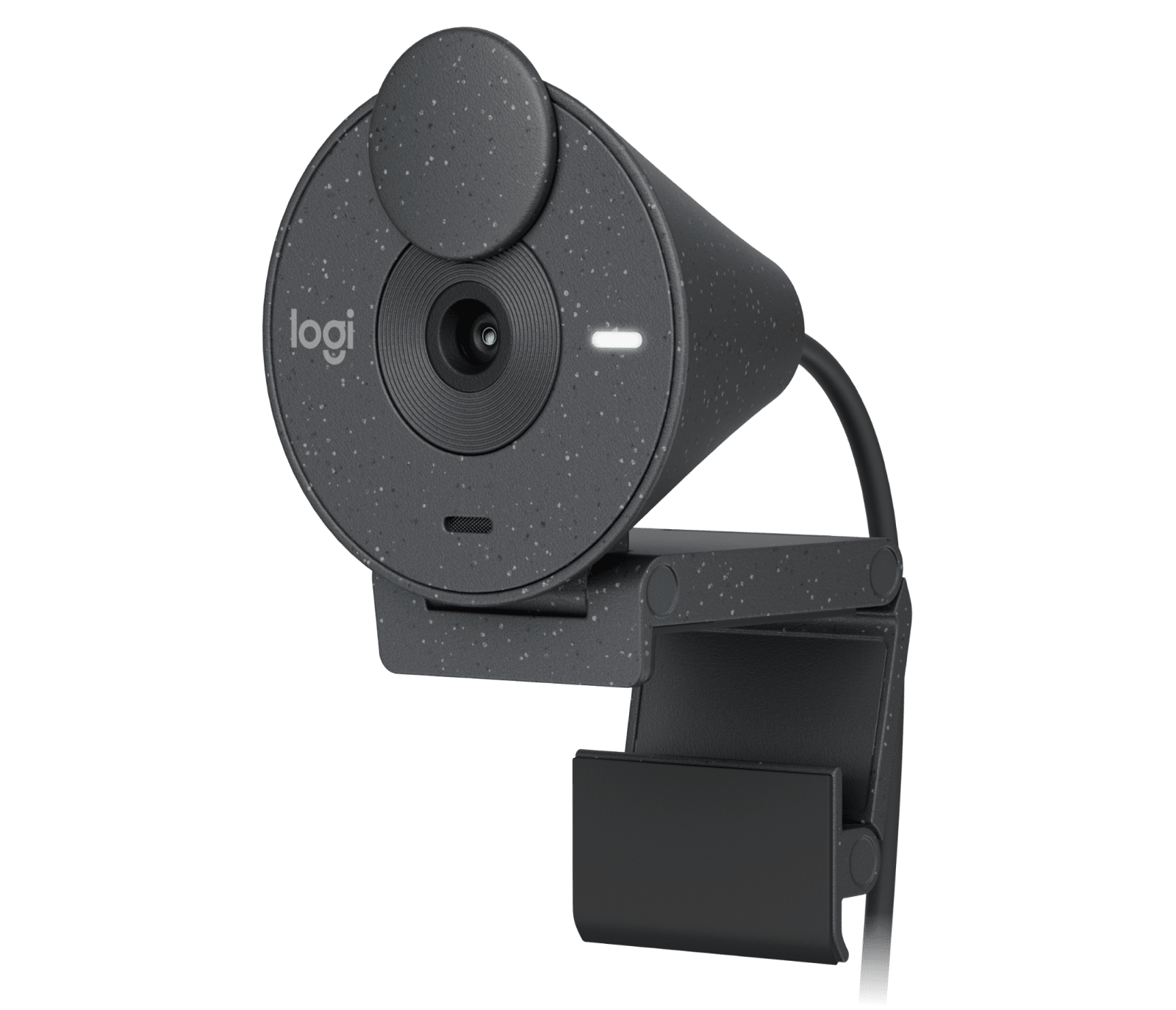
This assessment covers the graphite Logitech Brio 305 Business Webcam, U.S. part number 960-001414. Logitech’s exact U.S. product page and January 2023 model datasheet describe a USB-C Full HD webcam with fixed focus, an integrated lens shutter and one built-in microphone. The evidence is manufacturer documentation, not a hands-on call, image or audio test.
Read the mode list as a limit, not a promise
The Brio 305 datasheet lists 1920-by-1080 at 30 frames per second and 1280-by-720 at 30 fps. It does not list 1080p60, a 60 fps mode at any resolution, or 4K. If your video app or work policy requires Full HD at 60 fps, the Brio 305 does not meet the published requirement. “Full HD” describes resolution; it does not mean the camera supplies a faster frame rate.
Its fixed-focus lens and fixed 70-degree diagonal view make the published setup relatively straightforward: choose a stable position, frame the desk from there and avoid expecting autofocus to follow a person moving nearer or farther from the camera. The manufacturer does not publish an autofocus mode or alternate field-of-view settings for this model. The 2-megapixel sensor and 1080p mode identify the capture format, but do not establish sharpness in a particular room or application.
USB-C is part of the setup
The exact product page lists USB-C plug-and-play connectivity and a 1.5 m/5 ft cable attached to the webcam. The listed box contents are the Brio 305 with its attached cable, a fixed mounting clip and user documentation. No USB-A adapter is listed. Before choosing it, check for a computer or dock port that supports USB data, not merely a USB-C-shaped charging connection, and measure whether the fixed cable reaches the intended monitor or laptop. The manufacturer’s product comparison also marks tripod compatibility “No,” so do not assume the included clip provides a tripod thread.
Logitech lists Windows, macOS and ChromeOS compatibility. Logi Tune is offered for image adjustments and firmware updates, but the page says the application is not available on ChromeOS. That is a limitation for software-controlled tweaks, not evidence that every basic camera function fails on a Chromebook. Check current operating-system, device-management and meeting-app policy on the actual computer before relying on any optional settings.
A physical shutter and one camera microphone
The Brio 305 has an integrated rotary privacy shutter that covers the lens. That is different from an external clip-on shade: the shutter stays on the camera, so there is no loose cover to keep beside the monitor. The shutter concerns the camera’s view, not its microphone; use the operating system or meeting app’s audio controls when you also need to stop sound capture.
Logitech specifies one digital, mono microphone and gives a pickup range of up to 1.22 m/4 ft on the current product page. This is a published specification rather than a listening test. A single camera mic may be convenient for a quiet desk, but distance, room reverberation, keyboard noise and the selected input device still shape a call. Use a headset or separate mic if controlling those variables is more important than avoiding another device.
Light correction is not a lighting guarantee
RightLight 2 is listed as automatically balancing brightness and contrast in challenging lighting. It is a correction feature, not a lamp, and no independent low-light result is available here. A window behind you, mixed room lighting or a bright monitor can still make it useful to reposition the camera or change the room light. The datasheet identifies a 2 MP CMOS sensor and 70-degree view; those details do not predict exposure or skin tone in every video app.
The Brio 305 is certified for Microsoft Teams, Zoom and Google Meet, and listed as Works With Chromebook. Treat those as manufacturer compatibility/certification statements, not a promise that a corporate security policy permits the camera, that all software controls appear on every platform, or that image quality has been independently verified.
How it differs from nearby Logitech webcams
The business Brio 105 is another fixed-focus model, but Logitech lists that SKU as USB-A with a narrower fixed 58-degree view and a single omnidirectional microphone. The Brio 305’s 70-degree view and attached USB-C cable may suit a compatible laptop or dock, but it still has no autofocus. The two names are close; their U.S. part numbers and connection arrangements are not interchangeable.
The Brio 505 is a different step up in the feature list, not just a color or package variant: Logitech documents autofocus, software-selected 65/78/90-degree framing, two microphones, and 720p60 alongside 1080p30. The Brio 305’s own documents list fixed focus and 1080p30/720p30. The Brio 505 TAA mark applies only to its documented SKU 960-001522; no TAA claim is established for Brio 305 part 960-001414. Compare the exact full part number rather than substituting by family name.
Who should consider this exact SKU?
Consider the Brio 305 when a fixed desk position, USB-C host connection, 1080p30 ceiling, physical lens shutter and built-in camera mic fit the actual setup. Look elsewhere if autofocus, a changeable field of view, 1080p60, 4K, a USB-A cable or tripod mounting is essential. Its simple arrangement is useful only when those limits are acceptable.
Before ordering, verify that the offer is graphite U.S. SKU 960-001414, confirm the included clip and attached cable, check host and software requirements, and compare the seller’s current package and return terms. This review makes no promise about price, stock, seller quality or results in a particular room.
Key specifications
Key details at a glance
| Documented modes and host limits | Published modes are 1080p30 and 720p30; no 1080p60, 60 fps mode or 4K mode is documented for this exact model. |
|---|---|
| Focus system | Fixed focus |
| Diagonal field of view | 70° |
| Built-in microphone | Yes |
| Physical privacy shutter | Yes |
Use the exact model’s instructions for operating limits, supplied equipment and version differences.
Sources for this review
Sources for this assessment
- Logitech U.S. Webcams for Business catalogue
- Logitech Brio 305 Business Webcam — exact U.S. product page, Graphite SKU 960-001414
- Logitech Brio 305 product datasheet, published January 2023
- Logitech Brio Webcams Series Comparison Table — Logitech Support
- Logitech Brio 105 Business Webcam — exact North American SKU product page
- Logitech Brio 505 U.S./Canada model datasheet, published June 2025
Compare the features that affect your setup
Set essential video, focus, privacy and microphone requirements together; leave nonessential choices open.