
Your needs, this model
Does it fit your priorities?
What separates Bar Only from the complete VBS system?
Bar Only 8530-232 includes the video bar but not the separate PanaCast Control touchscreen. Its listed contents include the power supply, wall mount, removable cover, cable-compartment parts, Ethernet, HDMI and regional power cable; verify the seller carton.
Explore this need in the finder →Does its built-in microphone hardware count for the microphone requirement?
Yes. Jabra specifies eight microphones in the bar and says a BYOD computer uses the bar microphones and speakers after an administrator enables the mode. This records hardware, not room pickup quality.
Explore this need in the finder →Does Panoramic-4K establish a 4K computer-camera mode?
No. The published 3840 × 1080 panorama is not conventional UHD 3840 × 2160, and the reviewed Bar Only sources do not provide a USB camera mode matrix. No 4K, 1080p60 or 4K60 finder tag is applied.
Explore this need in the finder →Can this device meet an integrated shutter or focus-system requirement?
The listed privacy cover is removable, not built in, and the documentation does not classify focus. Neither physical shutter nor fixed/autofocus is credited.
Explore this need in the finder →What is needed to use it for a laptop-hosted meeting?
Admin must enable BYOD. Connect the host to the bar over USB-C for camera/audio and use a separate HDMI cable for wired content display. The package does not list the USB-C host cable or Control touchscreen.
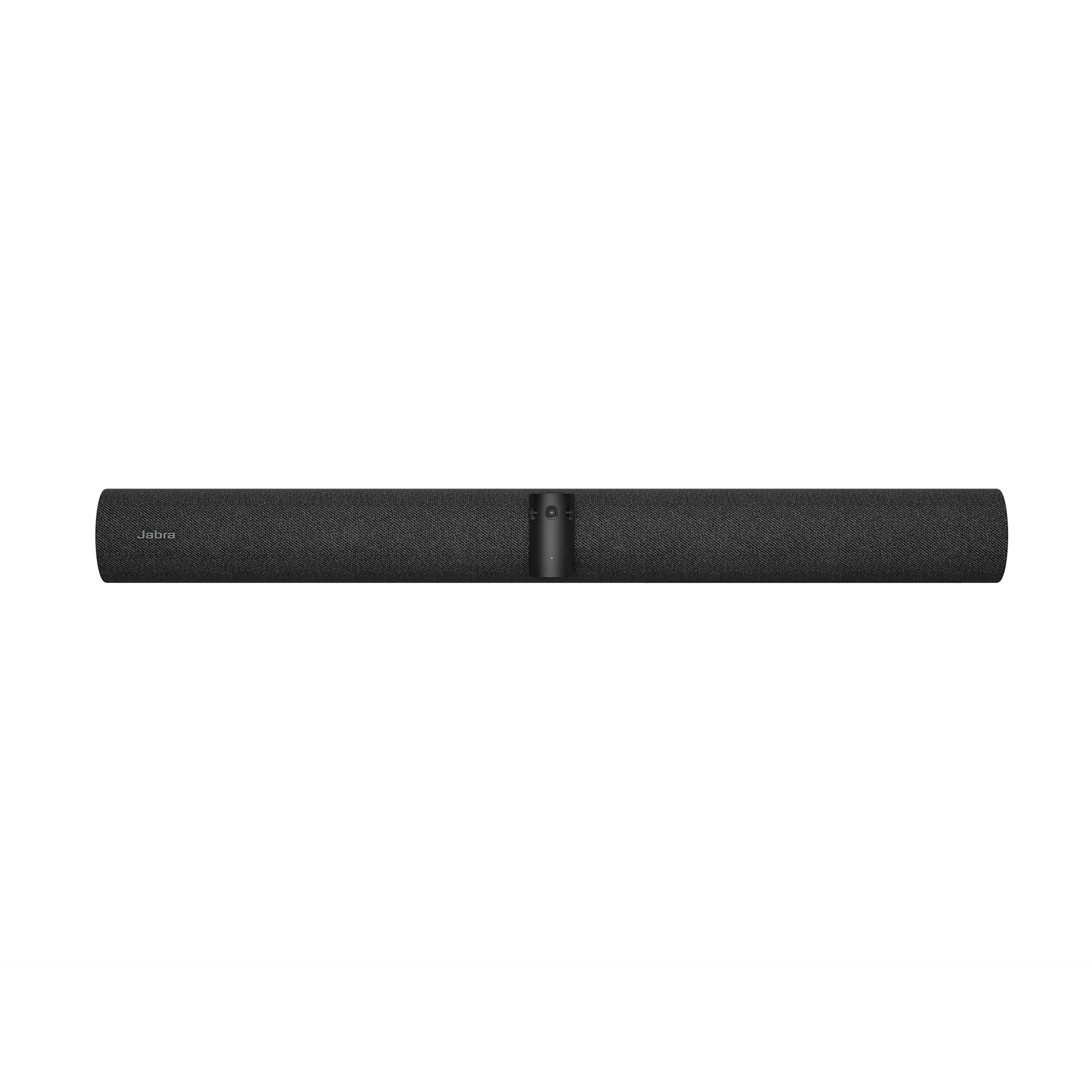
Explore this need in the finder →Jabra PanaCast 50 VBS Bar Only is the standalone video bar from the Android room-system family, sold without the separate PanaCast Control touchscreen. The North American item is 8530-232 and the support page identifies its model as VSM040; Jabra marks the documents for that item discontinued. That lifecycle label matters, but it is not a statement about a particular seller’s stock or offer condition. This is an earlier room-equipment assessment based on manufacturer sources, not a purchase or test report.
The bar remains a full room device
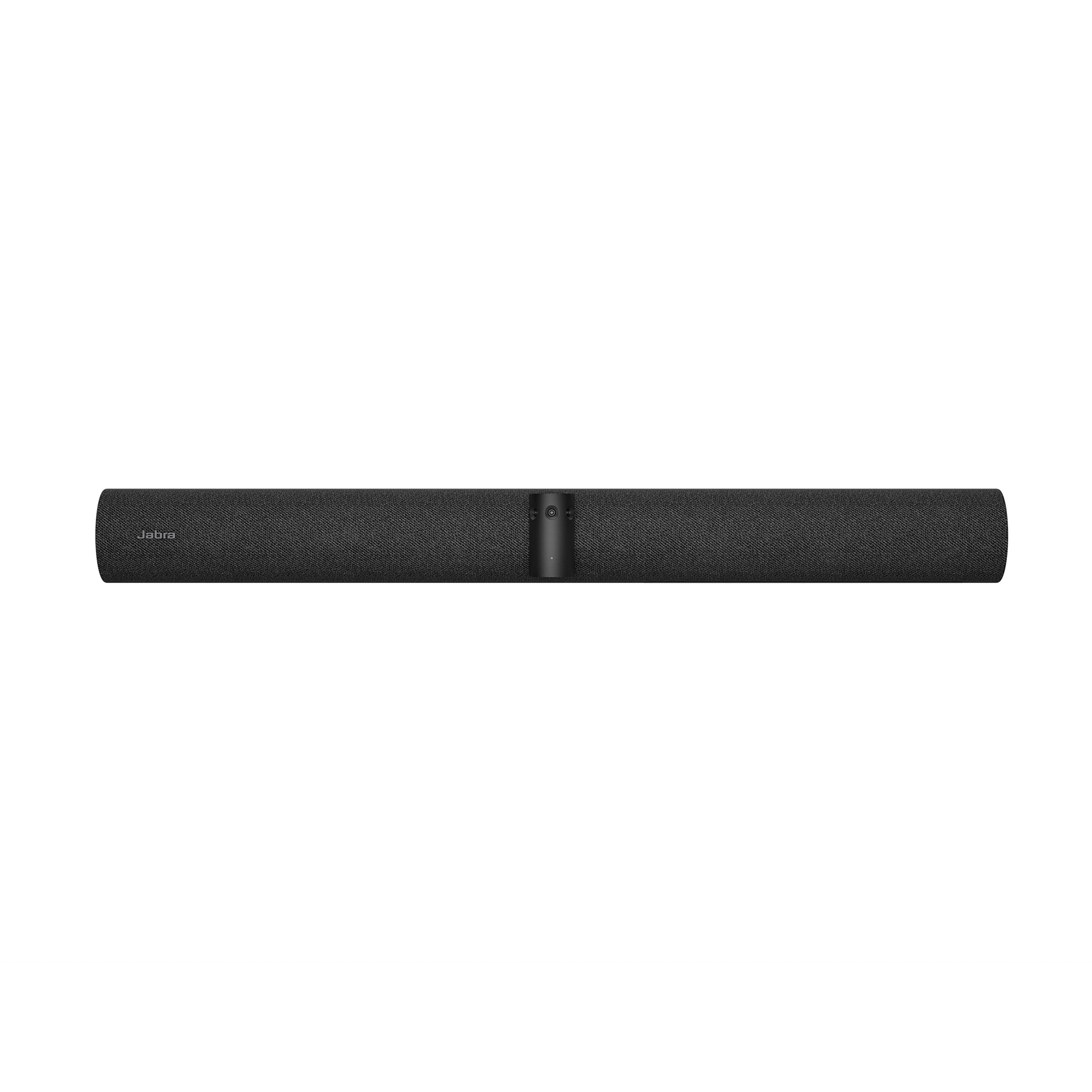
“Bar Only” does not mean a stripped-down camera with no sound. Jabra describes the same three-camera panoramic array, 180-degree horizontal view, four speakers and eight-microphone beamforming array used in its PanaCast 50 VBS family. The official bar-only specification lists up to three 13-megapixel camera sensors, a 54-degree vertical field of view, room functions such as Intelligent Zoom and Virtual Director, and support for a secondary external USB camera. The bar needs a planned room display, power, host or appliance configuration, mount and cable route. It is not a USB bus-powered clip-on webcam.
Jabra’s use of “Panoramic-4K” and a supported 4K display does not provide a USB output-mode matrix. The family’s published panoramic camera figure is 3840 × 1080 pixels; the reviewed sources do not establish that the video bar exposes conventional 3840 × 2160 UHD to a BYOD computer, nor do they state its BYOD frame-rate options. HDMI and camera resolution are separate capabilities. This review therefore assigns no finder credit for conventional 4K resolution, 1080p60 or 4K60.
Without Control IP, plan the controller yourself
The decisive package difference is that Control IP is not listed in the Bar Only box. Jabra’s technical and product materials describe the bar-only format as a way to integrate the bar with an existing compatible touch display or mobile cart. A laptop can also be used in BYOD mode if an administrator enables the mode and the room is wired accordingly. The laptop’s USB connection carries the camera and audio device path; HDMI is a distinct content-sharing connection to the room display. HDMI by itself is not a webcam connection, and Jabra’s BYOD instructions require both USB and HDMI when the laptop is to supply the meeting and show its screen on the room display.
That split gives an organization flexibility if a touch display, cart, room computer or AV-control design already exists. It creates extra work if the buyer expects the bar to arrive ready for one-touch operation. Check who supplies and configures the controller, which meeting software is intended to run, whether the chosen display and mounting solution are compatible, and whether the USB-C-to-host cable and correct laptop adapter are on hand. Do not infer that an optional controller, table stand, PoE injector or any unlisted lead is included just because it appears in a general PanaCast system photograph.
Included items and installation checks
Jabra’s product-list contents for this bar-only package name the video bar, power supply, wall mount, removable privacy cover with sensor, cable-compartment cover and tool, one 1.83-metre Ethernet lead, one 1.83-metre HDMI cable and one regional power cable. The package list does not name a PanaCast Control touchscreen, a PoE injector, or a USB-C BYOD host cable. Verify the exact carton and relevant regional power lead, particularly if a seller is offering a preconfigured room bundle rather than the bar-only model. A setup may require extra components that are sold separately even when they are essential to the buyer’s desired workflow.
The eight microphones and four speakers may suit a meeting space designed around a room bar, but manufacturer coverage figures are not independent room-acoustic measurements. If the space is long, reverberant or has people seated behind the bar’s nominal pickup zone, plan the actual audio arrangement and determine whether an external PanaCast SpeakerMic or another supported endpoint is necessary. That SpeakerMic is an audio accessory for the related PanaCast 55 VBS; it does not add video capture and should not be counted as a webcam.
Privacy, focus and format are not settled by AI features
Jabra lists a removable lens cover, not a built-in shutter. The product documentation reviewed does not classify the physical lens focus as fixed or autofocus. Intelligent Zoom, speaker tracking and dynamic composition describe framing software; they do not answer the optical-focus question. Exact TAA status is likewise not stated for this item in the reviewed primary material. No match should be inferred for those fields, and a physical camera cover does not prove that the bar microphone has been muted.
The Bar Only model is best considered by an enterprise AV team that already has a display/control plan and wants the camera-and-audio bar as one component in a custom medium-room deployment. It is a poor substitute for the complete VBS system if the Control touchscreen is required, and a poor fit for a desk user seeking a simple UVC webcam with a familiar 1080p or UHD mode list. Against the complete PanaCast 50 VBS, the bar is not different merely in image quality; the controller and contents change. Against the standalone PanaCast 50, it adds room-system software and deployment requirements. Before purchasing an earlier unit, check exact part number 8530-232, condition, warranty, mount, controller, cabling, host ports and the seller’s return terms. No offer, availability or independent performance claim is made here.
Key specifications
Key details at a glance
| Documented modes and host limits | No Bar Only-specific BYOD output matrix was found; do not infer frame rates from HDMI/display support. |
|---|---|
| Built-in microphone | Yes |
| Physical privacy shutter | No |
Use the exact model’s instructions for operating limits, supplied equipment and version differences.
Sources for this review
Sources for this assessment
- Jabra Medium Room Video Conferencing Cameras & Solutions
- Jabra PanaCast 50 VBS Bar Only U.S. product page
- Jabra PanaCast 50 VBS Bar Only support record, 8530-232
- Jabra PanaCast 50 VBS North American Technical Specifications, 14 Aug 2025
- Jabra PanaCast 40 VBS and PanaCast 50 VBS Bring-Your-Own-Device Mode Information Sheet
- Jabra PanaCast 50 VBS User Manual, English Rev C
- Official Jabra PanaCast 50 VBS Bar Only exact video-bar image
Compare the features that affect your setup
Set essential video, focus, privacy and microphone requirements together; leave nonessential choices open.