
Your needs, this model
Does it fit your priorities?
Does X5 document a 4K computer Webcam mode?
A 4K Webcam mode is not established by the reviewed English sources. The X5-specific OBS tutorial gives one 2:1 panoramic USB Webcam setup at 2880×1440 and 30 fps. The camera's separate 4K/8K recording specifications must not be carried over to its Webcam mode.
Explore this need in the finder →Can X5 meet a 1080p60 minimum in computer Webcam mode?
The only X5-specific English Webcam setting retrieved for OBS is 2880×1440 at 30 fps. It does not document a 1080p60 webcam path, so do not choose this model when that specific minimum must be verified.
Explore this need in the finder →Does the X5 have a built-in physical privacy shutter for computer calls?
A built-in shutter is not confirmed in the English X5 Webcam materials inspected. The assessment leaves this unknown rather than treating a separate lens cover or a software state as a shutter; choose a documented shutter model if that is essential.
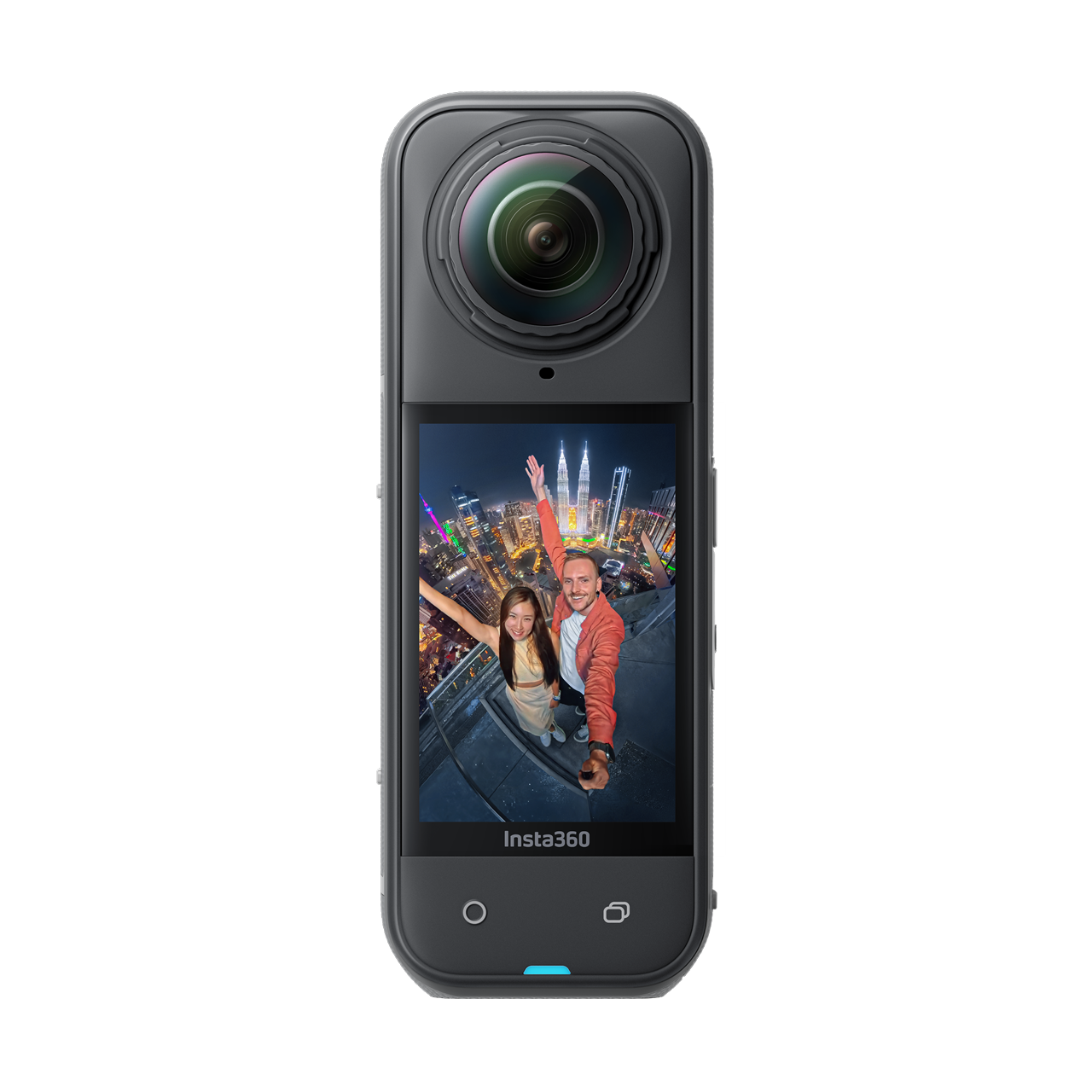
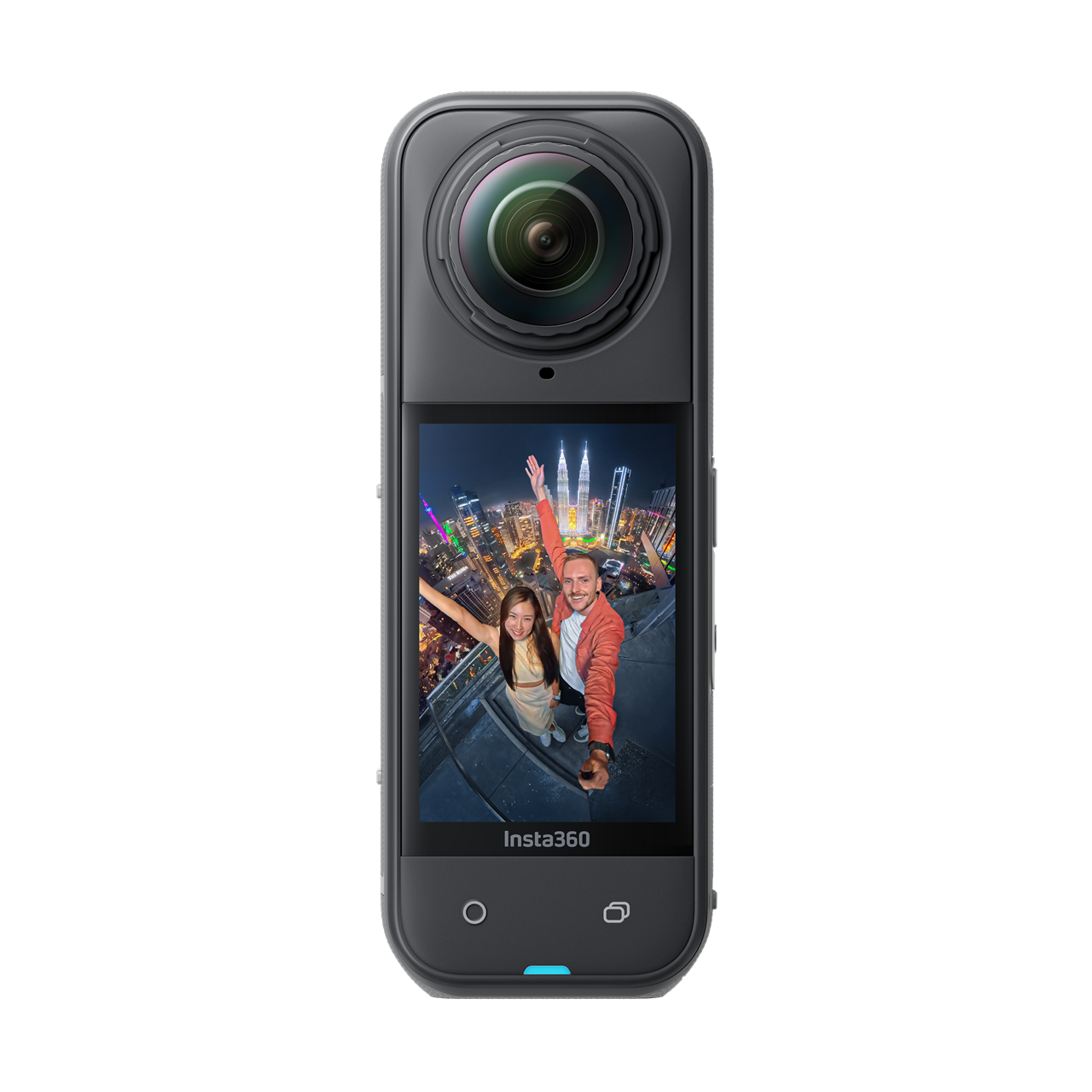
Explore this need in the finder →Insta360 X5, Midnight Black Standard Bundle, U.S. Store SKU 3885 is an action-oriented 360 camera with a documented USB Webcam mode, not a purpose-built monitor webcam. It belongs in this comparison for a specific use: sending a panoramic camera feed to a computer. The X5-specific English OBS tutorial gives one 2:1 setup at 2880×1440 and 30 fps. That is useful evidence, but it is not a complete app-compatibility table or proof that the camera can meet ordinary webcam mode requirements such as 4K, 1080p60, autofocus, a physical shutter or a computer microphone input. This assessment uses manufacturer material and the exact U.S. Store variant record; no hands-on testing or image-quality measurement was performed.
Its webcam use is a panoramic workflow
Insta360's English X-series computer guide lists X5 as one of the cameras with a USB Webcam mode. The model-specific OBS tutorial says to connect the camera to a computer, select Webcam Mode on its screen, then choose the Insta360 X5 as an OBS video-capture device. For the tutorial's panoramic view, it sets OBS to 2880×1440 at 30 fps. The resulting 2:1 frame is an unusual fit for a normal desk call: it is intended to show a broad panoramic scene rather than simply reproducing a familiar 16:9 laptop-webcam view.
That distinction matters more than the X5's action-camera headline numbers. Insta360's general specification page lists 8K 360 capture and separate high-resolution single-lens recording modes, but those are recording specifications. They do not establish that the computer Webcam mode delivers 8K, 4K or a 1080p60 stream. The English OBS page documents one setting, not a complete device mode table or a maximum. The finder therefore does not count the X5 for 4K, 4K60 or 1080p60 requirements.
Plan for USB mode switching and app checks
The camera does not simply appear as a generic fixed-focus webcam in every application by assumption. The documented workflow involves a USB data connection and selecting Webcam Mode on the camera; the detailed tutorial then configures OBS. A buyer who needs Zoom, Teams, a browser-based meeting or a specific production program should verify that exact application's treatment of the 2:1 input and its selected resolution before choosing the X5. The English materials reviewed here do not give an exhaustive list of supported meeting applications.
Similarly, the general X5 connector specification does not settle every computer setup question. It lists a USB-C 3.0 port, while the Webcam instructions say to use a USB cable without publishing a full mode-by-cable matrix. The captured U.S. Store route identifies SKU 3885 as the Midnight Black Standard Bundle without a microSD card, but its server-rendered product details did not expose a complete box inventory. Confirm the exact data cable, host port, power arrangement and included mount or other accessories in the live offer instead of assuming they match another country or bundle.
Important webcam facts remain undocumented
The sources retrieved for this assessment do not establish the X5's focus behavior while it is in USB Webcam mode, nor do they state how its sound is exposed to a computer as a microphone device. A camera's general audio-recording features do not prove that a meeting application can select its microphone endpoint. If camera audio matters, verify that the operating system and intended app see the input you need; otherwise plan a separate audio device without assuming one is included or supported by this configuration.
A built-in physical privacy shutter is also not confirmed in the reviewed English Webcam materials. Do not count a separate lens cover, cap or software state as an integrated shutter. The checked documents likewise do not make an exact-SKU TAA declaration. These are unknowns in the evidence reviewed, not claims that a feature is absent from every possible accessory or third-party workflow.
Who should consider the X5 as a webcam
The clearest case is someone who deliberately wants a 360-derived panoramic computer feed and is prepared to follow the documented OBS setup. That is a specialist creative or live-production choice. It is a poor default for a buyer whose must-haves are ordinary 16:9 framing, an established meeting-app mode, a particular focus system, a guaranteed built-in microphone endpoint or a hardware shutter. A conventional webcam's documented 1080p60 or 4K path is easier to compare when those are the actual requirements.
Bottom line
Insta360 X5 earns a place in a webcam guide because manufacturer support documents a real USB Webcam mode. Its demonstrated 2:1, 2880×1440 at 30 fps OBS setup is distinctive, but it should not be mistaken for the camera's much higher recording modes or a full meeting-camera specification sheet. Check the exact U.S. SKU and package, app behavior, cable and audio route before choosing it for computer calls. If those confirmations are not part of the intended setup, a purpose-built webcam with explicit host and meeting-mode specifications is the more straightforward comparison.
Primary references for this edition are Insta360’s X-series computer-connection guide, the X5-specific OBS Webcam tutorial, its general X5 specification page and the U.S. Store record for SKU 3885. General recording specifications are kept separate from the computer Webcam mode evidence.
Key specifications
Key details at a glance
| Documented modes and host limits | The X5-specific English OBS tutorial specifies 2880×1440 at 30 fps for its 2:1 panoramic Webcam setup. This is a single documented software setting, not a complete resolution/frame-rate matrix. General X5 8K/4K recording specifications do not establish an 8K, 4K, 1080p60 or other USB Webcam mode. |
|---|
Use the exact model’s instructions for operating limits, supplied equipment and version differences.
Sources for this review
Sources for this assessment
- Insta360 U.S. Store X5 variant route, SKU 3885
- Insta360 U.S. Store mixed Consumer product groups
- X Series: Transferring Files from Camera to PC
- X5: Webcam Live Streaming Tutorial Using OBS
- Insta360 X5 product specifications
- Insta360 X5: The Next-Gen 8K 360 Camera
- Insta360 X5 U.S. Store SKU 3885 exact variant image
Compare the features that affect your setup
Set essential video, focus, privacy and microphone requirements together; leave nonessential choices open.