
Your needs, this model
Does it fit your priorities?
Does the original Link meet a 4K and autofocus requirement?
Its manufacturer product page lists 4K up to 30 fps and autofocus from 10 cm; the support table confirms 1080p60 separately. It does not document 4K60. Confirm that the intended host and calling/streaming app expose the needed 4K mode, and check the exact older listing because a U.S. retail package/SKU was not verified.
Explore this need in the finder →Does its automatic privacy mode count as a physical shutter?
No. The Quick Start Guide describes an idle lens-down Privacy Mode after ten seconds in standby; it does not cover the lens with a physical shutter. If the camera must have an integrated physical lens cover, keep that requirement in the finder and choose a model that documents one.
Explore this need in the finder →Can it combine 1080p60 with built-in microphone hardware?
The official support specification lists 1080p60, while the product page describes two built-in noise-canceling microphones. Those are separate manufacturer specifications, not a sound-quality guarantee. The 4K ceiling is 30 fps, so treat 4K30 and 1080p60 as different modes; confirm the host/app selection and exact seller package.
Explore this need in the finder →The original Insta360 Link is best understood as an earlier camera-driven webcam, not as a black-finish or bundle variation of Link 2. Insta360’s product family keeps the first-generation Link distinct from Link 2, Link 2C and the later Pro models. Its declaration identifies CINSTBJ/A as the manufacturer model code, not a verified U.S. Insta360 Store SKU. The maker’s U.S.-facing article describes a model-level box, while the Store route remains a general storefront. A U.S. Sweetwater page now links seller Item ID LinkWebcam to Mfr Part CINSTBJ/A; that dated seller record is useful for distinguishing the first-generation camera, but does not publish a seller-specific box inventory. The model-level camera, four markers, USB-C cable and USB-C-to-USB-A adapter list is not a package guarantee for a particular order. Before choosing any listing, verify the exact Link generation, unit condition and included accessories, especially for a used unit.
Read the resolution and frame rate as separate choices
Insta360 lists 4K at 24, 25 or 30 frames per second, along with Full HD modes up to 60 fps. Its support page independently confirms 1080p60. That gives the Link two practical ceilings, not one combined “4K60” promise: no 4K60 mode is listed. The mode table also matters if HDR is part of your workflow. The manufacturer limits HDR to specified 1080p and 720p modes at 24, 25 or 30 fps; it is not a blanket feature across every resolution and rate. H.264 and MJPEG are listed as supported formats, but the source does not guarantee every format/resolution pairing in every app.
For a call that needs 1080p60, select the physical Link camera input and verify that the computer and conferencing app expose the rate. For 4K, Insta360 lists Windows 8.1 or later, macOS 10.13 or later, and at least 2 GB of RAM for 1080p or higher. The product page cautions that the platform can limit video resolution. These are compatibility statements, not a prediction of sharpness or frame stability on a particular machine.
A webcam that moves to follow its subject
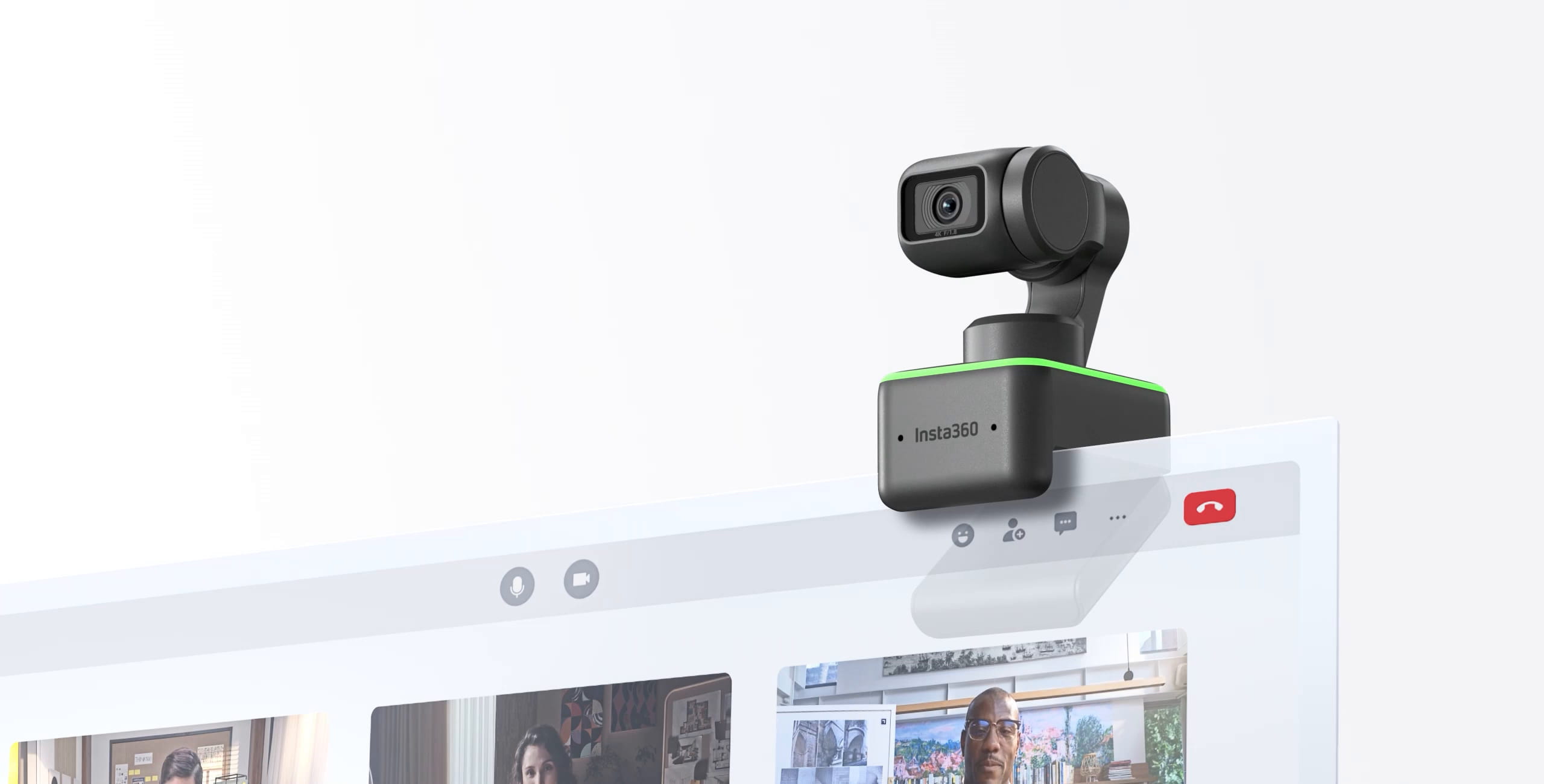
The defining design is a three-axis motorized gimbal, with manufacturer-listed pitch, yaw and roll rotation ranges. Insta360 describes AI Tracking that turns the camera to follow a person; support material limits that feature to people rather than pets or objects and gives a maximum tracking distance of 3 m. The original Link does not have the Group Tracking option documented for Link 2. Its DeskView, Whiteboard, Overhead and Portrait modes are aimed at showing a desk, board, top-down workspace or uncropped vertical scene. Those are useful reasons to consider this older mechanism, but each requires a suitable position and a software/app path that supports the mode.
That movement distinguishes it from the fixed-body Link 2C’s digital framing and from the two-axis Link 2 gimbal. The original model’s support page lists broader three-axis movement; the successor’s hardware table documents a two-axis mechanism. This comparison is about mechanisms and supported setup, not a claim that the original tracks more smoothly or produces a better picture.
Autofocus, audio and privacy are different questions
The product specification lists phase-detection autofocus from 10 cm to infinity and dual noise-canceling microphones. That may suit a setup where a speaker changes distance or wants camera-side audio available, but a focus-distance figure says nothing about refocus speed or noise, and the microphone description is not an independent sound test. The available documentation does not support a claim about measured pickup quality or a dedicated microphone mute control.
Privacy is also easy to misread from the gimbal design. The Quick Start Guide says the camera enters Privacy Mode after ten seconds in standby and points the lens downward. That motorized movement is not a physical shutter covering the lens. If a physical cover is a hard requirement, this Link is not a match even though its lens can turn away. Separate app permissions and audio-input selection still matter.
Check the host, power and exact old listing
The manufacturer specifies a USB 2.0 connection, UVC 1.1/UAC 1.0 support, 5 V / 1 A power and a USB-C cable path; its product information also lists a USB-C-to-USB-A adapter. Support recommends a direct computer connection or an independently powered hub because 5 V / 0.5 A is insufficient for normal operation. The manual describes a built-in screen clip and a 1/4-inch tripod point. Insta360’s August 2026 Link article lists a model-level box with the camera, four reusable whiteboard recognition markers, a USB-C cable and a USB-C-to-USB-A adapter. That description does not identify a retail SKU or guarantee the contents of an older, used or third-party listing; the article does not list a separate tripod among those box items. Confirm any seller-specific package rather than transferring contents from Link 2 packages or an accessory page.
The official sources support a distinct earlier Link model, a model-level box description and useful mode limits, but not a current exact offer, seller condition, or compatibility with every software release. Before considering an old offer, match the Link name and model code against the listing and ask the seller to confirm the exact contents and condition. If a physical shutter, 4K60, or an exact current package is essential, compare newer reviewed models instead. This assessment is based on manufacturer documentation; no hands-on testing or ownership is claimed.
Key specifications
Key details at a glance
| Documented modes and host limits | The product page lists 4K up to 30 fps and a separate Full HD 1080p mode up to 60 fps; the official support page separately confirms 1080p60. No 4K60 mode is listed. Video mode remains subject to the selected app/host. HDR is only listed at 1080p24/25/30 and 720p24/25/30. |
|---|---|
| Focus system | Autofocus |
| Diagonal field of view | 79.5° |
| Built-in microphone | Yes |
| Physical privacy shutter | No |
Use the exact model’s instructions for operating limits, supplied equipment and version differences.
Sources for this review
Sources for this assessment
- Insta360 Link first-generation webcam product page
- Insta360 U.S. Store Link route check (reopened from current article link)
- Insta360 Link Declaration of Conformity; model code CINSTBJ/A
- Insta360 Link: Hardware Specs
- Link Series Photo & Video Specifications
- Insta360 Link Quick Start Guide
- Insta360 Link: Compatibility
- Link Series: AI Tracking
- Insta360 Link manufacturer product-page image
- Best Face Tracking Webcam For Twitch & Live Streaming: Insta360 Link
- Insta360 Link AI-powered Ultra HD 4K Webcam — Sweetwater item record

Compare the features that affect your setup
Set essential video, focus, privacy and microphone requirements together; leave nonessential choices open.