
Your needs, this model
Does it fit your priorities?
Can Facecam 4K send 4K video at 60 fps?
Yes, but only over a direct USB 3.0-or-later connection and only in MJPG. Elgato also lists 4K30 in NV12 or MJPG; over USB 2.0, the listed ceiling is 1080p60 MJPG. Check that your application accepts the mode and format you intend to use.
Explore this need in the finder →Does the camera have a built-in microphone?
No. Elgato describes Facecam 4K as having no microphone. Plan a headset or separate microphone if your call or stream needs camera-side audio.
Explore this need in the finder →Is privacy covered by a built-in shutter?
No built-in mechanical shutter is listed; Elgato's comparison distinguishes a cap accessory from a shutter. The standard in-box list names the camera, monitor mount and cable, so verify separately whether a specific offer includes a privacy cap.
Explore this need in the finder →Will fixed focus suit a seated desk position?
Elgato specifies 30–120 cm at 4K and 25 cm to infinity at 1080p. That gives a measurable setup check, not a promise for every posture or framing; the focus does not autofocus if you move outside your chosen distance.
Explore this need in the finder →Facecam 4K is best understood as a format-dependent camera, not a promise that every 4K stream will look or behave the same. Elgato lists 2160p60, but that mode is MJPG-only. The less compressed 2160p30 NV12 mode is the documented ceiling for 4K NV12; lower resolutions have their own format options. These are manufacturer-listed capture modes, not measurements of image quality in a real room or video application.
What the 4K label does—and does not—settle
The headline specification reaches 4K at 60 frames per second, but the connection and encoding format matter just as much as the number. With a direct USB 3.0-or-later link, the product page lists 2160p60 in MJPG, 2160p30 in NV12 or MJPG, and 1440p60 in NV12 or MJPG. USB 2.0 falls back to MJPG and a listed maximum of 1080p60. A user who buys it for a 4K60 workflow should therefore check that the computer’s actual port, cable path, operating system and chosen application expose the MJPG mode. A USB-C-shaped socket alone is not proof of USB 3 data speed.
The included cable is a detachable USB-C-to-USB-C USB 3.0 cable, listed at 200 cm, and the Quick Start Guide recommends a direct computer connection rather than a hub. That gives more flexibility than a permanently attached cable, but it does not make every extension, adapter, dock or port equivalent. If a desk needs a longer route or a USB-A host, verify a suitable data-capable cable or adapter and test the intended format in the target application before planning around maximum capture settings.
Fixed focus favors a predictable desk position
The lens is fixed focus, so it will not refocus as someone walks toward or away from the camera. Elgato publishes a 30–120 cm focus range at 4K and a broader 25 cm-to-infinity range at 1080p. That is useful when your camera and chair stay in a repeatable position: set the distance first, then frame the shot. It is less suited to a presenter who moves around a room or frequently brings objects up to the lens. The manufacturer’s stated range is a setup boundary, not a promise of equal sharpness at every distance, room light or crop.
Its listed 90-degree field of view can include more of a desk or a second person, but a wider view also shows more of the room. Before buying on the basis of a wide-angle number, consider where the lens will sit relative to your eyes, how far you will be from the screen, and whether you want a tight head-and-shoulders crop or more background. A 49 mm filter thread is an unusual webcam option and can suit a creator who already understands compatible photographic filters. It is an attachment point, not a filter included in the standard package.
Video is the camera’s job; audio and privacy need a plan
There is no built-in microphone. Elgato explicitly presents this as a camera-first product and recommends using a separate mic or headset for audio. That arrangement can make sense in a streaming setup that already has an audio interface, but it adds equipment and a separate sound-selection step to an ordinary meeting setup. The product does not solve echo, room noise or microphone placement by itself.
The manufacturer comparison lists a privacy cap as an accessory rather than a built-in shutter. The standard in-box list names the camera, monitor mount and cable; it does not list a shutter. Anyone who needs a physical block over the lens should verify whether the exact retail offer includes a cap or budget for a compatible accessory. A software toggle is not the same thing as a physical cover.
Where it sits among Elgato’s Facecam models
Compared with the 1080p-only Facecam MK.2, this model adds 4K modes and 49 mm filter support but gives up that camera’s built-in shutter. Compared with the compact Facecam Neo, it raises the maximum listed resolution and uses a detachable higher-speed cable, while the Neo has autofocus, a built-in sliding shutter and a fixed cable. Facecam Pro is another historical 4K60 reference, but Elgato now marks it discontinued; its autofocus and 5 Gbit/s USB requirement are distinct from Facecam 4K’s fixed-focus and mode-by-mode format limits. These comparisons describe published features, not a test-derived ranking.
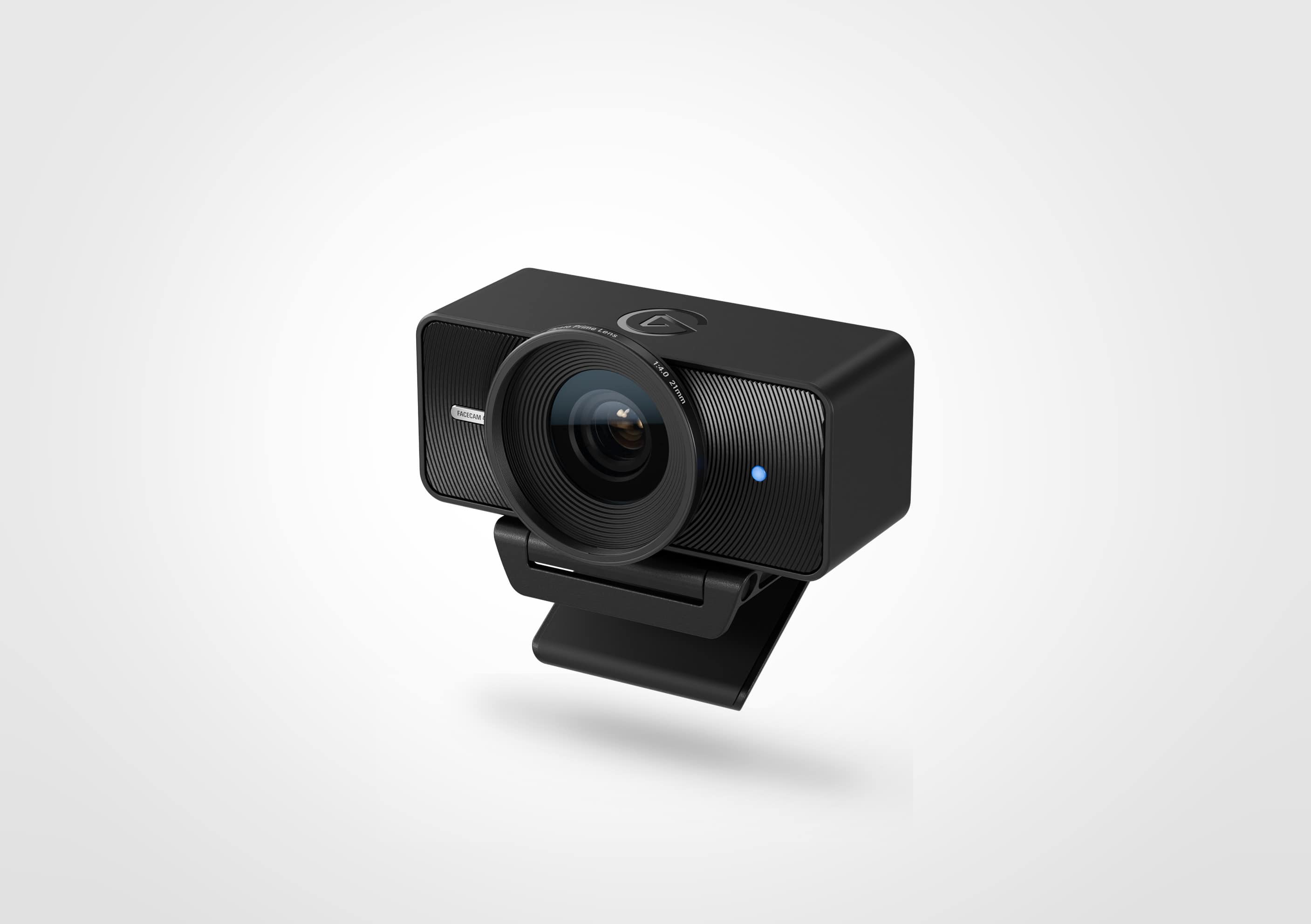
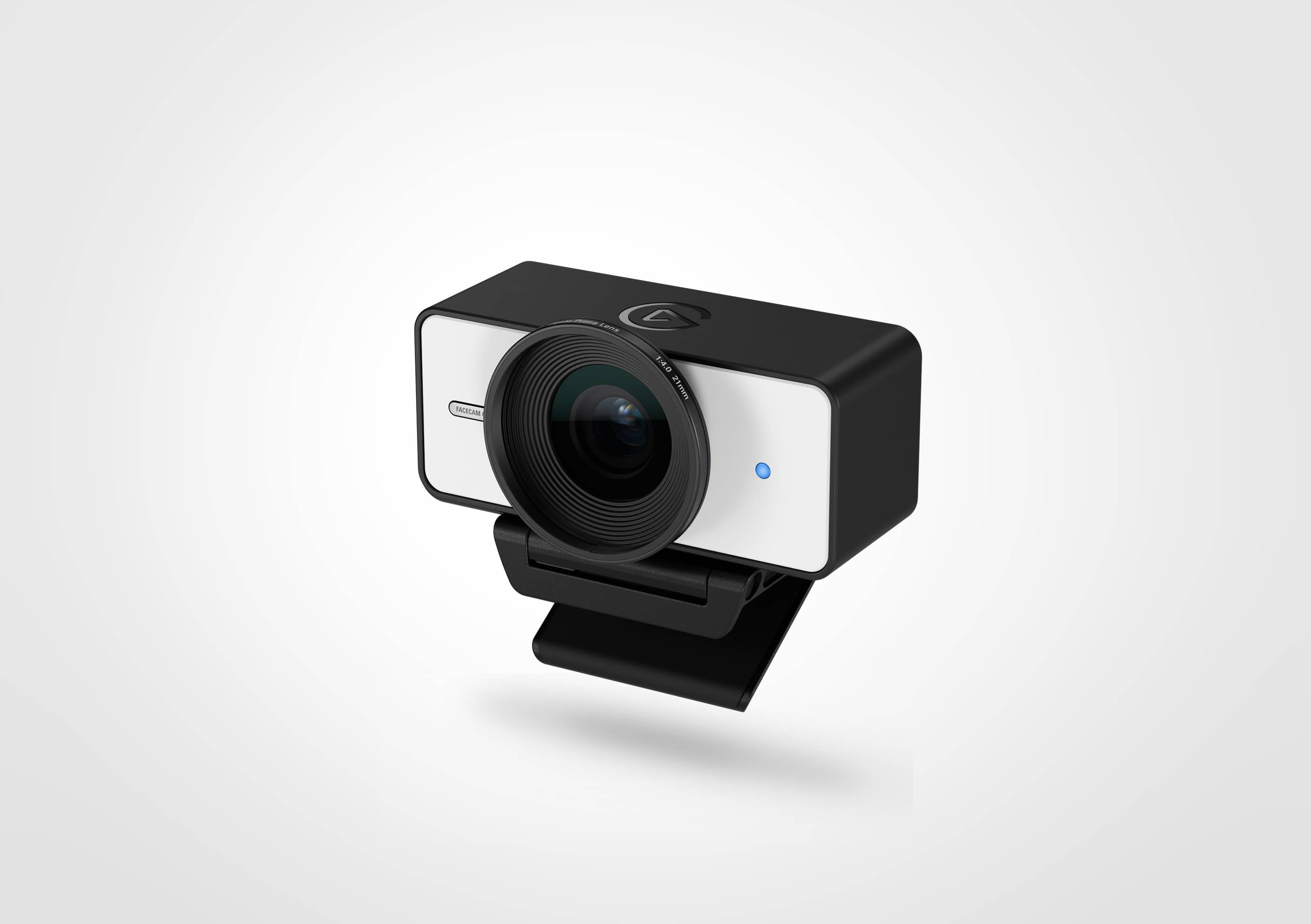
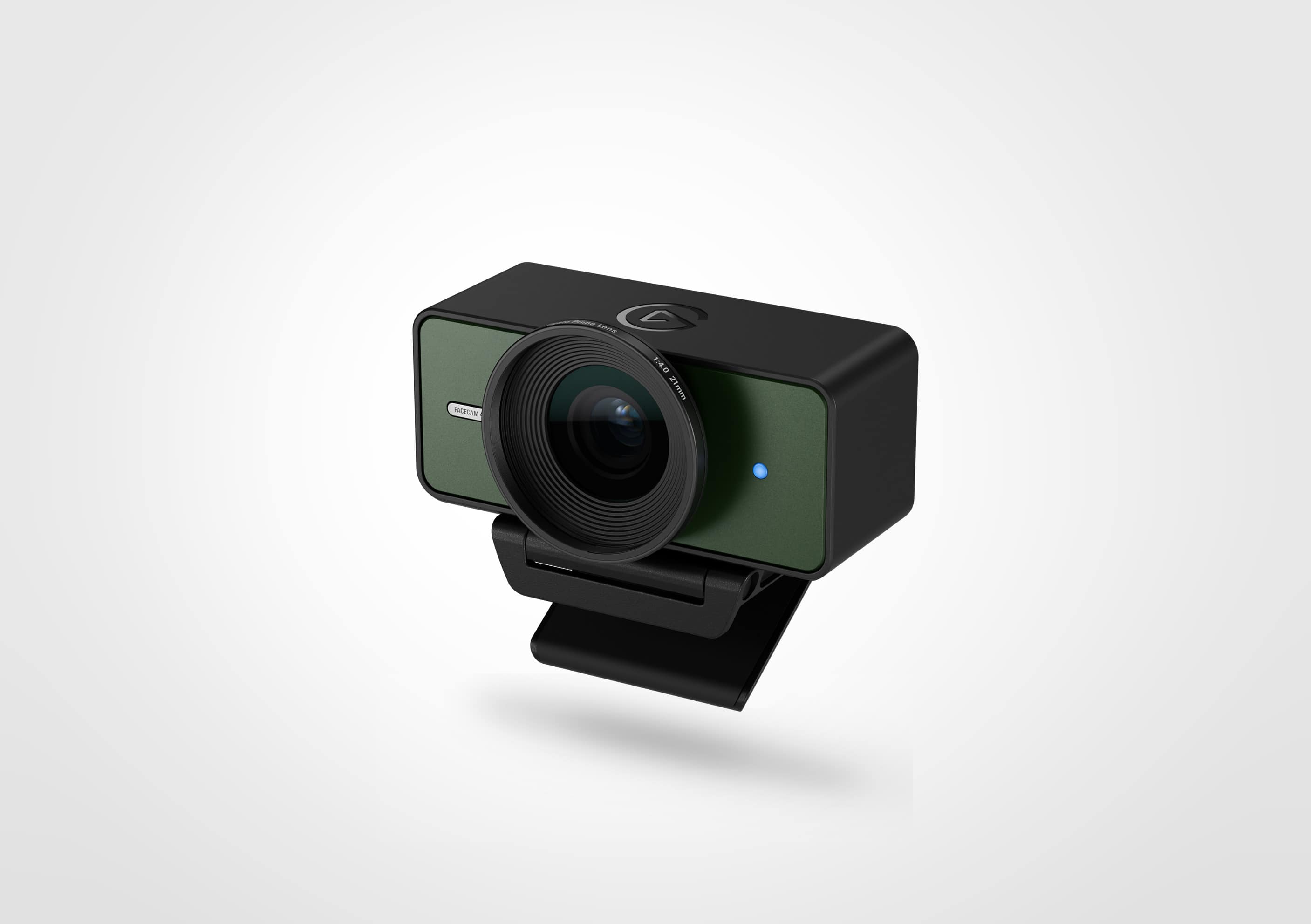
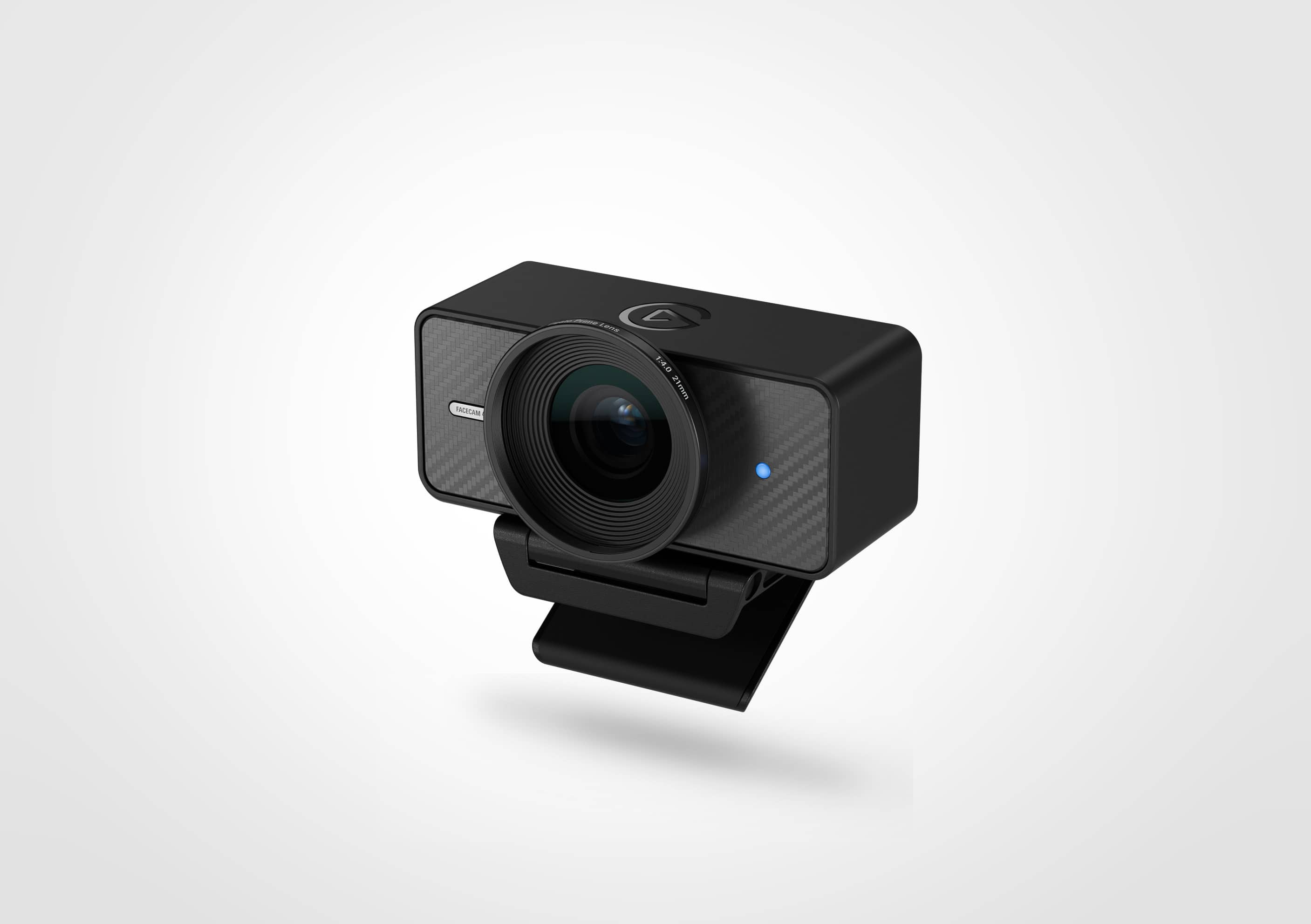
Elgato’s US product page identifies black SKU 10WAF9901. The same family has distinct finish pages for white 10WAF9901-WT, Pine 10WAF9901-GR and Carbon 10WAF9901-LG. The manufacturer pages list the same core modes and standard camera, mount and cable package for those finishes, so this assessment covers them as finish-only variations; the exact finish code still matters when checking an offer. The lead image shows the black version; Elgato’s separate product images below document the three other finishes.
Facecam 4K finish references
What to verify before choosing it
Start with the exact result you need: 4K60 MJPG, 4K30 NV12/MJPG, 1440p60, or a lower mode. Then check the computer’s port and the application’s format support, decide whether a fixed-focus camera can stay within the stated range, and plan separate audio and physical privacy. If using a filter, confirm it is a 49 mm filter that suits the lens and shot. Finally, verify the exact color SKU, mount, detachable cable, current software requirements, seller and return terms in the particular offer. This research-based assessment does not claim hands-on image, audio, latency or low-light testing, and a manufacturer’s mode list is not evidence of current stock or price.
Key specifications
Key details at a glance
| Documented modes and host limits | USB 3.0: 4K60 MJPG; 4K30 NV12/MJPG; USB 2.0: up to 1080p60 MJPG. |
|---|---|
| Focus system | Fixed focus |
| Diagonal field of view | 90° |
| Built-in microphone | No |
| Physical privacy shutter | No |
| USB 3.0 uncompressed video documented | Yes |
| USB 2.0 MJPEG fallback documented | Yes |
Use the exact model’s instructions for operating limits, supplied equipment and version differences.
Sources for this review
Sources for this assessment
Compare the features that affect your setup
Set essential video, focus, privacy and microphone requirements together; leave nonessential choices open.